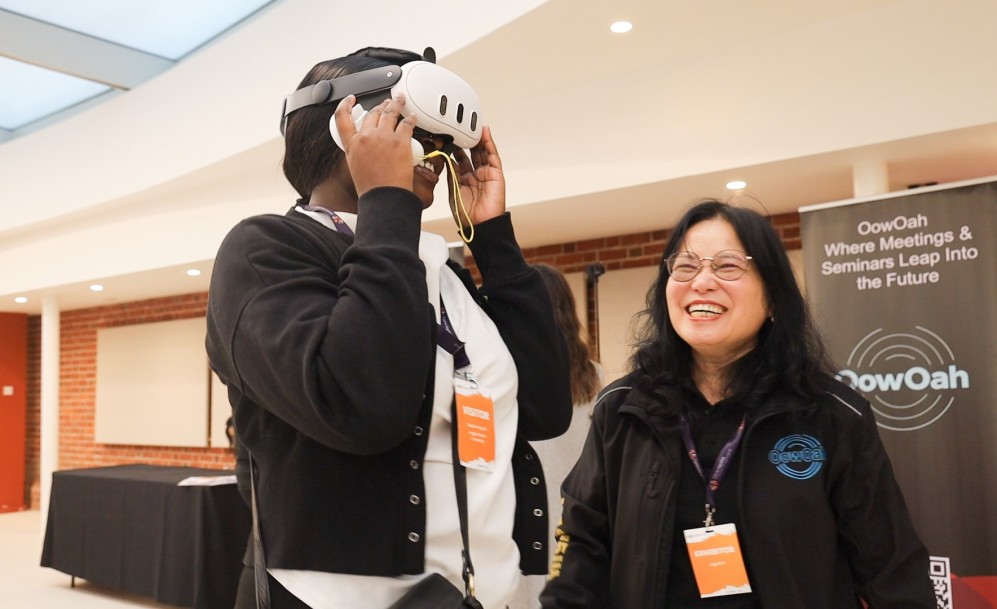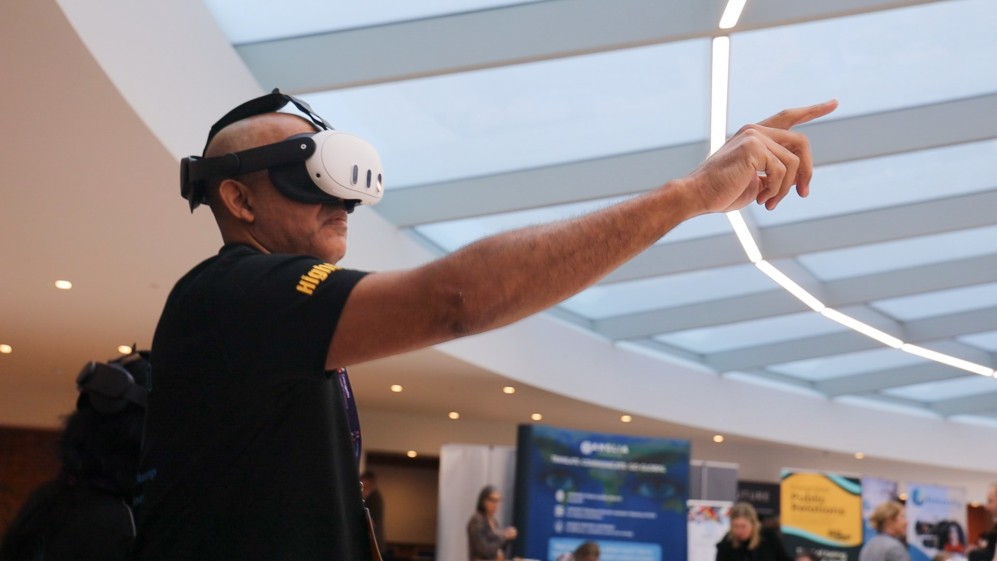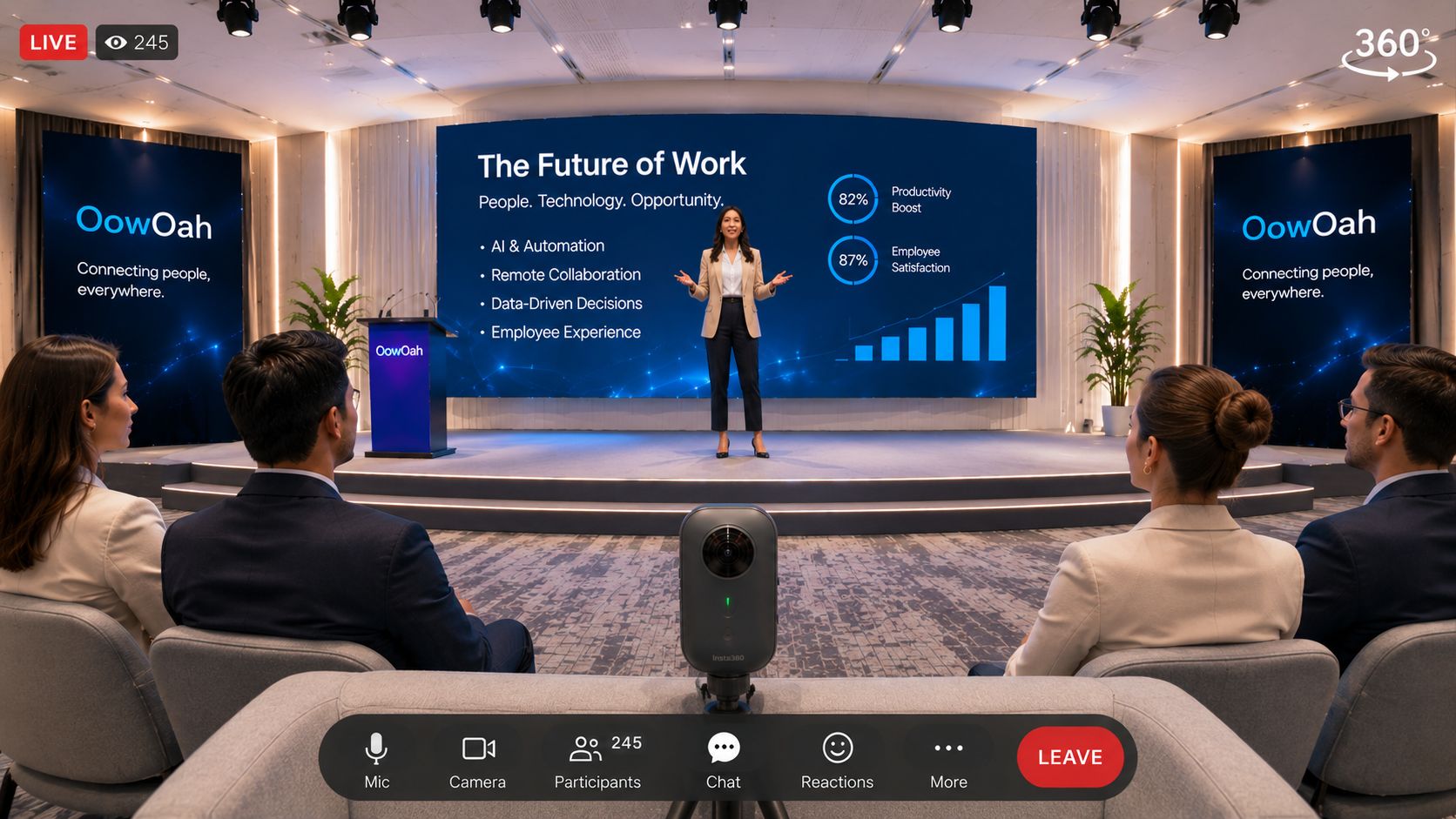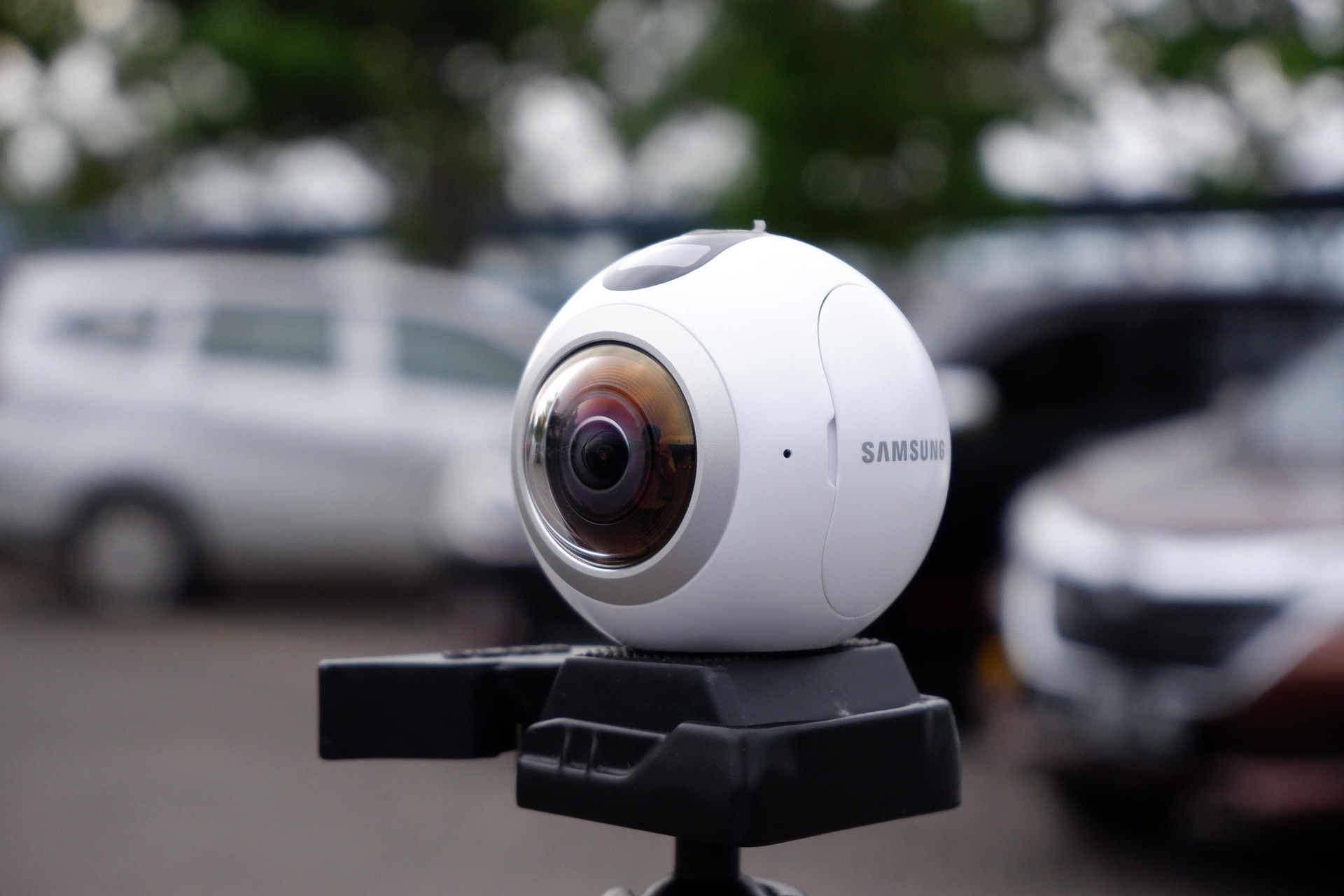
For OowOah Live VR attendance, you need a supported VR headset. It is a headset-based way to join an event remotely, alongside the people attending the physical venue. A normal video link on a laptop should not be assumed to provide the same access.
Which equipment is listed?
OowOah’s attendee information lists Meta Quest 3 and Meta Quest 3S. You also need an account, suitable internet access and the relevant event ticket. Confirm the requirements on the event and attendance pages before buying equipment specifically for a session.
What will you see?
You view the event from the 360° camera’s location and can look around the captured scene. It is different from joining an avatar meeting room. You do not automatically become an avatar walking through the venue or gain a personal view from any seat you choose.
What should you do before the start?
Prepare your account and device, check the ticket is available and follow the attendance instructions in advance. Charge the headset and use a comfortable, clear viewing area. Allow time to solve access problems before the speaker begins.
What if you cannot use a headset?
Ask the organiser whether another attendance option is offered. Do not assume every event includes a conventional stream or an alternative replay format. Organisers should explain those choices clearly so people can decide whether the remote ticket suits them.