Category: Live VR Events

  • Can I look around during an OowOah live VR event?

    Can I look around during an OowOah live VR event?

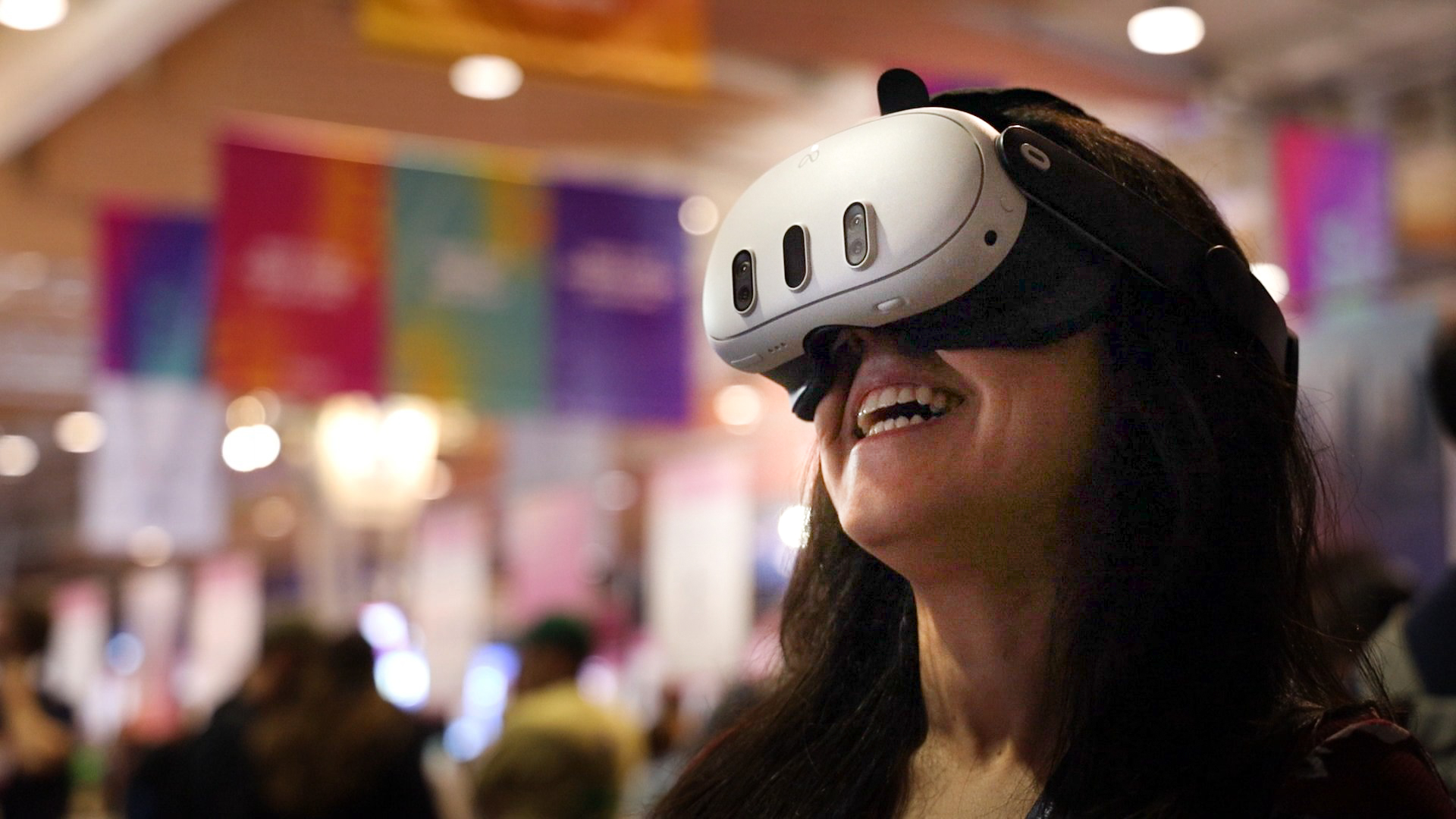
    Yes. OowOah Live VR uses a 360° broadcast so you can look around the captured scene through your headset. The experience presents more of the event setting than a single fixed-direction view.

    Can I walk around the venue?

    Looking around a 360° broadcast is different from walking independently through a 3D model. Do not assume you can move freely to another part of the venue or choose any physical seat. The experience depends on the camera's captured position and view.

    What might I see?

    That depends on the event and camera arrangement. Read the programme and description for the specific broadcast. The purpose might be a seminar, performance or demonstration, with the surrounding setting visible as part of the experience.

    What do I need to attend?

    A Meta Quest 3 or Meta Quest 3S and the relevant audience booking and app setup are required. Follow OowOah's viewing guide beforehand so the first minutes of the event can be spent following the programme rather than preparing access.

    Where can I find out more?

    Read the Live VR viewing guide. Visit explore live vr events for the relevant service information.

  • How can organisers prepare a backup plan for a live VR broadcast?

    How can organisers prepare a backup plan for a live VR broadcast?

    A backup plan should explain what the team will do if the intended programme is interrupted. It starts with the actual venue, camera and connection, rather than a promise that a broadcast cannot fail. Agree the plan with the people handling the event before viewers arrive.

    What should the team discuss?

    Identify the likely points of interruption and the person responsible for each response. Discuss how the presenter will pause, how the team will communicate and what can be checked during rehearsal. If alternative equipment or connections are proposed, test them before describing them as usable backups.

    How should the audience be kept informed?

    Prepare a clear way to communicate a delay or change through the organiser's agreed channels. Use direct wording about what is known and when another update will follow. Do not promise automatic failover, refunds or replacement access unless those arrangements have been confirmed.

    What can a rehearsal resolve?

    Rehearse the broadcast sequence and the response to a practical interruption. Confirm that everyone understands their role and knows the next contact. The plan should support an orderly response while recognising the limits of the setup. OowOah can help organisers prepare, but the article should not imply an unconfirmed service-level guarantee.

    Where can I find out more?

    How your audience attends in VR. Visit explore hosting live vr events for the relevant service information.

  • How Do Ticket Sales Work for Live VR Events?

    How Do Ticket Sales Work for Live VR Events?

    A Live VR ticket gives a remote attendee access to the event experience described in its listing. For a physical event with an added VR audience, the viewing offer should be clearly distinguished from a seat in the venue. Clear information reduces misunderstandings before booking.

    Describe the experience accurately

    Include the speaker, subject, date, time zone and ticket price. State the headset requirement and explain whether the offer is live viewing, a replay or both. Do not imply that watching in 360° provides unrestricted movement or networking features.

    Set the organiser’s price

    The organiser chooses what to charge. OowOah applies a 15% service charge to ticket and replay sales. For an illustrative £20 ticket, that service charge is £3, leaving £17 before the organiser’s other costs and any applicable adjustments. This is not a profit calculation.

    Plan the access instructions

    Tell ticket holders how to sign in and find the event, and provide a route for support questions. Check the organiser’s current account and event setup process before publishing an invitation. Access instructions should be tested before the session starts.

    Keep the event finances separate

    Budget for capture equipment, connectivity, rights and production as relevant. Check the applicable booking, cancellation and refund terms rather than inventing promises in a blog. Speaker registration opens on 10 November 2026, so current invitations should reflect that launch stage.

    Related guide: What Are the Best Virtual Event Platforms?.

  • How Can Keynote Speakers Add a Live VR Audience to Their Events?

    How Can Keynote Speakers Add a Live VR Audience to Their Events?

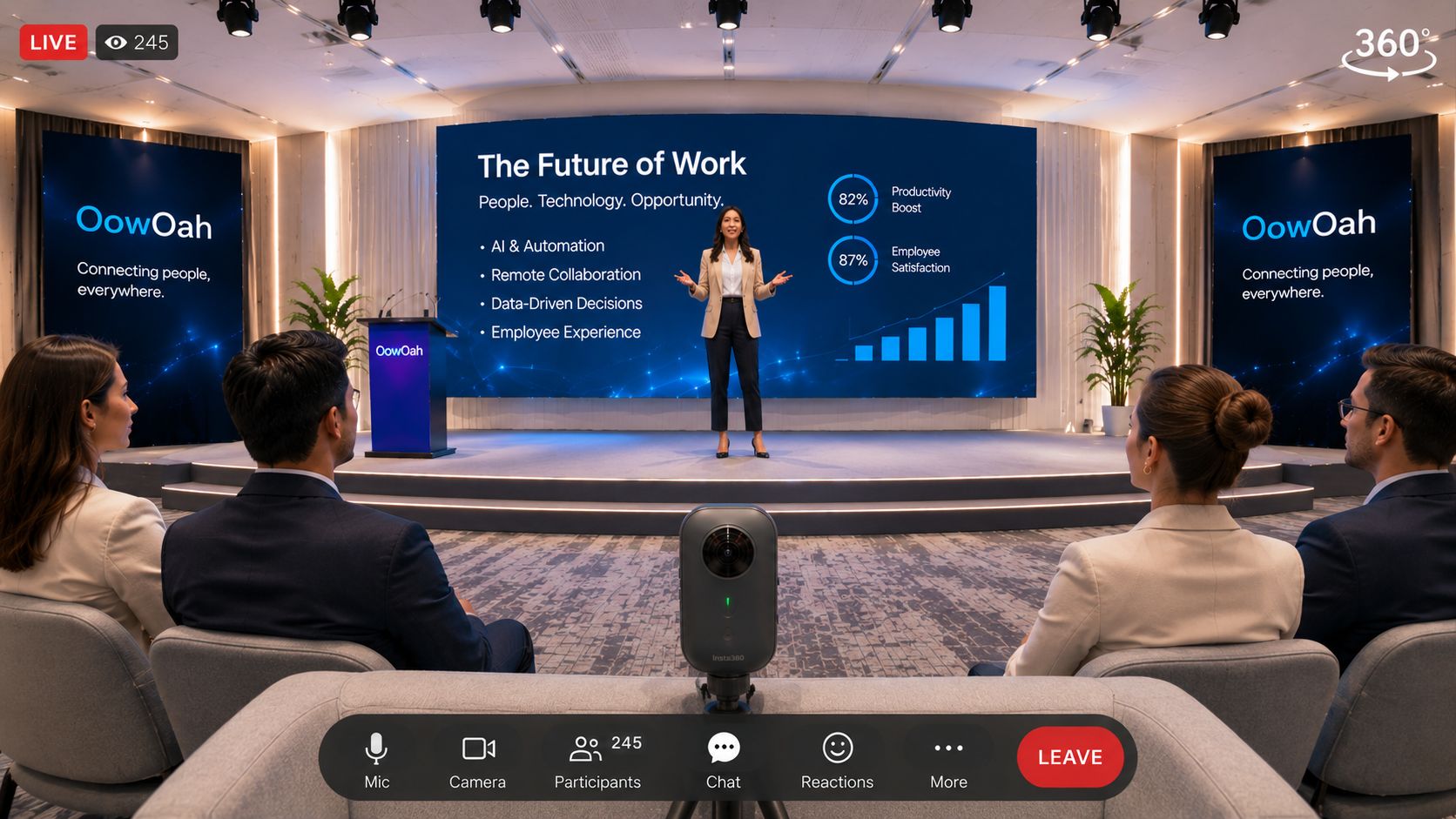
    A keynote speaker can consider adding live VR viewing to an event already taking place in a venue. The physical audience remains central, while a compatible 360° camera supplies a viewpoint for remote headset attendees. Plan the remote offer with the organiser before promoting access.

    Agree what the ticket includes

    State the session, viewing position, start time and supported headset. Explain any replay separately. Watching a keynote in 360° does not automatically include a meet-and-greet, backstage access or two-way conversation with the speaker.

    Coordinate the production

    Check permission to stream the presentation and any included material. Place the camera where it captures a useful view without obstructing venue guests. Test slide visibility, lighting and speech from the remote viewer’s position during rehearsal.

    Brief the presenter

    Mention the remote audience in the welcome and explain important activity outside the camera’s view. Clear speech and readable visual material help. Do not make the venue performance revolve around the camera at the expense of the audience in the room.

    Prepare the commercial offer

    OowOah Live VR uses a 15% service charge on ticket and replay sales, without a registration or monthly platform fee for organisers. Equipment and production remain separate considerations. Speaker registration opens on 10 November 2026; plan the session and contact arrangements before that date.

    Related guide: What Are the Best Virtual Event Platforms?.

  • What Are the Best Virtual Event Platforms?

    What Are the Best Virtual Event Platforms?

    The best virtual event platform depends on what the audience is meant to experience. A webinar, a networking conference and live 360° viewing of a physical event are different products. Start by deciding what people should be able to do before comparing platforms.

    Match the format to the programme

    For a presentation-led event, investigate webinar tools such as Zoom Webinars or a suitable Teams or Zoho offering. Check audience capacity, host controls and the precise edition. A platform suitable for a small discussion may not fit a large public broadcast.

    Define participation explicitly

    Do viewers mainly watch, submit questions or talk with one another? Check networking, breakout and moderation arrangements individually. Do not assume “virtual event” means every attendee can move around, speak to a presenter or access backstage content.

    Consider live VR as an additional audience

    OowOah Live VR is designed to add headset viewers to a physical event using compatible 360° capture. It is distinct from an avatar networking conference. Explain the viewpoint, access requirements and ticket offer clearly.

    Compare the complete delivery cost

    Include platform charges, equipment, internet, production and support. Test from the attendee’s position before selling access. Keep the physical audience’s experience intact when adding a remote one, and agree success measures such as attendance, viewing quality and useful feedback.

    Event need What to investigate
    Presenter-led session A webinar edition with suitable capacity and moderation
    Collaborative workshop Meeting tools and a clear facilitation plan
    Networking conference Verified conversation and networking capabilities
    360° view of a venue event A compatible Live VR broadcast and headset access

    Official references, checked 16 October 2026: Zoom Meetings.

  • What Does a Virtual Audience Experience at a Physical Event?

    What Does a Virtual Audience Experience at a Physical Event?

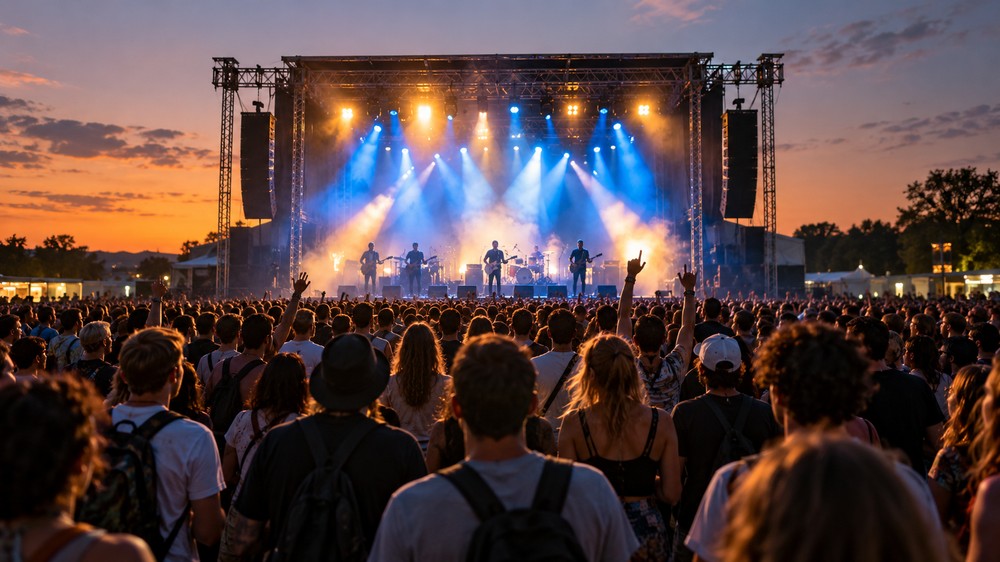
    A virtual audience is a group attending remotely while an event takes place in a venue. Their experience depends on how the event is captured and delivered. With live 360° viewing, the camera’s position becomes the remote attendee’s point of view.

    The camera becomes a seat

    Viewers can look around the captured scene through a compatible headset. They cannot automatically move freely around the building or see behind closed doors. Explain the viewing position so expectations match the ticket.

    Sound makes the event understandable

    A beautiful room is not enough if speech is difficult to hear. Check the presenter’s microphone and how audience questions reach the broadcast. Introduce speakers and explain activity happening outside the camera’s view.

    Participation needs an explicit plan

    Watching in VR is different from joining an avatar meeting. Do not promise two-way conversations, networking or audience interaction unless those arrangements have been confirmed for your event.

    Welcome both audiences

    Give remote attendees clear access instructions and a contact for problems. OowOah Live VR adds headset viewers to an existing physical event. Think of that audience when planning the view, programme and welcome.

    Find out more about OowOah Live VR Events.

  • Could Your Local Christmas Concert Welcome an Audience Around the World?

    Could Your Local Christmas Concert Welcome an Audience Around the World?

    The village hall is decorated, the choir is ready and someone has brought enough mince pies for a small army. Your Christmas concert may be local, but some of the people who would love to attend live far away. Could an additional Live VR audience help them join the occasion?

    Keep the concert in the hall

    The performers and physical audience remain at the heart of the event. A compatible 360° camera can capture a viewpoint for remote headset viewers alongside the venue performance. Choose a position that shows the stage without obstructing anyone.

    Let the music be heard

    Test the broadcast sound during rehearsal. The audience needs to hear voices and instruments clearly, not only the people talking beside the camera. Agree permission for the music, performers and any recording before offering access.

    Invite people who miss the journey

    Think of former residents, relatives abroad and supporters unable to travel. Make the invitation specific: explain the programme, viewing format, headset requirement and start time.

    Give the remote audience a welcome

    Mention them at the beginning and explain any interval. OowOah Live VR can extend a physical event; it is not a promise that every local concert is already available to watch.

    Find out more about OowOah Live VR Events.

  • How Can You Add a Live VR Experience to a Fan Event?

    How Can You Add a Live VR Experience to a Fan Event?

    A fan event is about sharing a moment with people who care about the same thing. A venue audience brings energy, but travel and capacity can keep other fans away. Adding Live VR gives those people another way to experience the event.

    Choose a moment worth sharing

    An interview, live demonstration or performance can give remote viewers a reason to book. Explain exactly what their ticket includes. Watching an event in 360° does not automatically include a personal conversation, backstage access or a meet-and-greet.

    Keep the venue experience

    Run the physical event as planned and position a compatible 360° camera where it gives a useful view without blocking guests. Test speech, music and lighting from the remote viewer’s position before doors open.

    Make the invitation clear

    Tell fans which headset they need, when the session starts and how to access it. Confirm permission to stream performances and show participants. A clear programme helps people decide whether the experience suits them.

    Start with one session

    Try a focused part of the programme first. Ask remote attendees about sound, view and enjoyment afterwards. OowOah Live VR is an add-on to physical events; equipment and production still need planning.

    Find out more about OowOah Live VR Events.

  • What Equipment Do You Need for 360° Livestreaming?

    What Equipment Do You Need for 360° Livestreaming?

    A 360° camera is the starting point, but the whole delivery chain matters. Before buying equipment, work out what the audience will watch, how the camera sends the stream and how you will test the finished experience.

    How do you choose the camera?

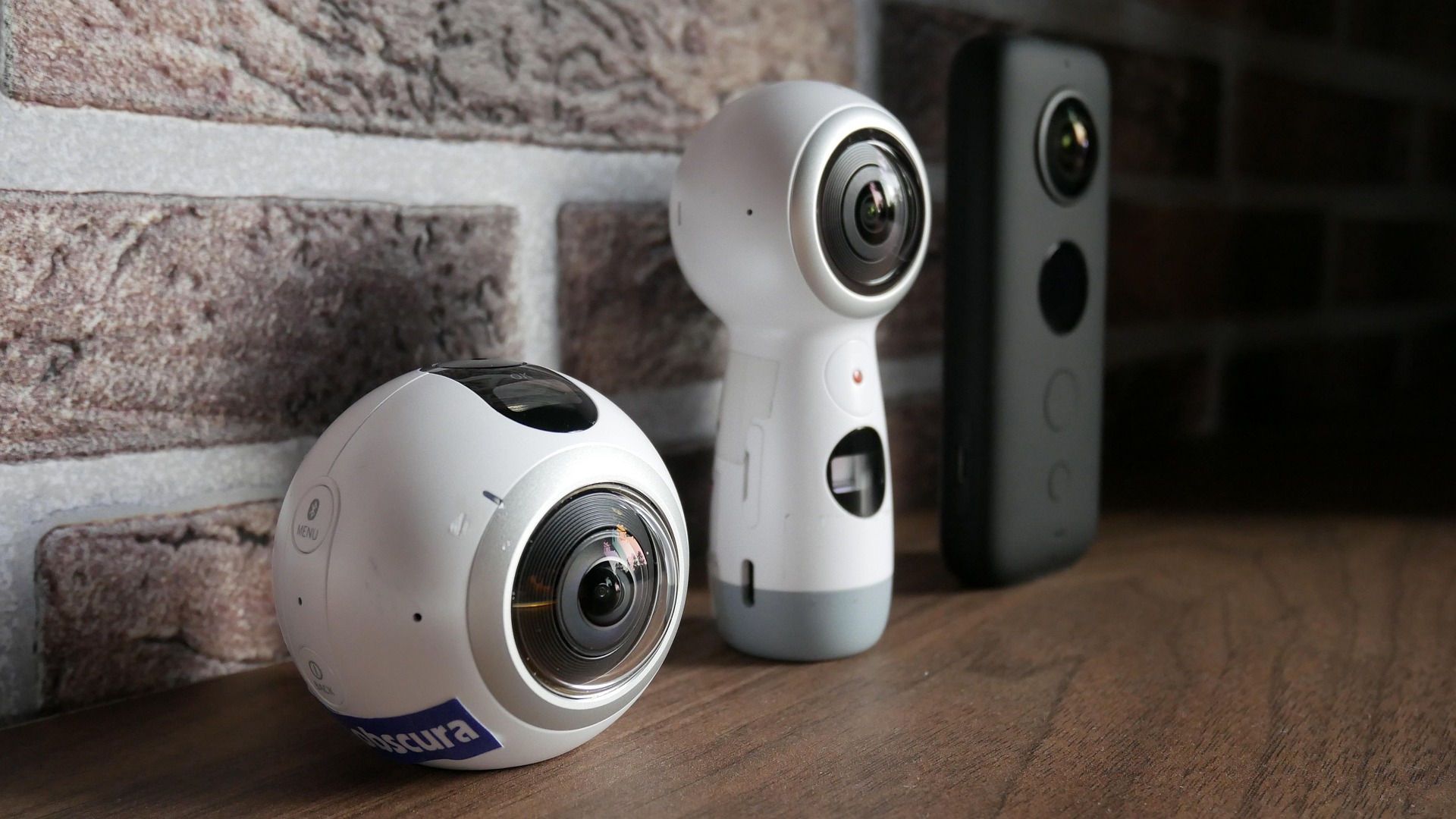
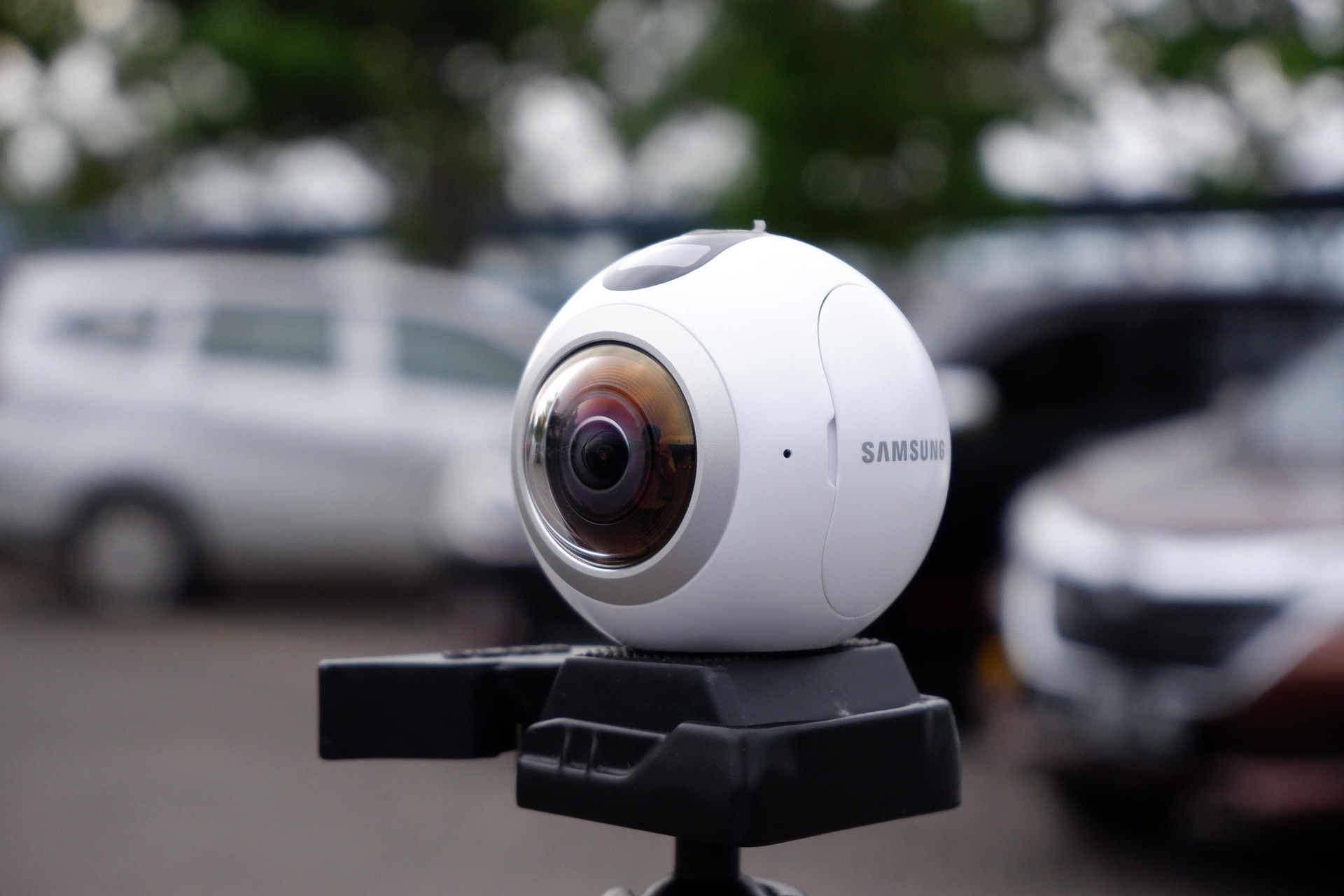
    For OowOah Live VR, confirm a compatible 360° camera with the required RTMP livestreaming capability. A device that records 360° video is not automatically suitable for live delivery. Check the exact model, firmware and supported workflow rather than relying on the product name alone.

    What keeps the viewpoint stable?

    Use a secure mount suitable for the location. Position it at a useful viewing height and keep cables away from audience routes. Consider how you will provide continuous power for the session and whether the equipment can operate for the planned duration.

    How will the sound reach the audience?

    Check the camera’s supported audio options and the venue’s microphone setup. A stream of a talk needs clear speech; a performance has different demands. Test the actual source and connection, including transitions between speakers, rather than judging sound from a quick room recording.

    What should you test before selling tickets?

    Rehearse the full route from capture to viewer using the intended network and settings. Confirm picture, audio and access. Keep a simple equipment checklist and assign a person to monitor the remote experience. The right setup is the one that works reliably for your event.

    Explore Live VR Events with OowOah.

  • What Is the Difference Between 360° and Conventional Livestreaming?

    What Is the Difference Between 360° and Conventional Livestreaming?

    A conventional livestream shows the frame selected by the production team. A 360° livestream captures the scene around a camera position so viewers using a suitable player can choose where to look. The difference is about the viewing experience, not simply whether one stream has more pixels.

    Who chooses the viewpoint?

    With a conventional broadcast, the director can move between close-ups, slides and audience shots. In a headset-based 360° experience, the viewer can turn their head to explore the captured surroundings. They remain at the camera’s viewpoint; looking around does not automatically mean walking anywhere in the venue.

    Which details matter most?

    A close-up can make a tiny product feature or a chart easy to inspect. A wider immersive view can convey the room and its atmosphere. Choose the format around what the audience needs to understand. If the event depends on fine text, test readability before choosing the production setup.

    What equipment changes?

    360° capture requires a compatible camera and a streaming workflow that supports its output. Conventional capture may use a single camera or a more elaborate production. For OowOah Live VR, organisers need compatible equipment and remote guests use a supported headset.

    Do you have to replace the physical event?

    No. Live VR can be added to the event you already run, providing another attendance option. Keep the venue experience and explain the remote viewpoint clearly. Test both picture and sound from the audience’s device before offering tickets.

    Explore Live VR Events with OowOah.

  • How Can Live VR Extend Your Physical Event to a Wider Audience?

    How Can Live VR Extend Your Physical Event to a Wider Audience?

    Your venue has a fixed number of seats. Your potential audience may include people far beyond the local area. Adding Live VR gives your existing event another way to welcome guests, while continuing to run the performance, seminar or talk in the room.

    Who might want to join remotely?

    Start with people who already have a reason to care: followers in other regions, former attendees who have moved away or customers unable to travel on the date. Ask them about interest and equipment before assuming that a worldwide booking link will produce a worldwide audience.

    What stays at the venue?

    The speaker, programme and in-person guests remain central to the event. Position the capture equipment where it provides a useful view without blocking seats or routes. Remote access should be part of preparation, rather than an interruption added after the doors open.

    How should you explain the extra ticket?

    Describe it as live remote attendance in a headset, with a view from the camera’s location. State the equipment needed, the event time and what access includes. Do not promise that a remote guest can move freely through the venue or talk to every person in the room.

    What would make a useful first test?

    Choose one event with clear demand, reliable connectivity and a cooperative venue team. Measure extra ticket receipts alongside production costs and feedback. OowOah’s 15% service charge applies to Live VR ticket sales. Wider reach is an opportunity to develop, rather than a guaranteed sales result.

    Explore Live VR Events with OowOah.

  • How Can You Add a Live VR Audience to Your Existing Conference?

    How Can You Add a Live VR Audience to Your Existing Conference?

    A conference does not have to become an entirely different event to welcome remote viewers. You can identify suitable sessions in the programme and plan Live VR access alongside the audience already attending in person.

    Which sessions should you start with?

    A keynote, panel or clearly presented demonstration can provide a manageable pilot. A busy exhibition floor is a different production challenge. Begin with a session where the viewpoint, sound and audience expectations are easy to explain. Agree the plan with the speaker and venue.

    What should the production team check?

    Check camera placement, microphone access, connectivity, power and session transitions. Test from the remote viewer’s device. If slides are essential, verify that their content can be understood through the intended setup, rather than assuming a stage screen will be readable from every position.

    How do remote attendees fit into the programme?

    Give them a clear timetable and explain breaks. If you plan to include questions, confirm a supported submission method and assign someone to manage it. Avoid advertising live interaction until you have checked exactly how it will work.

    What should the ticket page say?

    Name the sessions included, equipment requirements, time zone and any replay arrangements. Distinguish the Live VR ticket from the physical conference pass. OowOah Live VR is an add-on attendance option: your conference remains in its venue while selected content can reach people elsewhere.

    Explore Live VR Events with OowOah.

  • How Much Does It Cost to Add Live VR Streaming to Your Event?

    How Much Does It Cost to Add Live VR Streaming to Your Event?

    OowOah Live VR is free for organisers to use, with no registration fee or monthly platform subscription. OowOah takes 15% of Live VR ticket and replay sales. That pricing makes the platform charge straightforward, but organisers should still budget for delivering the remote experience.

    What does the percentage mean?

    For every £20 ticket sold, the 15% service charge is £3 and the organiser’s share is £17. These figures describe the split of sales revenue, not profit. Your own production costs and other applicable deductions need to be considered separately.

    What equipment should you budget for?

    You need a compatible 360° camera, a suitable mount, power and an internet connection appropriate to the stream. Check compatibility before buying or hiring. Existing venue equipment may help with audio, but the full capture setup still needs to be tested.

    What other work is involved?

    Allow time to prepare the ticket listing, obtain relevant permissions, rehearse the stream and support viewers. Adding Live VR to a physical event can reuse the programme you already have, but it still requires somebody to take responsibility for remote delivery.

    How can you assess the cost?

    List one-off purchases separately from recurring event costs. Estimate a realistic number of ticket sales and apply the 85% organiser share. Compare that amount with the extra costs of adding the stream. Start with a pilot if demand is uncertain, rather than buying equipment on the assumption that every event will sell out.

    Explore Live VR Events with OowOah.

  • How Much Do Organisers Keep from Live VR Ticket Sales?

    How Much Do Organisers Keep from Live VR Ticket Sales?

    OowOah takes 15% of Live VR ticket sales, leaving the organiser an 85% revenue share. The calculation is ticket revenue multiplied by 0.85. It is worth keeping that figure separate from profit, because delivering and promoting the event may involve other costs.

    What happens with a £10 ticket?

    If 100 people buy a £10 Live VR ticket, sales revenue is £1,000. OowOah’s 15% service charge is £150 and the organiser’s share is £850. This is an illustrative calculation, not a forecast of audience demand.

    How do higher ticket prices change the split?

    100 tickets at Sales revenue 15% charge 85% organiser share
    £10 £1,000 £150 £850
    £20 £2,000 £300 £1,700
    £30 £3,000 £450 £2,550

    Does the same principle apply to replays?

    Yes. OowOah also takes 15% of replay sales. Consider replay income separately so you can see what comes from the live event and what comes afterwards. Do not count a bundled replay as a second sale.

    How do you work out profit?

    Start with your organiser share, then subtract the costs attributable to the remote offering. Account for applicable refunds, taxes and other deductions using your own circumstances and arrangements. Keep physical-ticket income separate. A clear calculation helps you judge the extra audience option without treating gross receipts as money earned.

    Explore Live VR Events with OowOah.

  • How Do You Add Live VR Streaming to Your First Event?

    How Do You Add Live VR Streaming to Your First Event?

    Your first Live VR stream should begin with an event you already understand. Keep the programme in the venue, choose a manageable session and build a remote attendance option around it. A clear pilot is easier to learn from than an elaborate launch.

    What should you agree first?

    Discuss filming, camera placement and sound with the venue and presenter. Explain the plan to people who may appear in the capture. Confirm what can be streamed and whether you will offer a recording. Resolve permissions before promoting the remote ticket.

    How do you prepare the listing?

    Use the organiser panel to enter the event’s description, date and ticket information. State the time zone and the audience equipment requirements. Explain the viewpoint and what access includes. Registration is planned to open on 1 November 2026; use the speaker information page for preparation updates.

    What happens during setup?

    Each event has its own streaming details, including its RTMP information and QR setup. Follow the instructions for the compatible camera and event panel, checking both camera and admin Go Live steps. Treat access details carefully and avoid using settings from another service or event.

    How do you rehearse?

    Run the complete process before the public session. Have somebody check it from a headset and confirm sound, view and access. Assign a person to handle remote questions or faults. After the pilot, gather feedback and compare extra revenue with the extra effort involved.

    Explore Live VR Events with OowOah.