
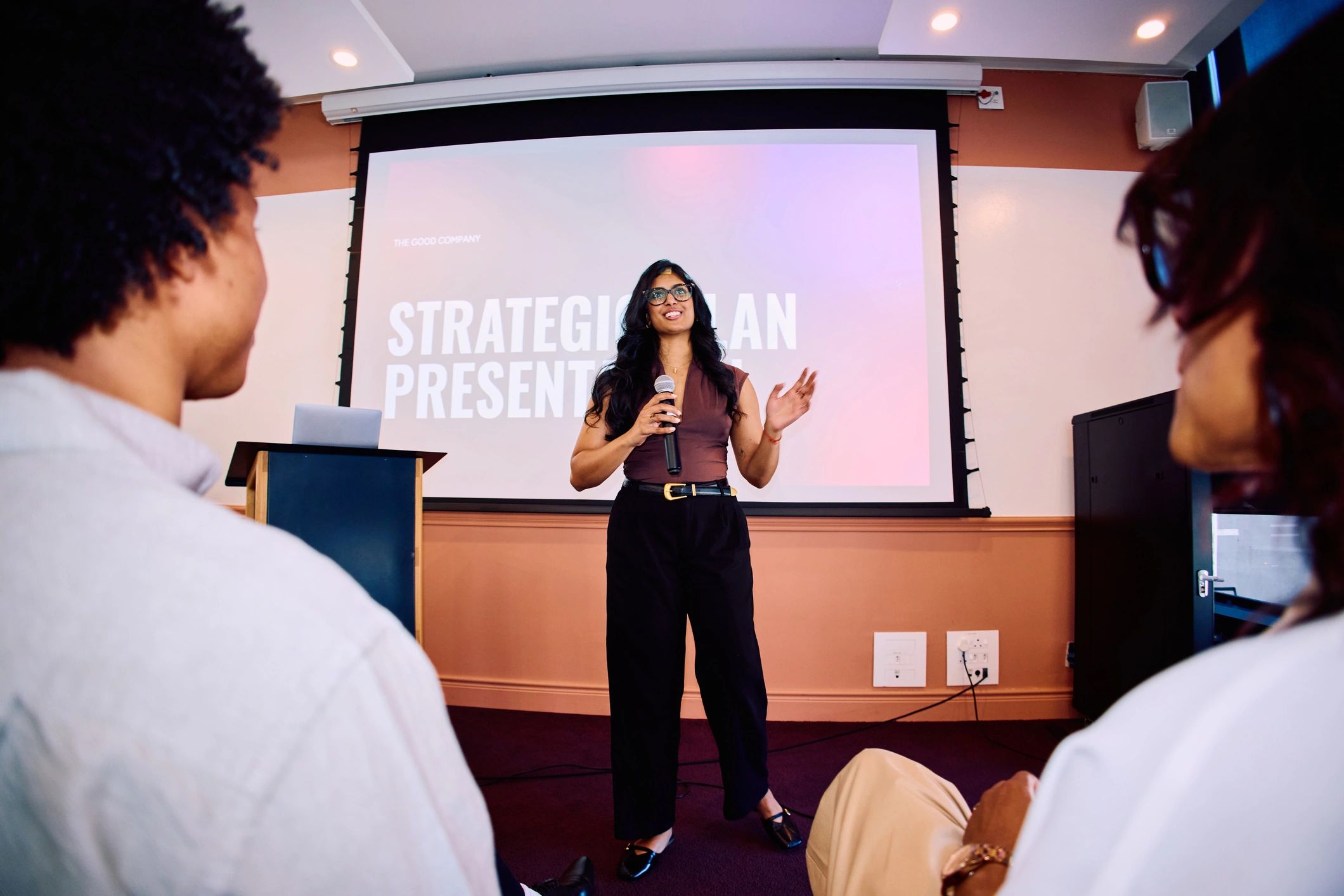
You can keep delivering your presentation to the people in the venue while adding remote Live VR attendance. The preparation is about helping those viewers follow the same session from the camera’s position, rather than turning the talk into a separate virtual meeting.
What can viewers actually read?
Test your slides through the intended capture and viewing setup. Use clear layouts and avoid relying on tiny labels or dense charts. If supporting material is necessary, agree how it will be provided and tell viewers before the session.
What happens when you move?
Check whether the presenter remains visible from the chosen viewpoint. A demonstration at the side of the room may need different placement. Explain actions and refer clearly to what viewers should notice, especially when a detail is difficult to inspect remotely.
How will questions be handled?
Confirm the supported method before inviting remote questions. If a person in the venue asks something without a microphone, repeat the question so the remote audience can follow the answer. Assign somebody to manage any agreed remote participation.
What should the rehearsal include?
Use the actual microphones, lighting and presentation, with somebody watching in a headset. Include transitions, breaks and the closing instructions. Ask what was confusing and adjust it. Clear delivery serves both audiences, while a careful test reveals differences the speaker may not notice from the stage.