Category: Live VR Events

  • How can speakers plan a series of live VR events?

    How can speakers plan a series of live VR events?

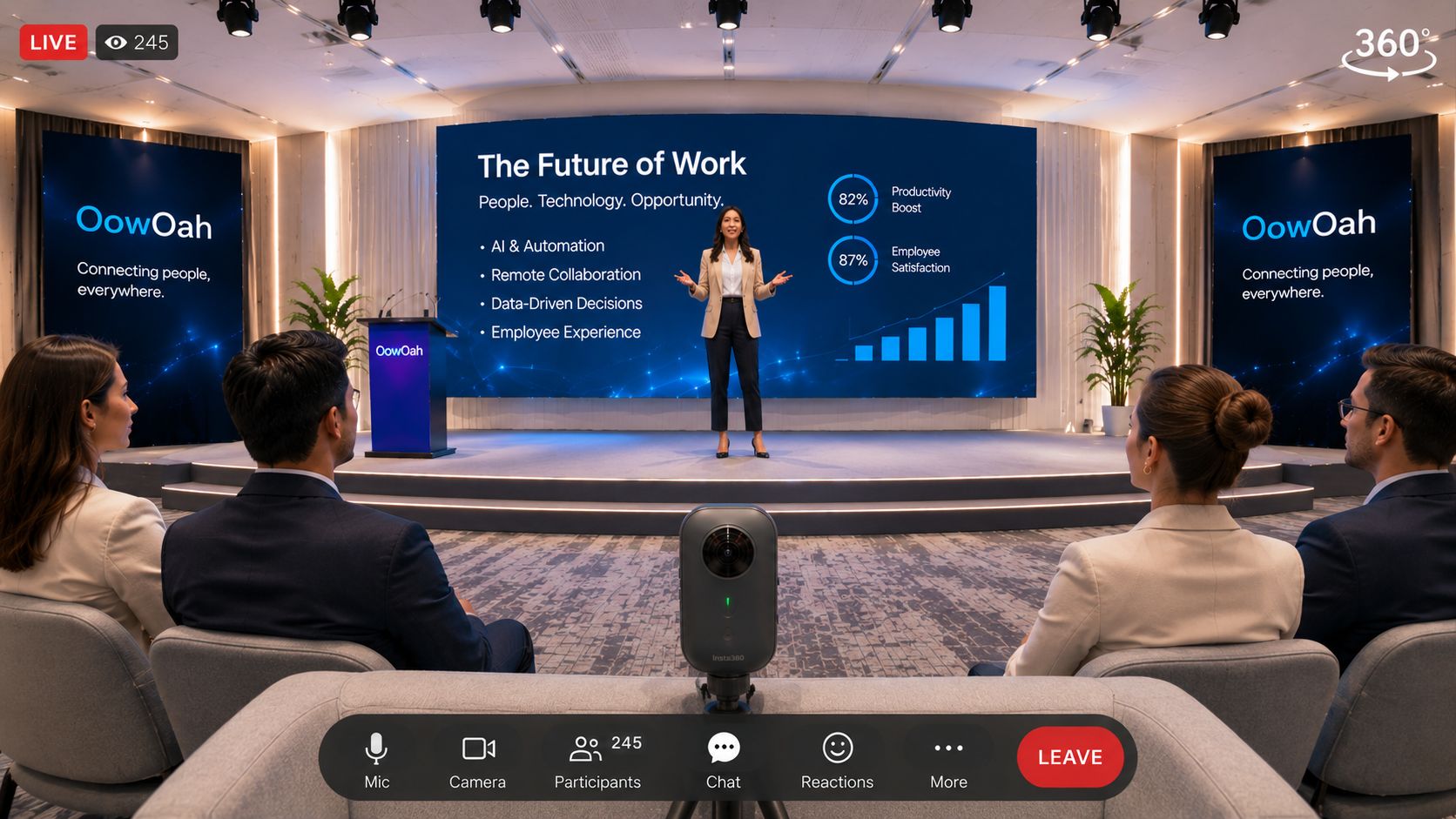
    A series works best when each event has a clear purpose and the audience understands the progression. A speaker can consider OowOah Live VR for recurring broadcasts of real talks or seminars, while treating each advertised event as a specific offer.

    How should the programme be organised?

    Choose an overall theme and give each session a distinct question or outcome. Plan a pace the speaker and production arrangement can sustain. A series should make sense to a first-time buyer as well as someone returning after an earlier session. State any expected prior knowledge plainly.

    How should tickets be described?

    Describe the booking offer actually available for each event. Do not assume subscriptions, series passes or bundled tickets exist simply because several sessions are planned. Ordinary organisers offer paid tickets, and free events are reserved for OowOah ambassadors. Make any replay arrangements clear for the relevant session.

    What should stay consistent?

    Use recognisable event titles, clear time zones and the same supported headset information. Keep a repeatable camera and sound check while reviewing the content of each session separately. Use feedback from the first broadcast before committing to a large programme. Consistency should make attendance easier without causing the sessions to repeat the same material.

    Where can I find out more?

    How your audience attends in VR. Visit explore hosting live vr events for the relevant service information.

  • How can organisers collect useful feedback after a live VR event?

    How can organisers collect useful feedback after a live VR event?

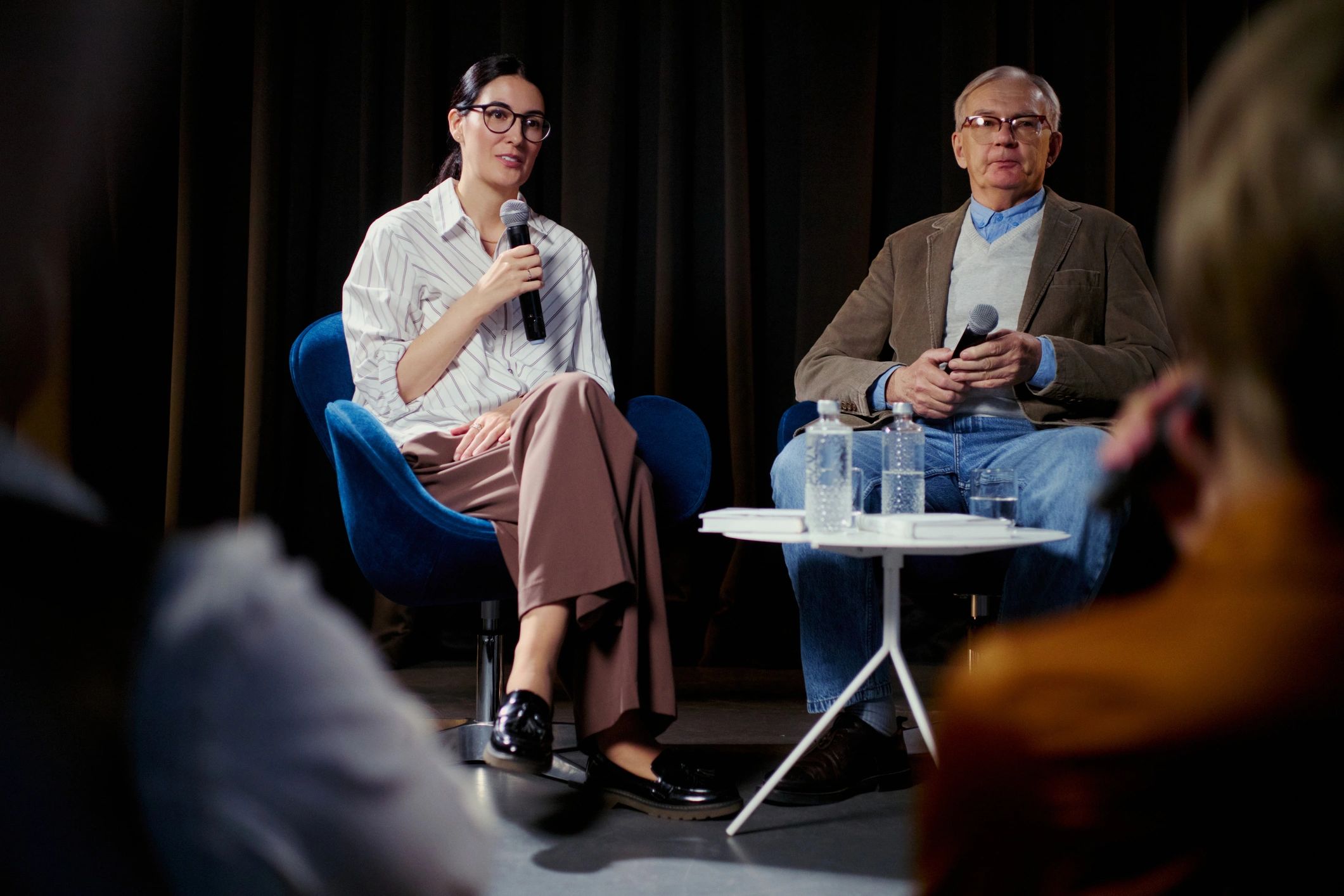
    Useful feedback separates the event content from the experience of attending through VR. Someone may enjoy the speaker while finding the joining instructions confusing, or understand the setup while wanting a different programme. Asking about both helps the organiser choose a practical improvement.

    Which questions should be asked?

    Ask what the attendee expected, what worked well and what made the experience harder to follow. Include the joining process, sound, camera view and content. Give people space to describe a specific moment rather than relying only on a single overall rating.

    How should the feedback be collected?

    Use the organiser's chosen feedback method, such as an existing survey or follow-up message. Do not assume OowOah automatically provides a survey feature. Keep the request short and explain why the answers will be useful. The aim is to learn enough to improve the next event without creating a lengthy task for attendees.

    What should change as a result?

    Choose a small number of clear actions. A camera adjustment, clearer time-zone wording or a more focused programme may be easier to address than a general request to make an event better. Revisit those actions during the next rehearsal. Keep track of whether the changes actually answer the concerns people raised.

    Where can I find out more?

    How your audience attends in VR. Visit explore hosting live vr events for the relevant service information.
  • What should a live VR event confirmation email include?

    What should a live VR event confirmation email include?

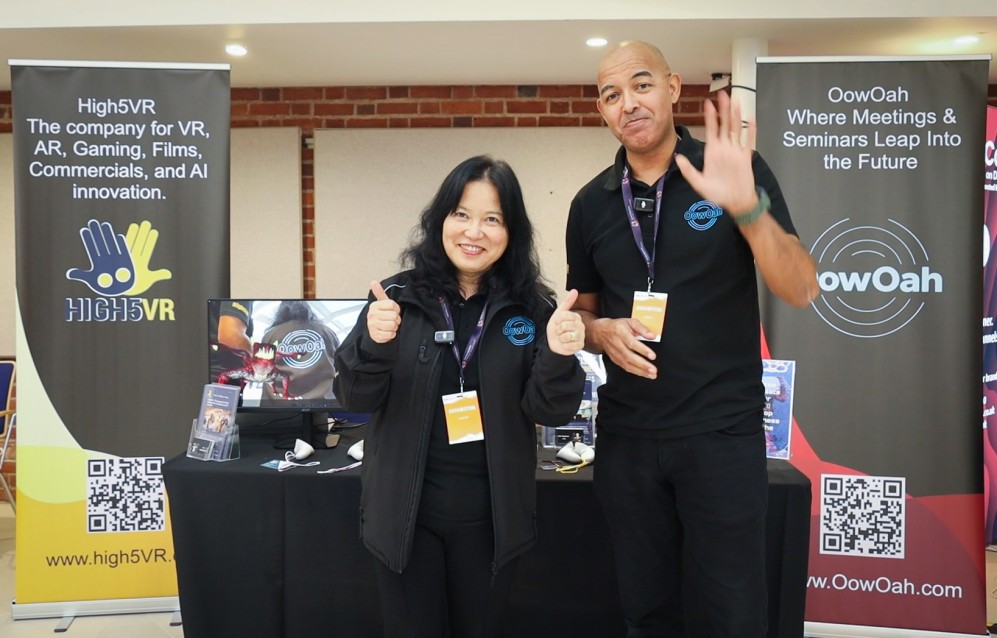
    A confirmation should help the buyer recognise the event and prepare to attend. It should connect the booking they have just made with the next practical step, using the same title, date and timing as the event page.

    Which details should appear first?

    Show the event title, date, start time and time zone. Include the relevant booking information and a clear link to the viewing guide. Explain the supported headset requirement before the attendee reaches the day of the event. Keep the most important joining information easy to find.

    How should account access be explained?

    Tell attendees to use the audience account associated with the booking when accessing the public VR app. The booking appears in My Events. Avoid mixing public event instructions with the separate process for guests invited to a business VR meeting.

    What else might the organiser communicate?

    Give an appropriate contact route and explain any event-specific preparation. Only describe replay access that is actually included in the offer. If timing changes, send a clear update rather than leave conflicting information in circulation. These are recommendations for a useful confirmation, not a claim that every suggested field is automatically inserted by the platform.

    Where can I find out more?

    How your audience attends in VR. Visit explore hosting live vr events for the relevant service information.
  • How can event organisers explain live VR tickets to first-time buyers?

    How can event organisers explain live VR tickets to first-time buyers?

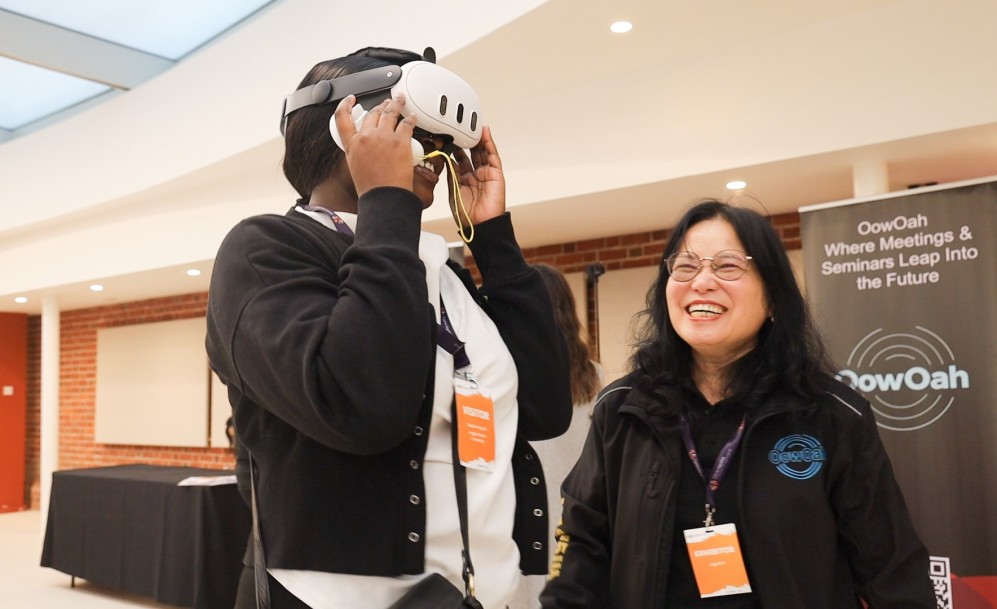
    Explain a live VR ticket as access to watch a particular real-world event through a compatible headset. The buyer needs to understand the programme and equipment before the idea of immersion becomes useful. Use direct language rather than relying on technical terms.

    What should the explanation include?

    State that OowOah Live VR broadcasts an event in 360°, so viewers can look around the captured scene. Give the date, start time and time zone, the presenter and the content included. Make clear that a Meta Quest 3 or Meta Quest 3S is required.

    How is booking different from a meeting invitation?

    Live VR viewers use an audience account for their event booking and access. A business guest invitation to a VR Meeting Room is a separate process. Do not tell a public ticket buyer that the business-account-only rule for meetings means they can skip the audience booking setup.

    What expectations should the organiser avoid?

    Do not promise unrestricted walking through the venue, private conversations with a speaker or replay access that has not been included. Ordinary organisers offer paid tickets; free events are reserved for ambassadors. A clear explanation of the actual experience is more useful than a broad promise that viewers can do everything a person at the venue can do.

    Where can I find out more?

    How your audience attends in VR. Visit explore hosting live vr events for the relevant service information.
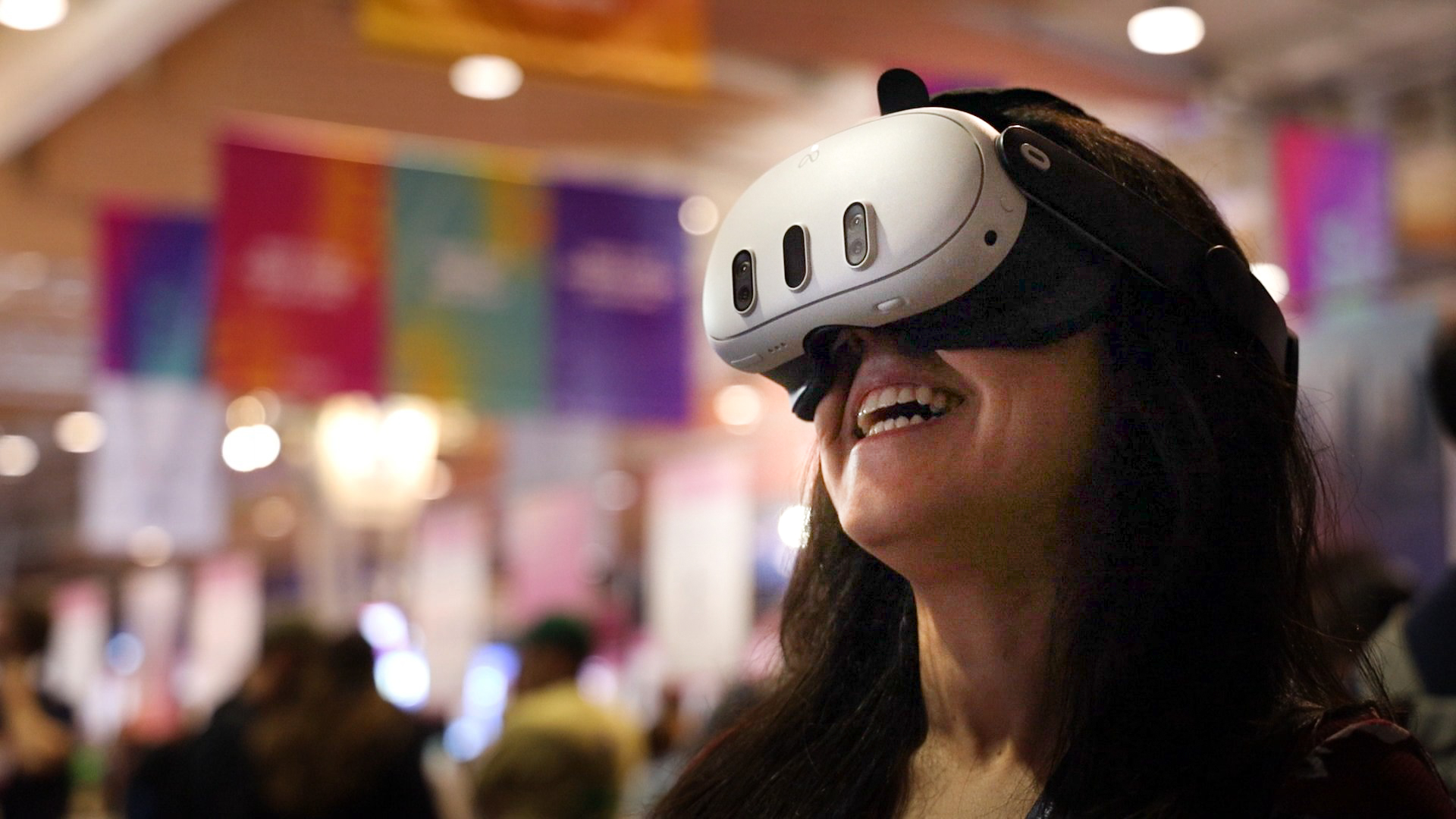
  • Can training providers offer paid live VR masterclasses?

    Can training providers offer paid live VR masterclasses?

    Yes. A training provider can consider OowOah Live VR for a paid broadcast of a real masterclass or seminar. The programme needs to work for viewers watching through Meta Quest 3 or Meta Quest 3S headsets, with clear explanations and an appropriate camera position.

    What type of lesson suits the format?

    A structured talk, expert interview or visible demonstration can provide a focused programme. Explain the intended learning outcome and the level of prior knowledge needed. Plan the pacing around remote viewers and test whether the material can be followed from the broadcast position.

    Does a VR ticket include a qualification?

    Do not imply a qualification merely because a lesson is delivered through VR. The provider must describe the learning and any assessment or certification it actually offers. Watching a demonstration is also different from showing that a learner can perform a practical task. Keep the booking description specific.

    How does the commercial arrangement work?

    Ordinary organisers sell paid tickets, with free events reserved for OowOah ambassadors. OowOah's service charge is 15% of ticket and replay sales. Plan the price around the programme and production costs, and describe replay availability separately. Do not assume that every live ticket automatically includes a recording.

    Where can I find out more?

    How your audience attends in VR. Visit explore hosting live vr events for the relevant service information.

  • Can businesses broadcast a product launch to a live VR audience?

    Can businesses broadcast a product launch to a live VR audience?

    Yes. A business can consider OowOah Live VR for a real product launch, allowing a remote headset audience to watch the event in immersive 360°. This is useful where the launch itself contains a presentation, interview or demonstration that has value beyond the people at the venue.

    What should the broadcast show?

    Plan the camera position around the presentation and the product. Make sure the speaker's explanation is understandable and that important material can be followed remotely. If a demonstration depends on a very small detail, test its visibility before assuming the audience will see it clearly.

    Is Live VR the same as a private sales meeting?

    No. A Live VR broadcast is an event-viewing experience. OowOah VR Meeting Rooms support a shared meeting conversation and use a different invitation arrangement. Choose according to the purpose: presenting a staged launch to an audience or discussing a proposal with a smaller invited group.

    Can a business make its launch free?

    Ordinary Live VR organisers offer paid tickets. Free events are reserved for OowOah ambassadors. A business considering a launch should assess whether a paid broadcast suits the audience and programme. State the offer clearly, including the supported headset requirement, before promoting a booking link.

    Where can I find out more?

    How your audience attends in VR. Visit explore hosting live vr events for the relevant service information.

  • Can gardens and heritage sites offer live guided VR experiences?

    Can gardens and heritage sites offer live guided VR experiences?

    A garden or heritage site can consider OowOah Live VR for a guided talk or planned broadcast from a real location. The experience can focus on a particular collection, room or area rather than attempt to show an entire site in one session.

    How should the route or location be chosen?

    Start with the story the guide wants to tell and test the intended camera arrangement. A fixed-position talk and a moving guided tour create different production demands. Discuss connectivity, sound and viewing comfort before promising a route. Choose the arrangement that helps remote viewers follow the content.

    What practical checks matter?

    Confirm permission to film the location and consider who or what might appear around a 360° camera. Test the broadcast at the relevant position and time rather than relying on a connection elsewhere on site. Prepare an alternative programme if outdoor conditions affect the planned presentation.

    What should the booking page explain?

    State the subject, presenter, date and time zone, ticket price and headset requirement. Ordinary organisers sell paid tickets. Free events are reserved for OowOah ambassadors. Explain whether a replay is part of the offer, and avoid describing a broadcast as independent access to roam through the location.

    Where can I find out more?

    How your audience attends in VR. Visit explore hosting live vr events for the relevant service information.

  • Can theatres offer live VR attendance at selected performances?

    Can theatres offer live VR attendance at selected performances?

    A theatre can consider a live VR broadcast for a selected performance where rights, production and venue arrangements allow it. Viewers experience the captured setting through a headset. It is a production decision that needs planning around the show, rather than a promise that every performance can simply be streamed.

    Which performance might suit a first broadcast?

    Choose one with a manageable staging arrangement and a clear view from the proposed camera position. Discuss how movement, sound and lighting will appear to remote viewers. A rehearsal should include a supported headset so the team can assess what the VR audience actually receives.

    What permissions need attention?

    Check the intended broadcast with the people responsible for the performance, venue and rights. Consider music, scripts, performers and any planned replay. Live permission and recorded distribution should be discussed as distinct uses. Resolve those arrangements before advertising access to the performance.

    How should tickets be described?

    Make clear that this is a paid VR attendance option for the specified performance. Ordinary organisers cannot publish free events; that option is reserved for OowOah ambassadors. State the equipment requirement and the exact programme included. Avoid suggesting viewers can choose any seat or walk around the theatre unless that has been separately confirmed.

    Where can I find out more?

    How your audience attends in VR. Visit explore hosting live vr events for the relevant service information.

  • Can science centres broadcast live demonstrations to VR audiences?

    Can science centres broadcast live demonstrations to VR audiences?

    A science centre can consider broadcasting an expert-led demonstration through OowOah Live VR. The audience watches a real event captured in 360°, with the ability to look around the captured scene. The demonstration needs to make sense from the camera position and through the sound available.

    What makes a useful demonstration?

    Choose a topic with visible, clearly explained stages. The presenter should identify what viewers need to notice and allow time for the explanation. Details that are obvious at arm's length may be difficult to follow remotely, so rehearse the experience rather than assume the camera reproduces every close-up.

    What should the production team check?

    Review the camera view, audio and the planned programme. Keep the demonstration within the centre's approved arrangements and confirm what may be filmed. Organisers can use their own compatible RTMP 360° camera, subject to suitability for the broadcast. Discuss the exact equipment before scheduling the first production.

    How should the event be promoted?

    Describe the subject, presenter and programme, with a date, time zone and ticket price. Ordinary organisers offer paid tickets, while free events are reserved for OowOah ambassadors. Make the Meta Quest 3 or Meta Quest 3S requirement visible so buyers understand the viewing setup before booking.

    Where can I find out more?

    How your audience attends in VR. Visit explore hosting live vr events for the relevant service information.

  • Can authors host book talks for a live VR audience?

    Can authors host book talks for a live VR audience?

    An author can consider OowOah Live VR for broadcasting a real book talk, interview or reading to headset viewers. The format extends attendance at a physical event rather than creating a walkable virtual bookshop. Plan a programme that remains enjoyable from the camera's position.

    What might a first event include?

    A short introduction, a conversation about the book and an agreed reading can give the broadcast a clear structure. If the event includes questions from the physical audience, make sure remote viewers can hear them. Do not advertise direct audience interaction or a private conversation with the author unless those arrangements are confirmed.

    What should be checked before filming?

    Confirm permission for the reading and any other content included. Rehearse the camera position and sound, and make the event description match the actual programme. A standard organiser sells paid VR tickets. Free events are reserved for OowOah ambassadors, such as Sara and Elena.

    What does the audience need to know?

    State the date, time zone, ticket price and Meta Quest 3 or Meta Quest 3S requirement. Link to the viewing guide. If a replay is planned, describe its availability accurately. The appeal should come from the author and the experience offered, with the technology explained in plain language.

    Where can I find out more?

    How your audience attends in VR. Visit explore hosting live vr events for the relevant service information.

  • What should organisers test before broadcasting a live VR event?

    What should organisers test before broadcasting a live VR event?

    Test the experience the remote audience will receive, using the proposed venue, camera position and connection. A successful equipment check in another room does not show that the full event arrangement will work. A rehearsal lets the team find practical problems while there is still time to address them.

    Which parts of the production need attention?

    Check the 360° view, the sound of the presenter and any important material shown during the programme. Look for blocked views, distracting nearby activity and content that is difficult to follow from the camera position. Use a supported headset to assess what the audience sees rather than relying only on a camera preview.

    Which platform steps should be rehearsed?

    Work through the agreed event setup and broadcast sequence with OowOah. Check that the event information and timing match the programme. Organisers may use their own compatible RTMP 360° camera, so confirm the actual device and stream settings before the rehearsal. Do not assume every 360° camera has the required live-streaming capability.

    What should happen after the test?

    Write down the changes, give each one an owner and repeat any affected checks. Brief the presenter on the final camera arrangement and how to handle a pause. A rehearsal is also a chance to make the joining instructions clearer and confirm the plan for communicating any interruption.

    Where can I find out more?

    How your audience attends in VR. Visit explore hosting live vr events for the relevant service information.

  • How can organisers promote live VR tickets to their existing audience?

    How can organisers promote live VR tickets to their existing audience?

    Start with the people who already know the event, presenter or subject. Explain that they can buy a VR attendance option for the physical event and what that experience includes. A practical description is more useful than assuming that the words virtual reality will explain the offer on their own.

    What should a promotional message say?

    Name the event, identify the presenter and explain the content. Give the date, start time and time zone, ticket price and booking link. State the Meta Quest 3 or Meta Quest 3S requirement early enough for people to make an informed choice. Show how the VR option fits the same event they already recognise.

    Should organisers promise a different programme for VR viewers?

    Only advertise content that is actually included. Live VR adds a remote viewing experience to the real event. Do not promise special access, a private conversation with the speaker or an included replay unless those arrangements have been confirmed for the event. Consistent wording helps prevent expectations that the broadcast cannot meet.

    How can an organiser learn what works?

    Keep a record of the messages and channels used, then ask attendees what helped them understand and book. Use that feedback to improve the next event description. Ordinary organisers sell paid tickets, with free events reserved for OowOah ambassadors. Promotional copy should reflect that ticket policy.

    Where can I find out more?

    How your audience attends in VR. Visit explore hosting live vr events for the relevant service information.

  • How can speakers help their audience prepare for a first live VR event?

    How can speakers help their audience prepare for a first live VR event?

    Speakers can make a first event easier to follow by explaining the equipment and joining process before the start. Some people will already use a headset regularly, while others may be opening the event app for the first time. A clear preparation message gives both groups a useful reference.

    What should the message explain?

    Give the date, start time and time zone, then point viewers to OowOah's viewing guide. Make the Meta Quest 3 or Meta Quest 3S requirement clear. Encourage people to prepare their headset and check their booking beforehand rather than beginning setup at the exact start of the talk.

    How does the audience enter the event?

    Live VR uses an audience account linked to the booking. Viewers use that account in the public VR app and find their booking in My Events. The event lobby provides the waiting point when entry is available. This is separate from a business inviting guests into an OowOah VR Meeting Room.

    How can the speaker reduce confusion?

    Use the same title and timing across the event page and preparation message. Explain the experience without claiming viewers can walk around the venue or join a private avatar meeting. Invite people to read the guide early. A short rehearsal of the joining explanation can reveal terms that first-time attendees may not understand.

    Where can I find out more?

    Read the Live VR viewing guide. Visit explore live vr events for the relevant service information.

  • What should an event organiser include on a live VR booking page?

    What should an event organiser include on a live VR booking page?

    A useful booking page tells people what they will experience, when it happens and what they need to attend. It should answer the practical questions before asking someone to buy. Write for a person who may understand the event topic but has never attended anything through a VR headset.

    What event information matters most?

    Give the title, presenter, subject, date, start time and time zone. Describe the programme in concrete terms and explain that this is live VR attendance at a real-world event. Include the ticket price and make clear which parts of the programme the booking covers. Use a description that matches the actual broadcast plan.

    Which viewing requirements should be visible?

    State that attendees need a Meta Quest 3 or Meta Quest 3S, internet access and the OowOah audience setup described in the viewing guide. Link to that guide rather than hiding essential requirements in a confirmation sent after purchase. Meeting-room guest invitations and public Live VR bookings are different processes.

    Should replay access be mentioned?

    Yes, where a replay forms part of the offer. Describe the access actually available for that event instead of promising every buyer a recording. Ordinary organisers offer paid tickets, while free events are reserved for OowOah ambassadors. Check that the page, promotional messages and joining information describe the same offer.

    Where can I find out more?

    How your audience attends in VR. Visit explore hosting live vr events for the relevant service information.

  • How can charities bring remote supporters into a live fundraising event?

    How can charities bring remote supporters into a live fundraising event?

    A charity can use a live VR broadcast to offer remote supporters a view of a real fundraising talk, performance or presentation. This may suit supporters who want to attend but cannot travel to the venue. The event still needs a clear programme and a convincing reason to book.

    What might remote supporters watch?

    A speaker presentation, interview or staged performance can provide a focused first event. Plan the camera position around the content and explain what the audience will experience. A live VR ticket provides attendance at the broadcast; do not describe it as a donation mechanism or promise fundraising tools that have not been confirmed.

    Can the charity publish a free event?

    Ordinary OowOah Live VR organisers offer paid tickets. Free events are reserved for OowOah ambassadors, such as Sara and Elena. A charity should build its proposal around that arrangement and explain the ticket offer accurately. Any fundraising outside the ticket purchase needs its own clearly explained process.

    What should the organiser check before promotion?

    Confirm the programme, venue permission and camera arrangements. Use an event page that gives the date, start time and time zone, ticket price and headset requirement. Make the distinction between the physical event and its VR attendance option easy to understand. Review the audience response before planning a larger series.

    Where can I find out more?

    How your audience attends in VR. Visit explore hosting live vr events for the relevant service information.