Author: oowoah

  • How Much Do Organisers Keep from Live VR Ticket Sales?

    How Much Do Organisers Keep from Live VR Ticket Sales?

    OowOah takes 15% of Live VR ticket sales, leaving the organiser an 85% revenue share. The calculation is ticket revenue multiplied by 0.85. It is worth keeping that figure separate from profit, because delivering and promoting the event may involve other costs.

    What happens with a £10 ticket?

    If 100 people buy a £10 Live VR ticket, sales revenue is £1,000. OowOah’s 15% service charge is £150 and the organiser’s share is £850. This is an illustrative calculation, not a forecast of audience demand.

    How do higher ticket prices change the split?

    100 tickets at Sales revenue 15% charge 85% organiser share
    £10 £1,000 £150 £850
    £20 £2,000 £300 £1,700
    £30 £3,000 £450 £2,550

    Does the same principle apply to replays?

    Yes. OowOah also takes 15% of replay sales. Consider replay income separately so you can see what comes from the live event and what comes afterwards. Do not count a bundled replay as a second sale.

    How do you work out profit?

    Start with your organiser share, then subtract the costs attributable to the remote offering. Account for applicable refunds, taxes and other deductions using your own circumstances and arrangements. Keep physical-ticket income separate. A clear calculation helps you judge the extra audience option without treating gross receipts as money earned.
    Explore Live VR Events with OowOah.

  • How Much Does It Cost to Add Live VR Streaming to Your Event?

    How Much Does It Cost to Add Live VR Streaming to Your Event?

    OowOah Live VR is free for organisers to use, with no registration fee or monthly platform subscription. OowOah takes 15% of Live VR ticket and replay sales. That pricing makes the platform charge straightforward, but organisers should still budget for delivering the remote experience.

    What does the percentage mean?

    For every £20 ticket sold, the 15% service charge is £3 and the organiser’s share is £17. These figures describe the split of sales revenue, not profit. Your own production costs and other applicable deductions need to be considered separately.

    What equipment should you budget for?

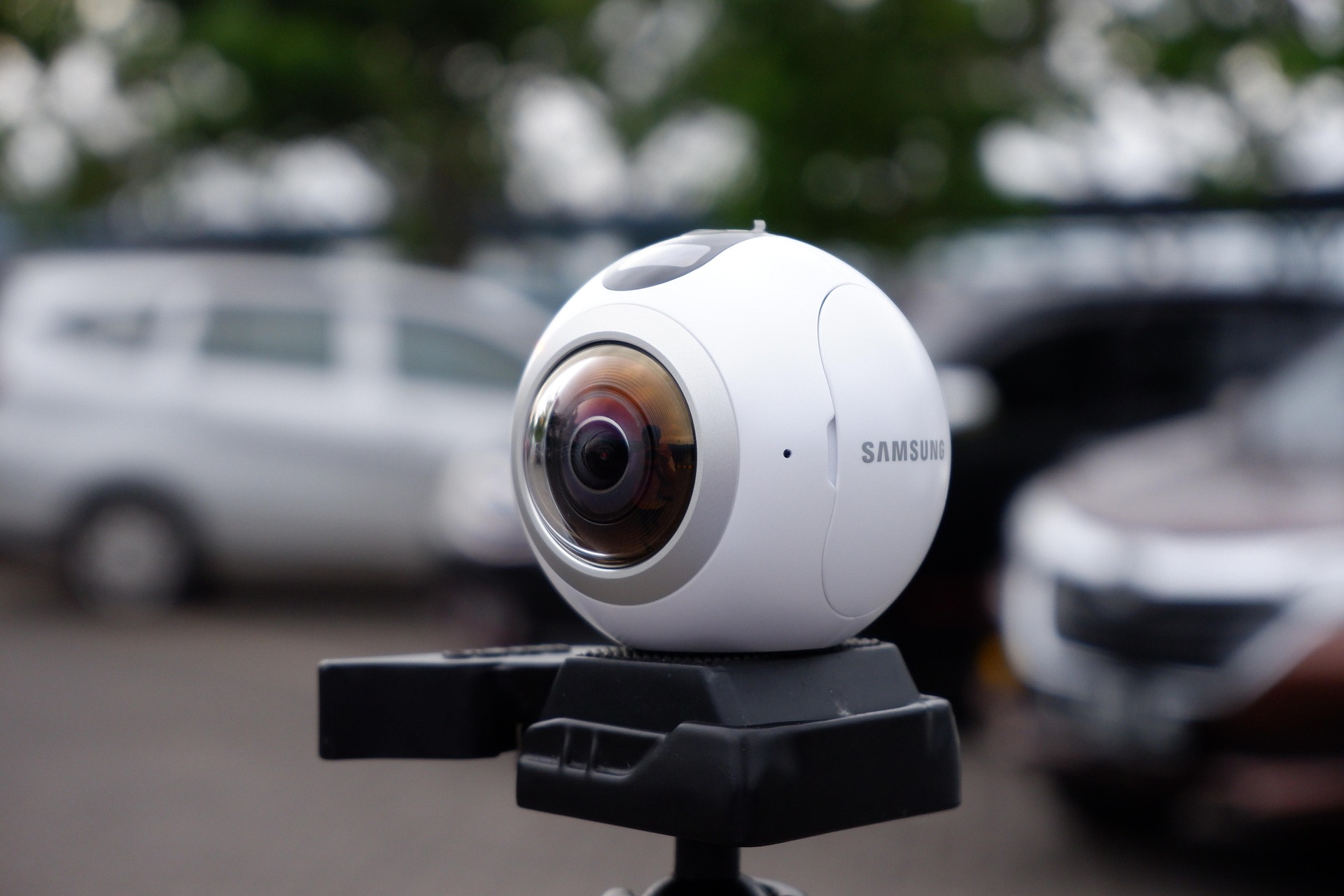
    You need a compatible 360° camera, a suitable mount, power and an internet connection appropriate to the stream. Check compatibility before buying or hiring. Existing venue equipment may help with audio, but the full capture setup still needs to be tested.

    What other work is involved?

    Allow time to prepare the ticket listing, obtain relevant permissions, rehearse the stream and support viewers. Adding Live VR to a physical event can reuse the programme you already have, but it still requires somebody to take responsibility for remote delivery.

    How can you assess the cost?

    List one-off purchases separately from recurring event costs. Estimate a realistic number of ticket sales and apply the 85% organiser share. Compare that amount with the extra costs of adding the stream. Start with a pilot if demand is uncertain, rather than buying equipment on the assumption that every event will sell out.

    Explore Live VR Events with OowOah.

  • How Do OowOah VR Meeting Rooms Compare with Zoom and Microsoft Teams?

    How Do OowOah VR Meeting Rooms Compare with Zoom and Microsoft Teams?

    The useful question is which tool suits a particular meeting. OowOah VR Meeting Rooms, Zoom and Microsoft Teams can all bring colleagues together remotely, but they ask participants to join in different ways. This comparison concerns Meeting Rooms, not OowOah’s separate Live VR event service.

    What do Zoom and Teams already offer?

    Zoom’s official meeting information describes video meetings, screen sharing, chat and collaboration tools. Microsoft’s Teams information also describes video conferencing and screen sharing. These are capable meeting products, rather than passive broadcasts. Specific features and allowances depend on the chosen plan and setup.

    What does OowOah change?

    OowOah places headset users in an avatar-based meeting environment with virtual screens. A team considering it should decide whether that shared setting adds value to its workshops, presentations or discussions. It should also allow time for participants to learn the controls.

    Where might a conventional call be easier?

    For a short check-in or an unfamiliar external guest, a standard video call may involve less preparation. Existing company workflows and participant preferences also matter. Do not treat immersion, AI features or interactivity as a simple yes-or-no difference between brands.

    How should you make the decision?

    Compare the actual plans, equipment, guest access and functions required for your work. Try the same task in both formats and ask participants for feedback. Choose an outcome you can assess, rather than assuming the newest format must be the best.

    Official product information

    Zoom Meetings, Microsoft Teams video conferencing and OowOah VR Meeting Rooms. Comparison checked 5 October 2026.

    Explore VR Meeting Rooms with OowOah.

  • How Can You Add a Live VR Audience to Your Existing Conference?

    How Can You Add a Live VR Audience to Your Existing Conference?

    A conference does not have to become an entirely different event to welcome remote viewers. You can identify suitable sessions in the programme and plan Live VR access alongside the audience already attending in person.

    Which sessions should you start with?

    A keynote, panel or clearly presented demonstration can provide a manageable pilot. A busy exhibition floor is a different production challenge. Begin with a session where the viewpoint, sound and audience expectations are easy to explain. Agree the plan with the speaker and venue.

    What should the production team check?

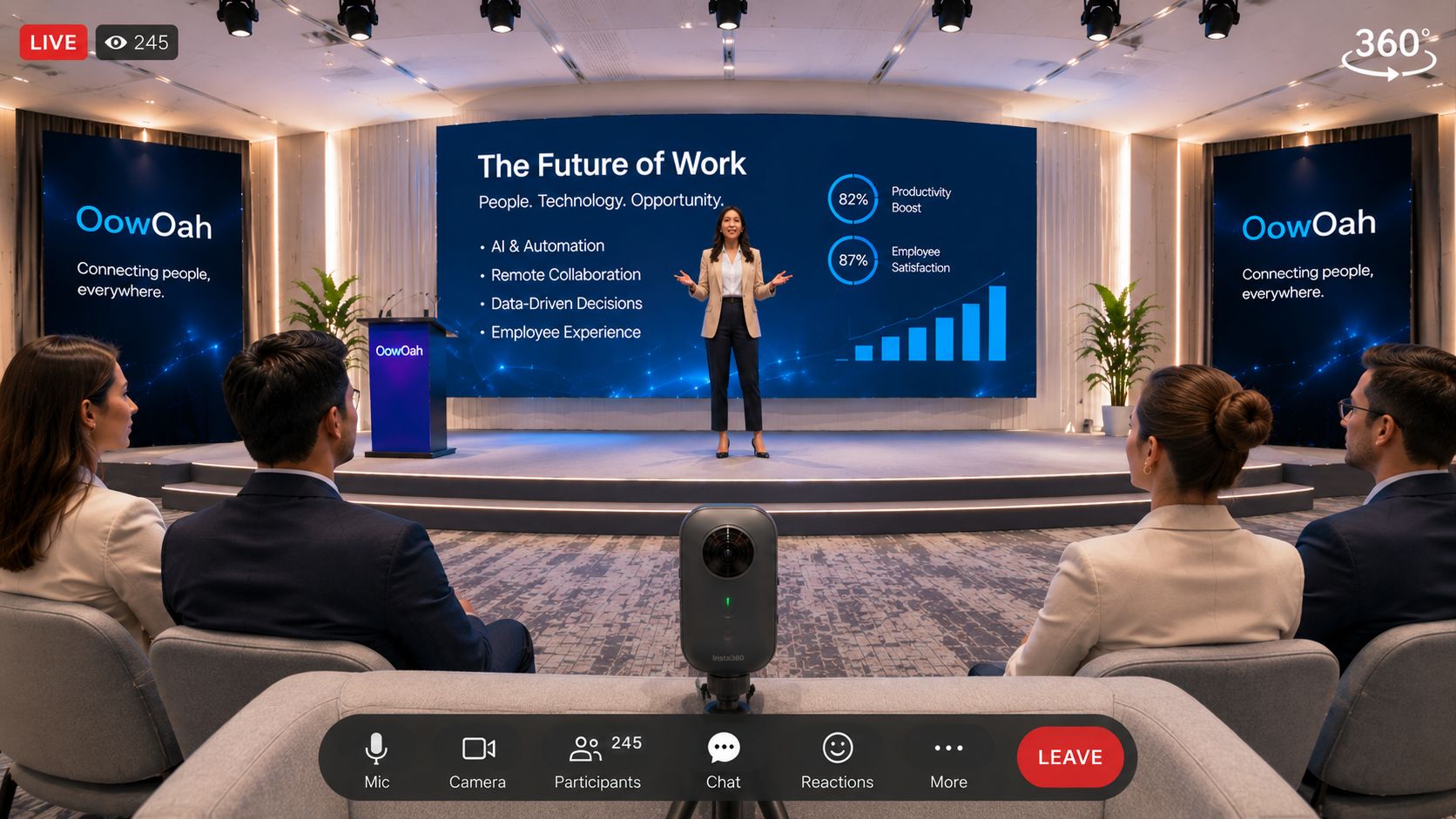
    Check camera placement, microphone access, connectivity, power and session transitions. Test from the remote viewer’s device. If slides are essential, verify that their content can be understood through the intended setup, rather than assuming a stage screen will be readable from every position.

    How do remote attendees fit into the programme?

    Give them a clear timetable and explain breaks. If you plan to include questions, confirm a supported submission method and assign someone to manage it. Avoid advertising live interaction until you have checked exactly how it will work.

    What should the ticket page say?

    Name the sessions included, equipment requirements, time zone and any replay arrangements. Distinguish the Live VR ticket from the physical conference pass. OowOah Live VR is an add-on attendance option: your conference remains in its venue while selected content can reach people elsewhere.

    Explore Live VR Events with OowOah.

  • How Can Live VR Extend Your Physical Event to a Wider Audience?

    How Can Live VR Extend Your Physical Event to a Wider Audience?

    Your venue has a fixed number of seats. Your potential audience may include people far beyond the local area. Adding Live VR gives your existing event another way to welcome guests, while continuing to run the performance, seminar or talk in the room.

    Who might want to join remotely?

    Start with people who already have a reason to care: followers in other regions, former attendees who have moved away or customers unable to travel on the date. Ask them about interest and equipment before assuming that a worldwide booking link will produce a worldwide audience.

    What stays at the venue?

    The speaker, programme and in-person guests remain central to the event. Position the capture equipment where it provides a useful view without blocking seats or routes. Remote access should be part of preparation, rather than an interruption added after the doors open.

    How should you explain the extra ticket?

    Describe it as live remote attendance in a headset, with a view from the camera’s location. State the equipment needed, the event time and what access includes. Do not promise that a remote guest can move freely through the venue or talk to every person in the room.

    What would make a useful first test?

    Choose one event with clear demand, reliable connectivity and a cooperative venue team. Measure extra ticket receipts alongside production costs and feedback. OowOah’s 15% service charge applies to Live VR ticket sales. Wider reach is an opportunity to develop, rather than a guaranteed sales result.

    Explore Live VR Events with OowOah.

  • What Is the Difference Between 360° and Conventional Livestreaming?

    What Is the Difference Between 360° and Conventional Livestreaming?

    A conventional livestream shows the frame selected by the production team. A 360° livestream captures the scene around a camera position so viewers using a suitable player can choose where to look. The difference is about the viewing experience, not simply whether one stream has more pixels.

    Who chooses the viewpoint?

    With a conventional broadcast, the director can move between close-ups, slides and audience shots. In a headset-based 360° experience, the viewer can turn their head to explore the captured surroundings. They remain at the camera’s viewpoint; looking around does not automatically mean walking anywhere in the venue.

    Which details matter most?

    A close-up can make a tiny product feature or a chart easy to inspect. A wider immersive view can convey the room and its atmosphere. Choose the format around what the audience needs to understand. If the event depends on fine text, test readability before choosing the production setup.

    What equipment changes?

    360° capture requires a compatible camera and a streaming workflow that supports its output. Conventional capture may use a single camera or a more elaborate production. For OowOah Live VR, organisers need compatible equipment and remote guests use a supported headset.

    Do you have to replace the physical event?

    No. Live VR can be added to the event you already run, providing another attendance option. Keep the venue experience and explain the remote viewpoint clearly. Test both picture and sound from the audience’s device before offering tickets.

    Explore Live VR Events with OowOah.

  • Are VR Meetings Better Than Video Calls?

    Are VR Meetings Better Than Video Calls?

    Sometimes the best meeting is a ten-minute conversation on a laptop. Sometimes a team wants more time and space to discuss ideas together. VR meetings and video calls offer different ways to bring people into the discussion. Neither format fixes an unclear agenda or guarantees that everyone will contribute.

    When does a video call make sense?

    A conventional video call can be a practical choice for a quick update, an external guest or someone joining from a familiar device. It avoids asking every participant to prepare a headset. For a simple decision with one document to review, that convenience may be the deciding factor.

    What changes in a VR meeting?

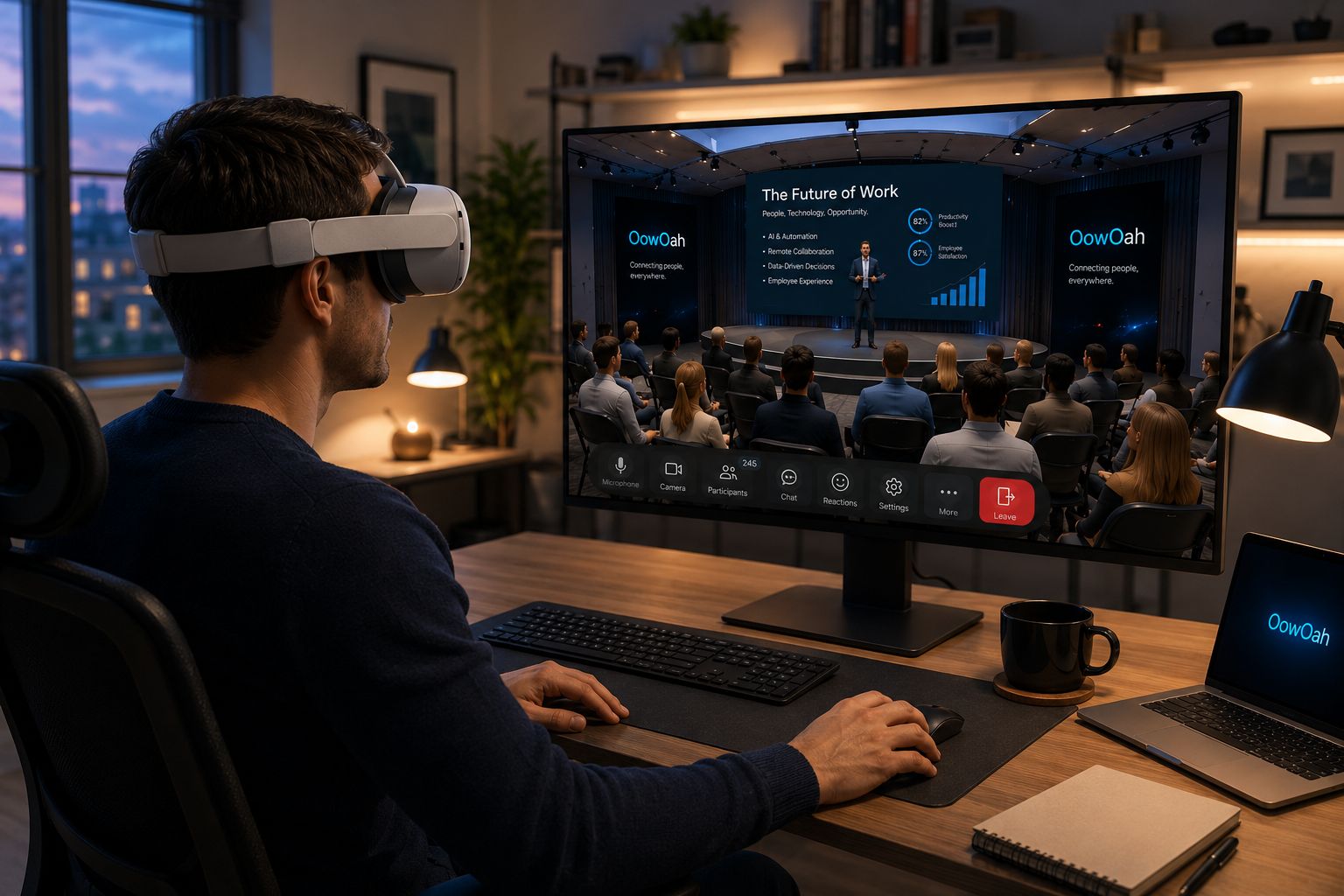
    Participants meet as avatars in a shared virtual setting. OowOah VR Meeting Rooms provide virtual presentation screens and collaboration tools rather than a grid of webcam images. That different setting may suit a planned workshop or discussion, particularly when the team has already learned the controls.

    What should you compare?

    Look at equipment, preparation time, the material you need to share and how people prefer to participate. Ask about accessibility and comfort before booking a session. Include onboarding and hardware in the cost comparison, rather than considering the subscription alone.

    How can you judge it fairly?

    Run a short trial with a real task and ask whether the group reached a useful outcome. Record setup problems and participant feedback. Keep video calls available where they work well, and use VR where the shared environment serves a clear purpose. Explore OowOah’s meeting room information before deciding.

    Explore VR Meeting Rooms with OowOah.

  • Why Do We Pay to Watch Someone Else Play a Game?

    Why Do We Pay to Watch Someone Else Play a Game?

    The player has the controller. You have the snacks. Somehow, you are both completely invested. Watching somebody else play can sound strange until you remember how many people enjoy football without stepping onto the pitch.

    There is a story in the contest

    A close game gives an audience something to follow: a difficult decision, an unexpected comeback or a final chance to win. You do not need to understand every detail immediately. A good commentator helps newcomers recognise what is at stake while giving experienced fans enough detail to stay interested.

    Personality gives people a reason to return

    Some viewers follow a team. Others enjoy a particular player’s humour, patience or way of explaining a problem. The entertainment can come from the person as much as the result. For an organiser, that makes introductions and accessible commentary important parts of the event.

    Watching together changes the evening

    A tense finish feels different when you can share it with other people. A watch party can give viewers a reason to arrive at the same time and discuss what happens. Clear community rules and a host who welcomes beginners help stop the conversation becoming an exclusive club.

    Make the first visit easy

    If you are planning a gaming event, explain the format, length and level of knowledge required. Check permissions before broadcasting game content. A remote experience should give people a good view and reliable sound, rather than assume that technology alone will keep them watching.

    Curious about bringing people together remotely? Explore Live VR Events with OowOah.

  • Could Your Local Venue Welcome a Worldwide Audience?

    Could Your Local Venue Welcome a Worldwide Audience?

    Your venue might seat eighty people. That does not mean only eighty people would enjoy what happens there. Former locals, specialist fans and people in other countries may all have a reason to join an event, even when travelling to your town is unrealistic.

    Start with the people who already care

    A remote audience does not appear just because a camera switches on. Begin with a recognisable reason to attend: a popular speaker, a distinctive music night or a community event people miss after moving away. Ask existing followers whether they would watch remotely and what would make the experience worthwhile.

    Protect the experience in the room

    Equipment should not block sightlines, interrupt the performance or create hazards. Agree the camera position with the host and venue team, test sound and check the connection under realistic conditions. The people who bought seats should still get the evening they expected.

    Sort out rights before selling access

    A venue booking does not automatically settle streaming permission. Agree recording and transmission arrangements with performers and check the relevant rights for music and other material. Explain filming to attendees and plan for people who do not want to appear. Resolve these details before promoting remote tickets.

    Make the offer easy to understand

    Publish the time zone, equipment requirements, language and what the viewer receives. Be clear about live access, any replay and the help available if something fails. Work through platform charges, production costs and support before setting a price. Extra ticket income is useful only when the economics make sense.

    Think pilot, then repeat

    Choose one suitable event, set a manageable audience target and collect feedback from both remote and in-person attendees. Measure ticket income, costs and what people actually enjoyed. Live VR Events could help a local venue explore a wider audience while keeping the character that makes its room special.

    Explore Live VR Events with OowOah.

  • From Comedy to Coaching: What Could You Watch in VR?

    From Comedy to Coaching: What Could You Watch in VR?

    Ask someone about virtual reality and they may picture a game. Ask about live entertainment and they may picture a stadium. There is a lot of interesting space between the two: a brilliant comedian in a tiny room, a cooking demonstration or a coach explaining a difficult technique.

    A comedy club with room for more people

    Small comedy venues have atmosphere, character and a physical limit on seats. Remote viewing could welcome people who live too far away to visit. The production needs clear speech, good timing and enough audience reaction to convey the room. Performers should know about the capture and agree how their work will be used.

    A demonstration you want to inspect

    A chef, craftsperson or instructor might have something useful to show. A 360-degree view can provide context, but small details may still need a close-up camera or supporting material. Plan around what the audience needs to see, rather than choosing a format simply because it is new.

    A talk with an atmosphere

    Book launches, interviews and panel discussions can have a strong sense of place. A remote viewer might enjoy seeing the room as well as the speaker. If questions are part of the event, explain how remote attendees can submit them and who will bring them into the discussion.

    Coaching needs a clear promise

    Watching a technique is different from receiving individual feedback. A broadcast should not imply that an instructor can see or assess every viewer. Explain whether the session is observation, a guided activity or genuinely interactive coaching. Make the space and equipment requirements clear for any activity.

    Try one evening with a clear purpose

    Start with a format your audience already enjoys, then work out how remote participation could add value. OowOah’s Live VR Events is a place to explore these possibilities. A memorable pilot needs a good host, useful content and a reliable experience more than an enormous stage.

    Explore Live VR Events with OowOah.

  • What Happens Behind You at a Live Event?

    What Happens Behind You at a Live Event?

    On a conventional livestream, somebody else decides where you look. The singer gets a close-up, the audience disappears and an interesting moment at the edge of the stage may never reach your screen. What if you could turn your head and choose your own view?

    The room is part of the performance

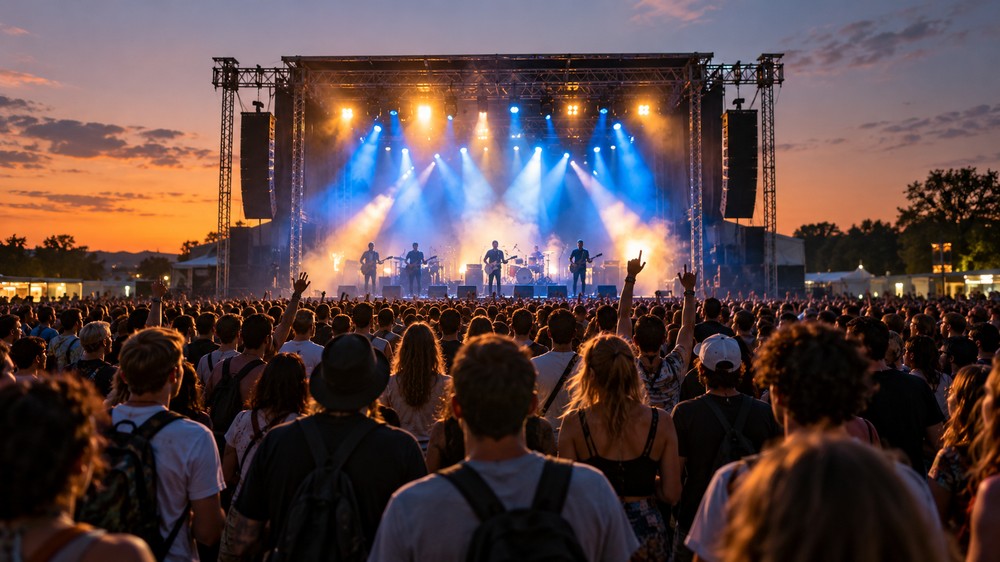
    At a comedy night, the audience reaction helps tell the story. During a talk, the room’s response can reveal which point landed. At a concert, the crowd singing together is part of the memory. A camera pointed only at the performer can leave some of that atmosphere outside the frame.

    A viewpoint you can explore

    A 360-degree camera captures the scene around its position. In a suitable headset experience, viewers can turn to explore that captured view. They cannot automatically walk to a different seat or see through somebody standing in front of the lens. Camera placement remains a creative decision.

    Put the camera where people want to be

    A position near the front might show the performer clearly but miss the room. A position farther back could capture the atmosphere while making the stage feel distant. Organisers should test the view from audience height, check sightlines and consider how lighting affects the result before the doors open.

    Your ears need a good seat too

    A striking picture cannot rescue unclear sound. Test speech, music and audience noise together. Check the full viewing experience on the intended equipment, including whether sound behaves as expected when the viewer turns. Keep equipment and cables clear of audience routes.

    Give viewers something worth exploring

    Live VR Events invites organisers to think about the whole setting. A small venue with character may offer just as much to look at as a large stage. The aim is a considered viewpoint that lets remote viewers discover the atmosphere for themselves.

    Explore Live VR Events with OowOah.

  • Love Live Music, Hate the Journey Home?

    Love Live Music, Hate the Journey Home?

    The encore ends. You are still smiling. Then you check the time and realise your last train leaves in twenty minutes. Suddenly, the evening becomes a speed-walking competition involving thousands of people who have had exactly the same thought.

    The ticket is only the beginning

    Going to a gig can mean booking transport, arranging childcare, finding somewhere to stay and negotiating the following morning. For someone living far from the venue, a two-hour show can take most of a day. The music may be worth it, but the extra planning can decide whether they go at all.

    The last-song dilemma

    Leave early and miss the finale, or stay and risk the journey home. It is an awkward choice to make during your favourite song. Organisers can help by publishing clear access information, expected finishing times and transport advice before people buy tickets. Accurate details beat discovering the problem at the exit.

    Another way to join the night

    A remote live option could suit someone who cannot manage the travel or wants to avoid an overnight stay. With a suitable VR capture, a viewer can look around from the camera’s position rather than follow every cut chosen by a video director. The experience depends on the production, connection and compatible equipment.

    Make the choice clear

    A virtual ticket should explain the viewpoint, start time, equipment requirements and support available. Viewers also need to know whether an event is genuinely live or a recording. A short setup guide and a chance to check the connection can make the evening easier.

    Keep the music, reconsider the logistics

    Nothing quite reproduces being in a crowd with your friends. But remote attendance could open an evening to people who would otherwise miss it. Explore Live VR Events to see how an organiser could offer a different route into the performance, with no station sprint afterwards.

    Explore Live VR Events with OowOah.

  • Can a Concert Be Carbon Neutral?

    Can a Concert Be Carbon Neutral?

    A concert poster says “carbon neutral”. It sounds reassuring, but what exactly has been counted? The venue’s electricity? The equipment lorries? Your flight and hotel? Before celebrating a claim, it helps to ask where the calculation begins and ends.

    Start with a clear boundary

    An event footprint can include venue energy, production, freight, staff travel, audience journeys, accommodation, food and materials. An organiser should explain which activities are included, how information was collected and where estimates were necessary. A smaller total can reflect a narrower calculation rather than a greener event.

    Reduce what you can first

    Organisers can investigate shared transport, equipment sourced locally, reusable staging and better energy planning. Fans need usable information too: clear public transport guidance, realistic finishing times and routes home can make a difference to their decisions. A sustainable option must work on the night, not just look good on a website.

    Ask what balances the remaining footprint

    If a claim relies on carbon credits or removals, ask which projects are involved, what has been independently checked and when the claimed benefit occurs. Avoided emissions, reductions and carbon removals describe different things. Buying a credit does not mean the concert produced no emissions.

    Where could VR fit?

    Remote attendance could reduce the need for some journeys. It also uses devices, electricity and data infrastructure. The useful comparison is between a specific trip and the remote alternative, including whether that trip would actually have happened. There is no universal saving to apply to every virtual ticket.

    A better question to ask

    Instead of accepting a label alone, ask: what was measured, what was reduced and what remains? Event organisers exploring Live VR Events can start with a modest trial, gather audience feedback and assess the result. A transparent explanation is more useful than a sweeping promise.

    Explore Live VR Events with OowOah.

  • Coldplay’s Greener Tour: Could VR Help Reduce Concert Emissions?

    Coldplay’s Greener Tour: Could VR Help Reduce Concert Emissions?

    The lights come up, the crowd roars and thousands of people share the same moment. A stadium concert can be unforgettable. Getting everyone there, powering the show and moving the production between cities also leaves a footprint. Coldplay’s sustainability work offers a useful starting point for thinking about what could change.

    What did Coldplay actually achieve?

    In its June 2024 update, Coldplay reported a 59% reduction in direct CO2e emissions per show across the first two years of the Music Of The Spheres tour compared with its 2016–17 stadium tour. The figures covered production, freight, and band and crew travel, and were verified by MIT’s Environmental Solutions Initiative. Audience travel was excluded from that direct-emissions comparison. This is evidence of a specific reduction, rather than proof that the entire concert experience is carbon neutral.

    The journey belongs in the conversation

    Coldplay’s own sustainability website identifies audience travel as a major part of a tour’s emissions. For fans, a ticket may come with a long drive, a flight or an overnight stay. Cleaner production matters, and so does giving audiences practical choices about how they attend.

    Could a virtual ticket change the journey?

    A live VR option could let someone experience a performance remotely when attending would otherwise require substantial travel. The potential environmental benefit depends on whether it actually replaces that journey. Someone watching from home who would never have travelled is an additional viewer, rather than an avoided trip.

    Measure the whole alternative

    Headsets, cameras, streaming infrastructure and electricity have impacts too. An organiser would need to compare these with the journeys avoided before claiming a saving. A sensible pilot could ask viewers what they would otherwise have done and publish the assumptions behind its estimate.

    A question for the next generation of shows

    OowOah’s Live VR Events concept offers another way to think about remote attendance. This article explores a possible approach; it does not announce a Coldplay stream or partnership. The opportunity is to widen access while measuring what changes.

    Sources

    Coldplay: Tour Emissions Update, June 2024; Coldplay: Fans and audience travel.

    Explore Live VR Events with OowOah.

  • What Would Your First Five Minutes in VR Be Like?

    What Would Your First Five Minutes in VR Be Like?

    Minute one: finding the comfortable fit

    Your first job is less science fiction than you might expect: adjust the headset until it fits comfortably. Follow the device instructions, check the view and ask for help if something feels wrong. There is no prize for pretending you know every control. Everyone using VR had a first go, including the person now explaining it with great confidence.

    Minute two: yes, you can look around

    In a virtual environment, looking left reveals what is on your left. Looking right reveals what is on your right. It sounds obvious on paper, but experiencing it is the interesting part. Move naturally within the guidance for your device and surroundings. You do not need to spin dramatically to demonstrate that you have understood.

    Minute three: learning the useful controls

    Different applications use different controls. Start with what you actually need: selecting an option, joining the activity and knowing how to leave. Save the grand tour of every menu for another day. A short, supported introduction makes more sense than discovering the controls during a client presentation.

    Minute four: meeting somebody in there

    In an avatar-based meeting, other people appear as representations within the shared room. They may be in another office or another country, but you can talk together in the virtual setting. Your first conversation can be wonderfully ordinary: hello, can you hear me, and where are you joining from? The technology is new to you; the people are still people.

    Minute five: noticing what the room is for

    Now you can begin exploring the presentation screens and the activity planned for the session. Perhaps it is a discussion, a workshop or a project review. A virtual room is useful when it supports something you want to do together. It does not need to turn every conversation into a futuristic spectacle.

    There is no stopwatch

    These five minutes are an imagined introduction, not a required pace. Take longer if you need it, pause when appropriate and choose an alternative if a headset does not suit you. OowOah VR Meeting Rooms provide a setting for exploring business collaboration in VR. Begin with a relaxed practice session. Your first goal is simply to feel comfortable enough to discover what comes next.

    Explore VR Meeting Rooms.