Author: oowoah

  • Meet the Speakers Bringing OowOah to Life

    Meet the Speakers Bringing OowOah to Life

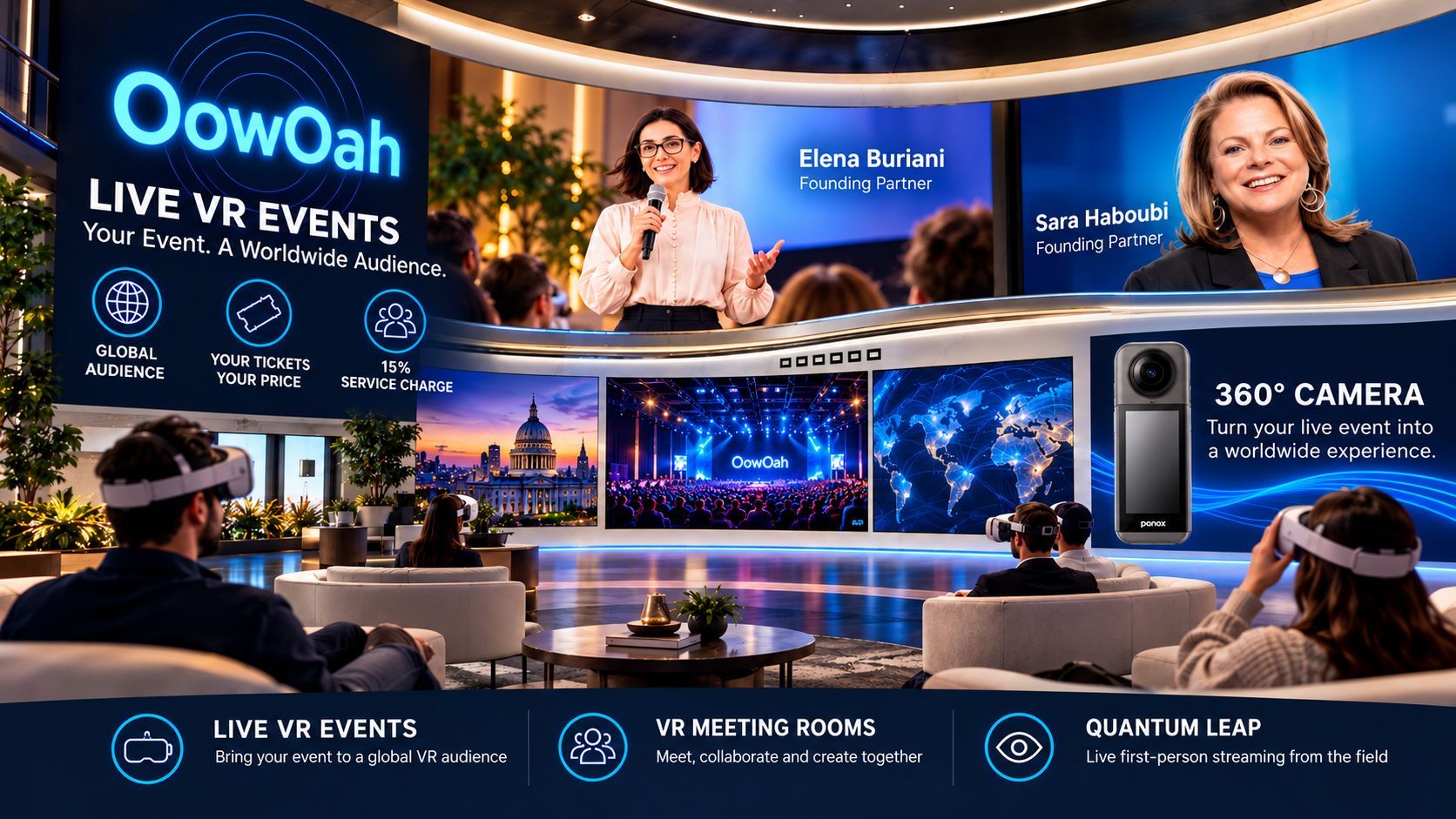
    The first OowOah live event is set to feature Elena Buriani and Sara Haboubi. We are looking forward to welcoming them as part of the platform’s opening chapter.

    Introducing the first speakers

    Elena Buriani and Sara Haboubi will feature in OowOah’s first event. We will share more information about the subject, format and timing when those details are confirmed.

    Why speakers matter

    The technology is only part of the story. An engaging speaker, a worthwhile subject and a sense of connection are what make a live event memorable.

    More voices to come

    OowOah is preparing to welcome other speakers and event organisers who want to experiment with live 360° VR experiences and connect with remote audiences.

    Speaker registration opens 10 November 2026. The date of the first Elena and Sara event will be announced separately.

  • Could Overseas Colleagues Join Your Christmas Celebration Without Flying?

    Could Overseas Colleagues Join Your Christmas Celebration Without Flying?

    A Christmas invitation can feel less inviting when it involves a flight, a hotel and several days away from home. For overseas colleagues, a short shared VR gathering could make an end-of-year celebration more practical.

    Respect the calendar

    Check local time zones, working hours and holidays before choosing a slot. Christmas is not celebrated by everyone, so frame the invitation as an optional festive or end-of-year gathering that welcomes different traditions.

    Make equipment a real consideration

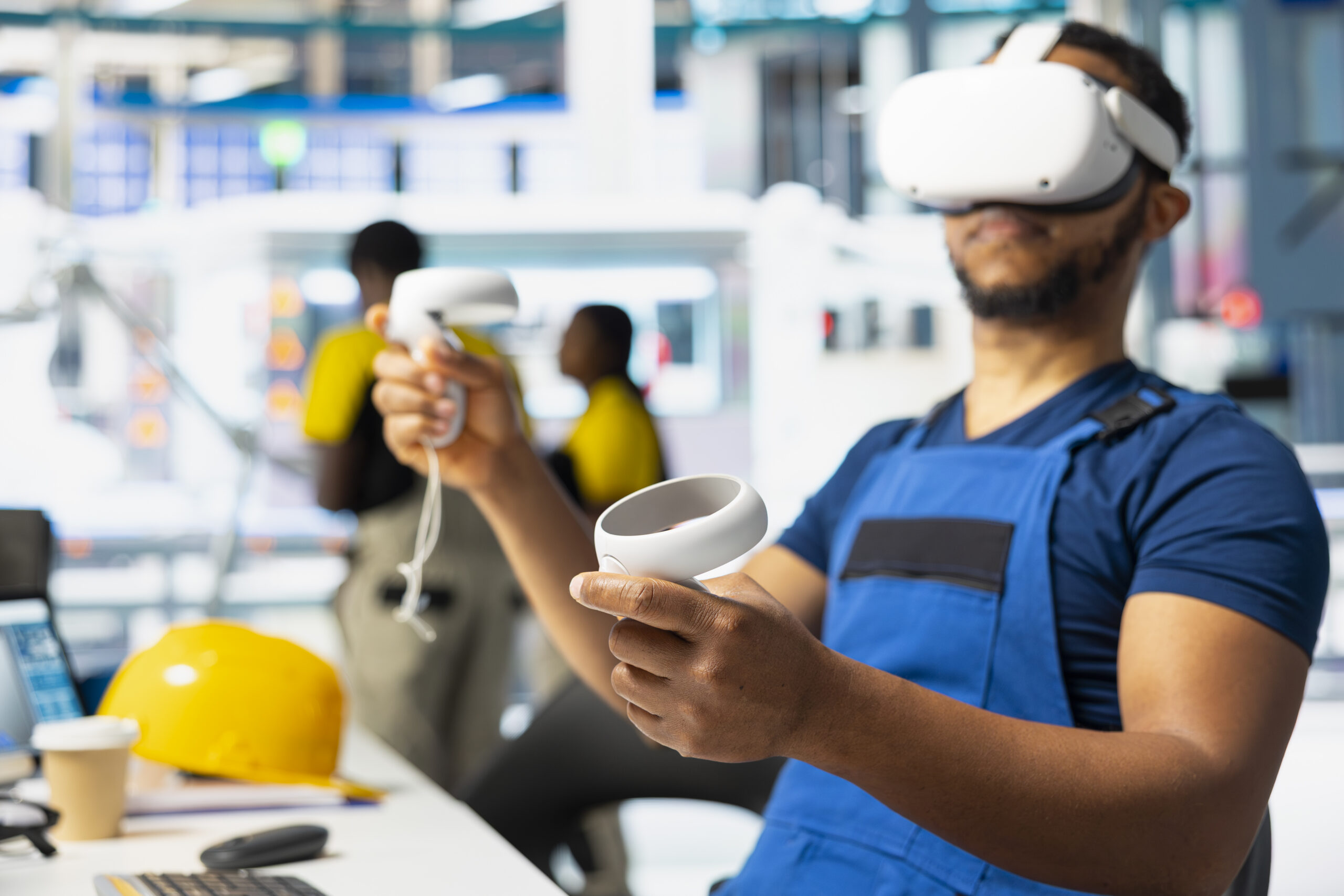
    OowOah VR Meeting Rooms require a supported headset for each participant. Check availability early rather than assuming everyone has one. Explain the joining process and provide an alternative for colleagues who cannot use VR.

    Give everyone a part in the occasion

    Invite teams to share a highlight or a simple seasonal tradition if they want to. Keep presentations brief and leave room for conversation. Plan around language differences and make shared slides easy to read.

    Count savings honestly

    Avoided flights may reduce travel spending and time away, but consider headset purchases and subscriptions too. The best result is a gathering people can attend comfortably, without turning an optional celebration into an obligation.

    Find out more about OowOah VR Meeting Rooms.

  • No Tricks, Just Tickets: A New Way to Reach Audiences

    No Tricks, Just Tickets: A New Way to Reach Audiences

    There is no trick behind the idea: OowOah gives speakers and organisers a way to sell tickets for live VR events and reach audiences who may be nowhere near the venue.

    A ticket to somewhere new

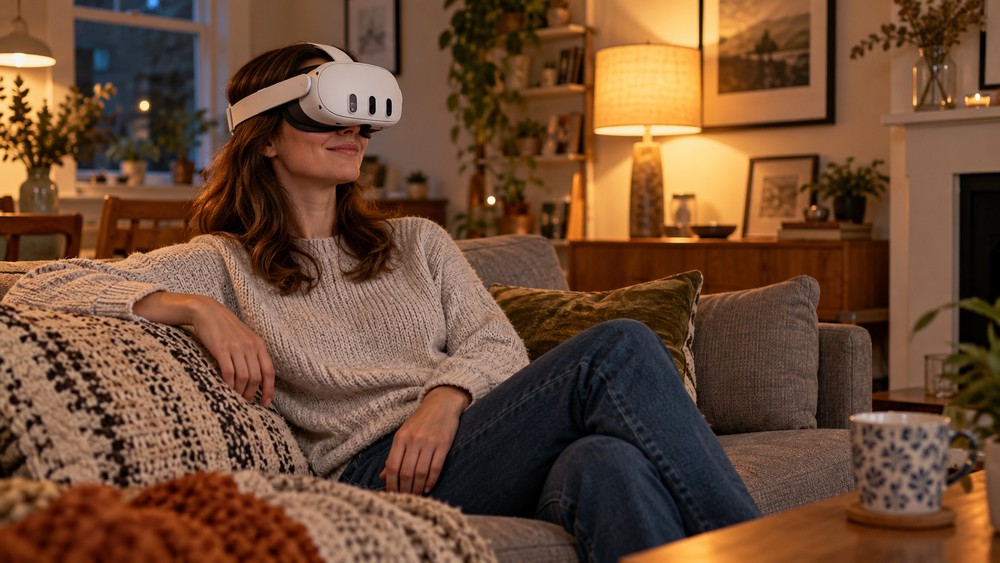
    A live VR ticket is an invitation to take part remotely in an event captured for an immersive viewing experience. The appeal is access to people and places you might otherwise miss.

    You decide the value

    Speakers and organisers set the ticket price. OowOah’s model gives 85% of ticket revenue to the speaker or organiser and retains a 15% platform fee. There is no upfront platform fee.

    A little Halloween imagination

    Picture a spooky storytelling session, a guided mystery or a themed live talk that people can experience from home. The format leaves plenty of room for creative ideas.

    Speaker registration opens 10 November 2026. No tricks: just a new way to share live experiences.

  • Could Your Remote Team Hold a Christmas Jumper Meeting in VR?

    Could Your Remote Team Hold a Christmas Jumper Meeting in VR?

    Explore VR Meeting Rooms

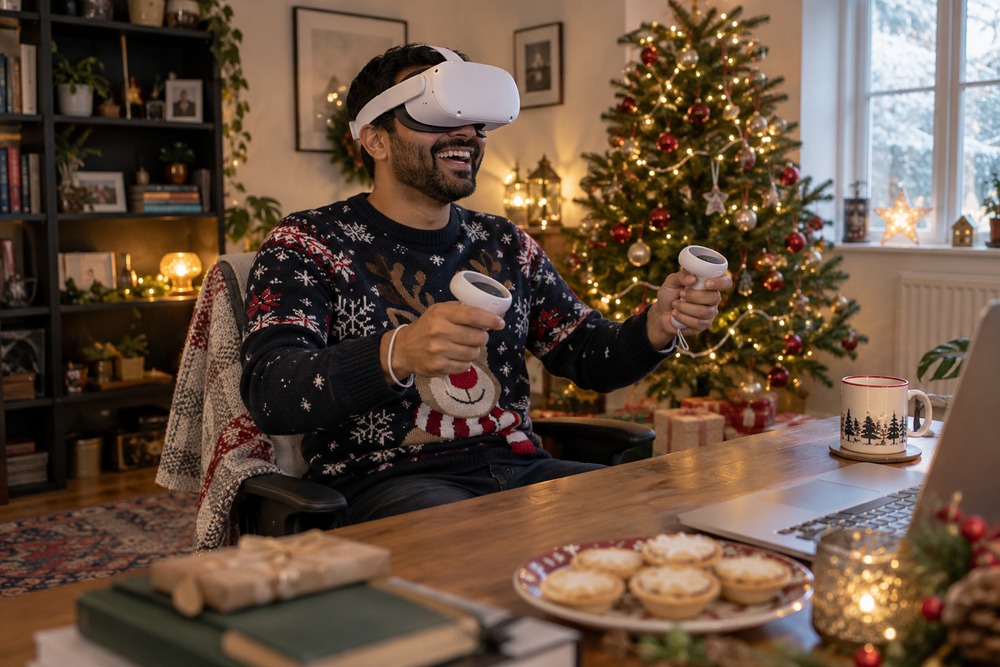
    Christmas jumper day can start a conversation even when colleagues work in different places. With OowOah, a team could use a festive theme as the starting point for a relaxed meeting in a shared VR room.

    Bring a photo rather than expecting a virtual costume

    People in the meeting see avatars, so do not assume a real jumper automatically appears on a virtual character. Instead, ask willing participants to send a photo in advance. The host can arrange the pictures in a presentation for a light-hearted show-and-tell.

    Invite people to explain the story behind their choice: a homemade design, an unexpectedly bright charity-shop find or something that has appeared every December for years. Participation can be optional, with no need to buy new clothing just for the session.

    Keep the occasion friendly

    You could choose informal categories such as most imaginative decoration or best story behind the jumper. Let a volunteer keep track of votes manually rather than promising a built-in poll or competition feature.

    Leave room for colleagues who do not celebrate Christmas or do not want to share a photograph. They could contribute a favourite winter object or simply join the conversation.

    Arrange access before the festive day

    The business schedules the meeting through its admin panel and adds attendees. Each person needs a Meta Quest 3 or Meta Quest 3S and should follow the emailed invitation. Keep the gathering short enough to feel like a welcome break rather than another long item in the calendar.

    Contact OowOah to discuss your festive meeting or live VR event idea.

  • Speakers, Your Next Audience Could Be Anywhere!

    Speakers, Your Next Audience Could Be Anywhere!

    Every room has a capacity. Your ideas do not have to. OowOah Live VR Events are designed to help speakers connect with people who cannot be in the same physical space.

    Picture your next audience

    It could be a room of students, a group of enthusiasts, professionals in different countries or people joining from their sofas. A live VR event can bring them together around one presentation.

    Your topic, your event

    Whether you are sharing expertise, demonstrating a skill or leading a conversation, you choose the subject and how you want to present it.

    A straightforward platform model

    Speakers and organisers choose their ticket price and receive 85% of ticket revenue. OowOah retains 15% as its platform fee, with no upfront platform fee.

    Registration for speakers opens on 10 November 2026. What would you like to talk about?

  • Goodbye Travel Costs. Hello Front-Row Seats!

    Goodbye Travel Costs. Hello Front-Row Seats!

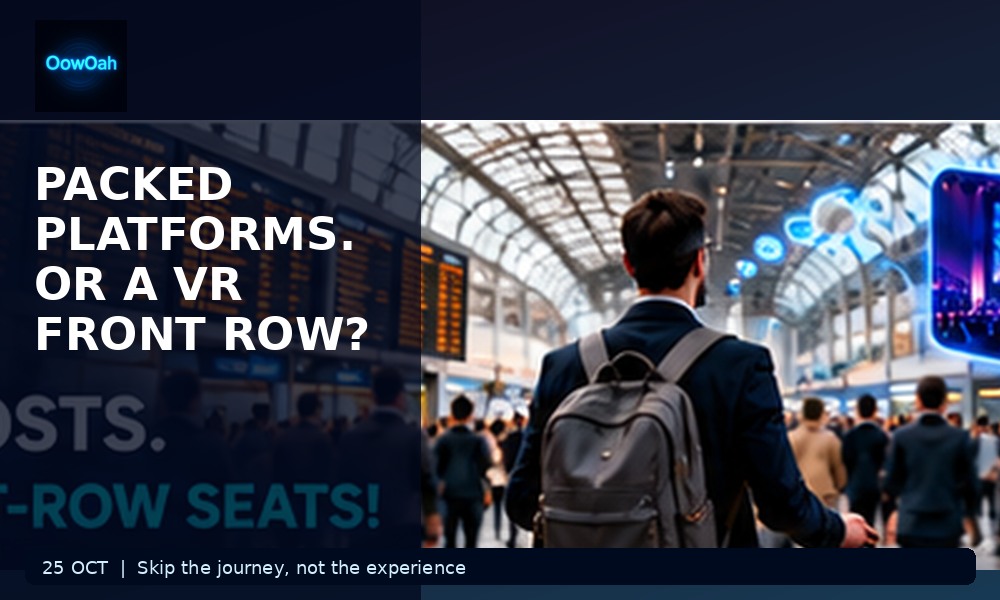
    Packed platforms, delayed trains and expensive journeys can take the shine off an otherwise brilliant event. OowOah offers a different way to attend: experience live events remotely through VR.

    Less time travelling

    Attending in person can mean a long commute, transport connections and time away from home. Remote VR attendance can remove many of those practical obstacles.

    Keep the experience

    Convenience does not have to mean settling for a conventional video window. A live 360° view is intended to give remote viewers a stronger sense of being present at the event.

    More accessible choices

    Some people love the atmosphere of travelling to a venue. Others cannot easily make the trip. Giving audiences both options can help an event reach more people.

    Speaker registration opens 10 November 2026. Your next front-row seat might be much closer than you think.

  • Could Your Christmas Team Quiz Happen in a VR Meeting Room?

    Could Your Christmas Team Quiz Happen in a VR Meeting Room?

    Who knows the most Christmas film quotes, and who insists the office biscuit tin counts as a festive landmark? A team quiz can provide a playful reason to meet in VR, especially when colleagues work in different places.

    Keep the quiz easy to follow

    Choose a few short rounds and put readable questions on a shared presentation screen. Use large text and straightforward scoring. The fun should come from the questions, not from wrestling with tiny slides.

    Give the host a simple plan

    One person can read questions, keep time and note scores. Agree how teams submit answers before starting. Do not assume a dedicated quiz or automatic scoring feature; a host can manage the activity manually.

    Practise the room first

    Confirm that everyone has the supported headset, account and access. Give newcomers a brief introduction before the quiz. Keep the physical area clear and allow people to take a break whenever they need one.

    Make it welcoming

    Mix general knowledge with light festive questions and avoid embarrassing personal trivia. Offer a way to join the fun outside VR when needed. A good team social gives people a choice and something pleasant to talk about afterwards.

    Find out more about OowOah VR Meeting Rooms.

  • Should a Live VR Camera Stay Still or Move Around the Venue?

    Should a Live VR Camera Stay Still or Move Around the Venue?

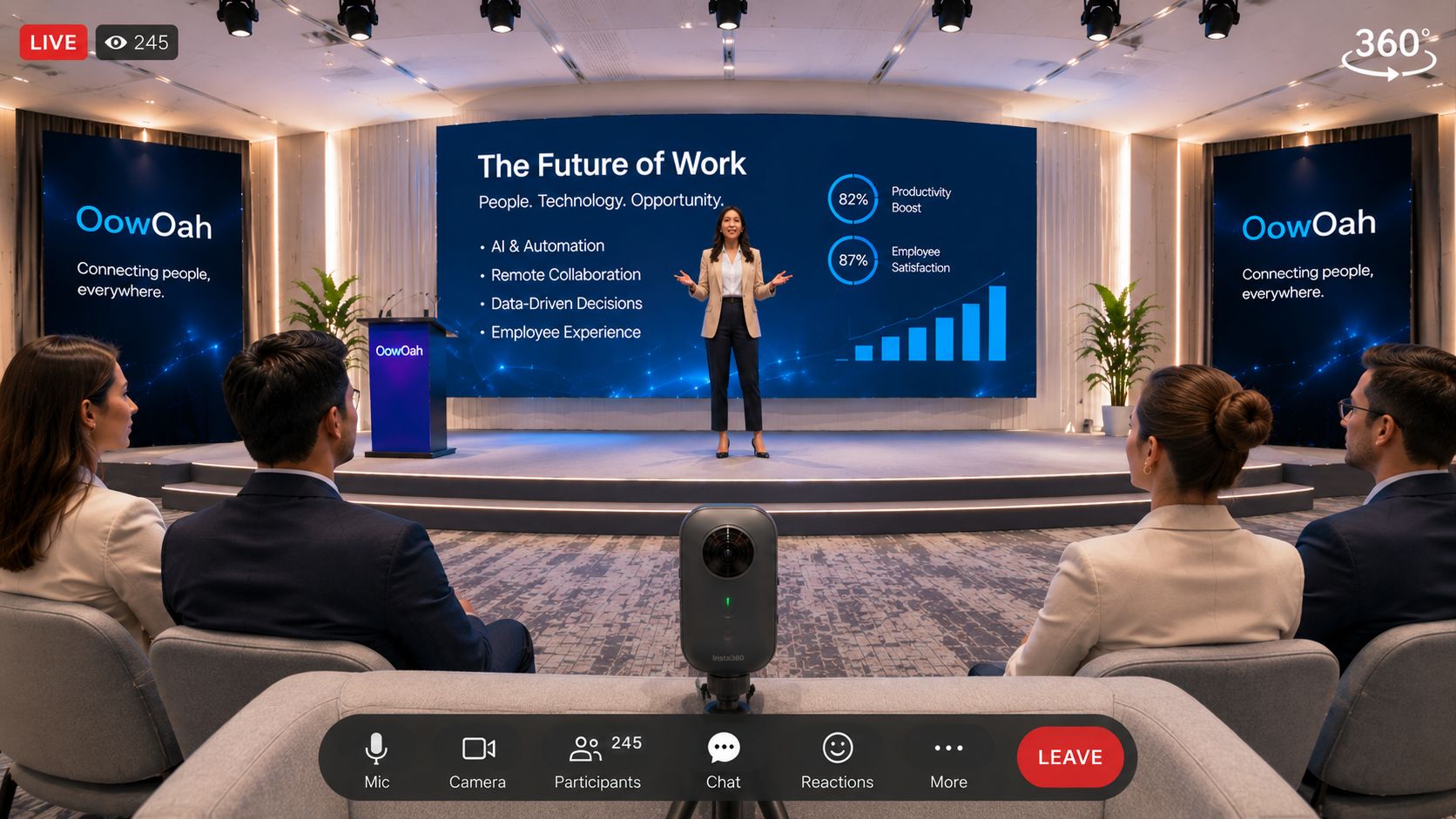
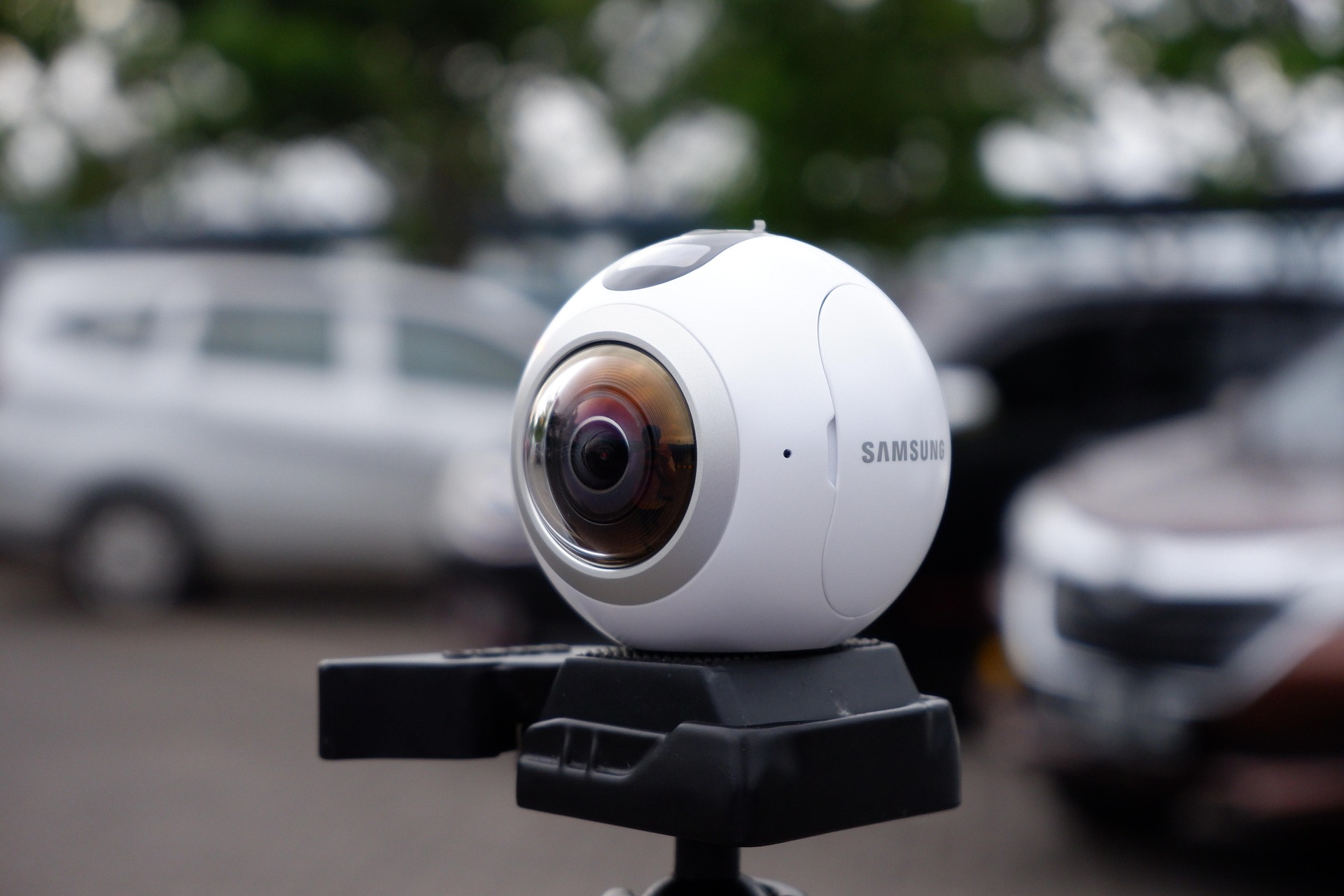
    A 360° camera already lets viewers look in different directions. Moving the camera adds a second kind of change: the viewpoint itself travels. Before deciding to walk it around a venue, ask what that movement contributes to the event and how it will feel to the audience watching through headsets.

    A fixed viewpoint gives the audience a place

    For a talk, performance or panel, a stable camera position can give viewers a consistent reference. They can turn their heads towards the stage or around the room while remaining in the same virtual seat.

    Choose that position carefully. A fixed camera behind an obstruction is still a poor view, and a stable picture cannot compensate for unclear sound. Test the programme from the audience’s device rather than deciding only by looking at the camera in the venue.

    Movement needs a reason

    A guided visit might need to show several places, while a seated presentation may not. Think about whether the purpose requires a moving view or whether separate planned viewpoints would communicate the subject more clearly.

    Do not move the camera simply to make the broadcast look more active. Sudden turns and unexplained changes can make it harder to understand where to look. If movement is part of the proposed experience, rehearse it through the intended viewing setup and ask test viewers about clarity and comfort.

    Do not confuse looking around with walking around

    When a 360° camera stays in one place, turning your head changes the direction you are looking within the captured scene. It does not move you to another seat or reveal a view behind an object that blocks the camera.

    A first-person stream from someone moving through a location is a different viewing arrangement from a fixed live-event camera. OowOah’s Quantum Leap and Live VR event services serve different tasks, so discuss the intended format before planning the production.

    Tell viewers what their ticket offers

    Describe the viewpoint, the main action and any planned camera movement. Someone expecting a steady seat at a stage should not discover halfway through that the camera is touring the building. Clear expectations help the audience choose the experience they want.

    For a first live event, start with the simplest production that gives the audience a useful view and understandable sound. Review the rehearsal before adding movement. The right choice is the one that serves the programme and the people watching it.

    Related reading

    Positioning a 360° camera

    Comparing 360° and conventional livestreams

  • What Should You Keep Out of View During a Live First-Person Stream?

    What Should You Keep Out of View During a Live First-Person Stream?

    A first-person stream shows more than the object someone intends to discuss. Turning towards equipment can also reveal a noticeboard, a customer document or a person working nearby. A short review of the route helps keep the live discussion focused on the information the group actually needs.

    Walk the route before the meeting

    Identify the equipment or area the remote group needs to view, then consider what appears while moving between those points. Check entrances, desk surfaces and walls as well as the main subject. Choose a route that avoids unrelated material where practical.

    Ask the person carrying the camera to look around during the rehearsal. Something outside the initial view may become visible when a remote participant requests a closer look or another angle. A planned demonstration still needs room for questions.

    Check screens and documents

    A display may contain customer names, financial information or a login screen alongside the reading the group needs. Prepare an appropriate view before the session. Close unrelated material and decide how any necessary detail will be shared.

    Printed documents deserve the same attention. A drawing laid out for discussion may sit beside a quotation or a list of personal details. Keep the information required for the task available without leaving other records in the camera’s path.

    Agree who and what may appear

    Explain the proposed stream to the people responsible for the location and follow the organisation’s filming and access arrangements. Decide which areas are included and whether anyone nearby should be informed before the session begins.

    Do not assume that being allowed into a location automatically means every part of it can be shown to a remote meeting. Agree the audience, purpose and boundaries with the relevant people. If recordings are planned, settle their access and handling separately.

    Give the person on location control

    Use a clear way to pause the demonstration when something unexpected enters view. The person on location should be able to stop, reposition or ask for clarification rather than feeling obliged to show everything a participant requests.

    Quantum Leap can help a group discuss a live first-person view inside an OowOah VR Meeting Room. A thoughtful route and a clear purpose support that use. Begin with what the team needs to understand, then keep the rest of the location out of the discussion where possible.

    Related reading

    Preparing a first-person demonstration

    Asking clearer questions during a stream

  • Could Quantum Leap Help Customers Witness Factory Acceptance Tests Remotely?

    Could Quantum Leap Help Customers Witness Factory Acceptance Tests Remotely?

    Before equipment leaves a factory, a customer may want to observe agreed tests and ask questions about the result. A live first-person view could help bring remote participants into that discussion. Whether it is sufficient for a particular acceptance process depends on the evidence and attendance arrangements agreed for that project.

    Start with the agreed test plan

    List what the customer needs to observe, which readings must be legible and how results will be documented. Some evidence may be easier to review as a document, an exported record or a separate close-up than through a moving live view.

    Remote attendance should be planned around those requirements. The existence of a video connection does not establish that equipment passes a test or that an agreed inspection has been completed. Responsible people still need to evaluate the actual evidence.

    Give the person on location a clear sequence

    OowOah Quantum Leap brings a person’s live first-person view into a VR meeting, where remote participants can discuss what they are being shown. For an acceptance-test discussion, a planned sequence could help keep attention on the relevant equipment and results.

    For example, the person on location could identify the machine, show the agreed setup, pause at a readable display and explain the recorded outcome. This is an illustrative workflow, not a description of a completed customer deployment.

    Make questions and evidence distinct

    A remote participant might ask to see a different angle or clarify a reading. Keep a record of the points answered and those requiring another form of evidence. Avoid treating a brief glimpse as a complete record when the test needs a more precise result.

    Check the connection and viewing quality with the actual participants before the formal session. Agree what happens if a view is unclear or the stream stops. A planned physical visit or another inspection method may still be necessary.

    Use remote attendance for the right purpose

    The potential value is a better-informed conversation without every participant travelling for every stage. That is a question to test against the project’s requirements, rather than a blanket replacement for on-site acceptance activities.

    If you are exploring this use of Quantum Leap, begin with the equipment, the customer’s observation needs and the evidence the responsible team requires. That gives the discussion a practical starting point without claiming the technology itself certifies an outcome.

    Related reading

    A remote expert’s first-person view

    Reviewing a prototype remotely

  • Could Wildlife Centres Offer Live VR Encounters for People Who Cannot Visit?

    Could Wildlife Centres Offer Live VR Encounters for People Who Cannot Visit?

    A keeper’s talk can help visitors notice details they would otherwise miss. For someone unable to travel to a wildlife centre, a live VR session could offer another way to follow that talk and look around the scene from a planned camera position.

    Build the session around the place, not a promise

    Animals do not follow a broadcast running order. An honest event description should avoid guaranteeing that a particular animal will approach the camera or behave in a certain way. The keeper’s explanation and the habitat can be part of the experience even when an animal remains at a distance.

    Choose a subject that the centre can present responsibly. A discussion of how an enclosure is managed may offer more dependable content than a promise of a dramatic encounter. The centre should decide what is appropriate to film and share.

    Let the keeper guide attention

    A full 360° view gives people freedom to look around, but they may not know which detail matters. The presenter can explain where to look and what they are describing. Clear directions are particularly useful when the subject is small or partly hidden.

    Check speech and background sound during a realistic test. The camera’s location needs to work for viewing while the commentary remains understandable. A beautiful scene is less useful when the explanation disappears into wind or surrounding activity.

    Work within the centre’s arrangements

    The centre would need to agree the filming location, staff responsibilities and what can be shown. Equipment should fit its operating arrangements, with animal welfare and the normal visitor experience guiding the plan.

    A VR viewer remains at the camera’s position. They are not entering an enclosure, controlling the camera or receiving unrestricted access to the centre. Explain the viewpoint and the format before someone books.

    Offer a clear remote visit

    Tell the audience how long the session runs, which headset and account access they need, and whether a replay is offered. If the centre plans several subjects, describe each session specifically rather than selling a general promise to see everything.

    OowOah Live VR could support a suitably planned broadcast to a compatible headset audience. This article presents a possibility for centres to consider; it does not announce an existing wildlife event or institutional partnership.

    Related reading

    Live guided experiences at visitor attractions

    What remote viewers experience

  • Could Cookery Demonstrations Give Remote Viewers a Place at the Chef’s Table?

    Could Cookery Demonstrations Give Remote Viewers a Place at the Chef’s Table?

    The appeal of a cookery demonstration is often the chef’s explanation: what they are watching for, why they change the heat and how they judge the next step. A live VR audience could share that setting, provided the demonstration is planned around what viewers can actually see and hear.

    Check the working surface from the audience position

    A camera can capture a kitchen in 360° while still missing the contents of a bowl or a small ingredient on the counter. Test the tasks that matter to the recipe. Ask someone watching through the intended headset to describe what they can follow.

    Choose a stable location that gives a useful view without occupying the chef’s workspace. Keep the camera and its connections clear of the practical work. A surrounding view should help viewers understand the demonstration rather than create another obstacle in the kitchen.

    Explain the judgement behind the recipe

    Ask the presenter to describe changes that might be difficult to see remotely, such as the consistency they want or the point at which they move to the next step. Keep recipe quantities and timings available separately where appropriate.

    A viewer watching from home cannot taste the food or inspect a pan at close range simply by turning their head. The presentation needs to acknowledge those limits and make the explanation useful on its own.

    Decide whether people are watching or cooking along

    A demonstration and a cook-along need different pacing. If viewers are expected to prepare ingredients or follow steps, tell them beforehand and design the session accordingly. Do not assume a VR viewing ticket includes two-way support or individual feedback.

    For an audience watching a physical demonstration, a clear programme may be enough: an introduction, the main preparation, the result and closing questions using whatever arrangements have actually been confirmed for the event.

    Make the booking description practical

    State the recipe or subject, the equipment needed to watch and what supporting information the viewer receives. If a recording is offered, explain that separately. People should be able to decide whether they want an enjoyable viewing experience, instruction or a more involved activity.

    This is a possible use of OowOah Live VR, not a currently advertised chef partnership or class. An organiser could begin by testing one demonstration and checking whether the camera view and explanation work together for the remote audience.

    Related reading

    Preparing a presentation for a Live VR audience

    Checking picture and sound

  • Could Fashion Shows Welcome a Worldwide Audience Through Live VR?

    Could Fashion Shows Welcome a Worldwide Audience Through Live VR?

    A fashion show is about the room as well as the runway: the entrance, the audience response and the reveal of a collection. Live VR could offer remote viewers a place within that setting, while the organiser continues running the physical show.

    Decide what the viewer should notice

    A designer, a buyer and a fan may watch for different reasons. One wants to inspect construction details; another wants the overall silhouette and atmosphere. A full 360° view is not automatically the best way to show a small fastening or the texture of a fabric.

    Define what the remote attendance experience offers before naming it a buying or inspection tool. If detailed garment information is important, plan a separate lookbook or other supporting material rather than expecting a distant runway view to show everything.

    Give the camera a considered position

    Test the model’s approach, turn and departure from the chosen location. Check what happens when other audience members stand or hold up phones. The useful viewpoint during a rehearsal may change when the room fills.

    Remote viewers can look around from the 360° camera’s position; they are not walking along the runway or moving backstage. A short description of that position helps people understand the experience before choosing to attend.

    Protect the boundary between show and backstage

    A surrounding camera view can include activity away from the runway. Check changing areas, staff movement, unreleased designs and other material that should stay out of the broadcast. Agree the filming area and production arrangements with the organiser.

    Consider how the show is introduced to people outside the room. Explain the running order and any interval, and provide the right context for the collection. Remote guests should not have to guess whether a pause is part of the programme or a technical problem.

    Connect the experience to the next step

    An organiser might want viewers to learn about a designer, enquire about a collection or book another event. Decide which route is appropriate and include it in the event information. Do not assume the immersive format creates enquiries or sales by itself.

    OowOah Live VR is a potential way to extend a physical show to a headset audience. This is an exploration of that possibility, not a claim that a fashion brand or event is already broadcasting through the platform.

    Related reading

    What makes a useful event viewpoint

    Writing a clear event booking page

  • Could Dance Schools Offer Remote Seats at Their Annual Show?

    Could Dance Schools Offer Remote Seats at Their Annual Show?

    An annual dance show brings rehearsals, costumes and family excitement into one evening. Relatives who live far away may want to experience more than a recording on a phone. Live 360° VR could offer a remote place in the audience, where a suitable production and filming arrangements are agreed.

    Show the formation, not just one performer

    Dance often uses the whole stage. A viewpoint that is excellent for a solo introduction may miss a group entering from the wings or make the far side difficult to follow. Test complete routines rather than choosing the camera position from an empty stage.

    The remote viewer remains at the camera’s location while looking around in 360°. They cannot select a different seat or ask the camera to follow a particular child. Describe that experience clearly so families know whether it suits what they want to watch.

    Rehearse the sound and lighting changes

    A dance show can move from a spoken introduction to loud music, darkness and bright stage lighting within a few seconds. Include those transitions in a production test. Check whether a headset viewer can hear announcements and follow the performance throughout.

    Work with the venue on camera placement, power and cables so the broadcast setup fits the physical show. A remote attendance option should support the event rather than block a family’s view or interrupt how performers move.

    Agree filming before selling access

    Dance schools need to settle filming arrangements with the people responsible for the event and participants. Where children perform, follow the school’s safeguarding process and make sure the arrangements cover the proposed broadcast and any replay.

    Also confirm the permissions needed for the music and performances being streamed. An organiser should not assume that permission to stage a show automatically covers broadcasting it. Establish the arrangements before promoting remote tickets.

    Make the remote ticket easy to understand

    State the exact performance, start time, headset requirements and whether a replay is included. Explain how viewers receive their access details and whom to contact if something goes wrong. OowOah’s viewing guide can help a potential audience understand the equipment and joining process.

    This article explores a possible dance-school use of Live VR. It does not announce a show, a school partnership or an existing ticket offer. A focused first conversation would establish what the school wants relatives to see and whether the proposed setup can deliver it.

    Related reading

    Choosing a camera position

    Planning performance permissions

  • Could Families Watch a Graduation Ceremony Live in VR?

    Could Families Watch a Graduation Ceremony Live in VR?

    A graduation can bring a family together around one brief moment: hearing a name and seeing someone cross the stage. When relatives cannot travel or guest places are limited, a carefully planned live VR option could offer another way to share the ceremony.

    Choose a view that serves the ceremony

    The important question is what a remote relative would actually see. A full 360° camera view allows viewers to turn their heads and look around from the camera’s position. It does not automatically provide a close-up of every graduate or let viewers move between seats.

    An organiser considering the format should test the stage, procession and audience view with the ceremony layout in place. A camera behind a pillar or far from the presentation area could capture the hall while missing the moment families most want to see.

    Make the names understandable

    Clear speech matters as much as the room. Test the announcements and applause through the intended viewing setup. Ask a test viewer whether they can follow the names and understand what happens next, rather than judging the production only from beside the camera.

    Explain which ceremony session is being shown. A university may hold several sessions on the same day, so a clear programme and correct start time are essential to helping relatives choose the right one.

    Prepare relatives before the day

    OowOah Live VR audiences need a compatible Meta Quest 3 or 3S, the appropriate public app and an audience account. Confirm availability and event-specific access before advertising attendance. A VR invitation needs to explain these requirements before someone books.

    Provide a short joining guide and a contact for access problems. Ask the institution about suitable alternatives for people who cannot use VR. The aim is to offer another way to attend, without making a headset the only route for a family to follow the occasion.

    Keep the proposal clear

    The institution would need to agree filming arrangements, participant information and any recording or replay use before offering the experience. Explain the viewpoint and what a booking includes, particularly if access is limited to the live ceremony.

    This is a possible application of live 360° viewing, not an announcement of an OowOah graduation broadcast or university partnership. For an organiser, the starting point is a conversation about the ceremony and the relatives they want to include.

    Related reading

    Sharing another important family occasion remotely

    Understanding the virtual audience’s viewpoint