
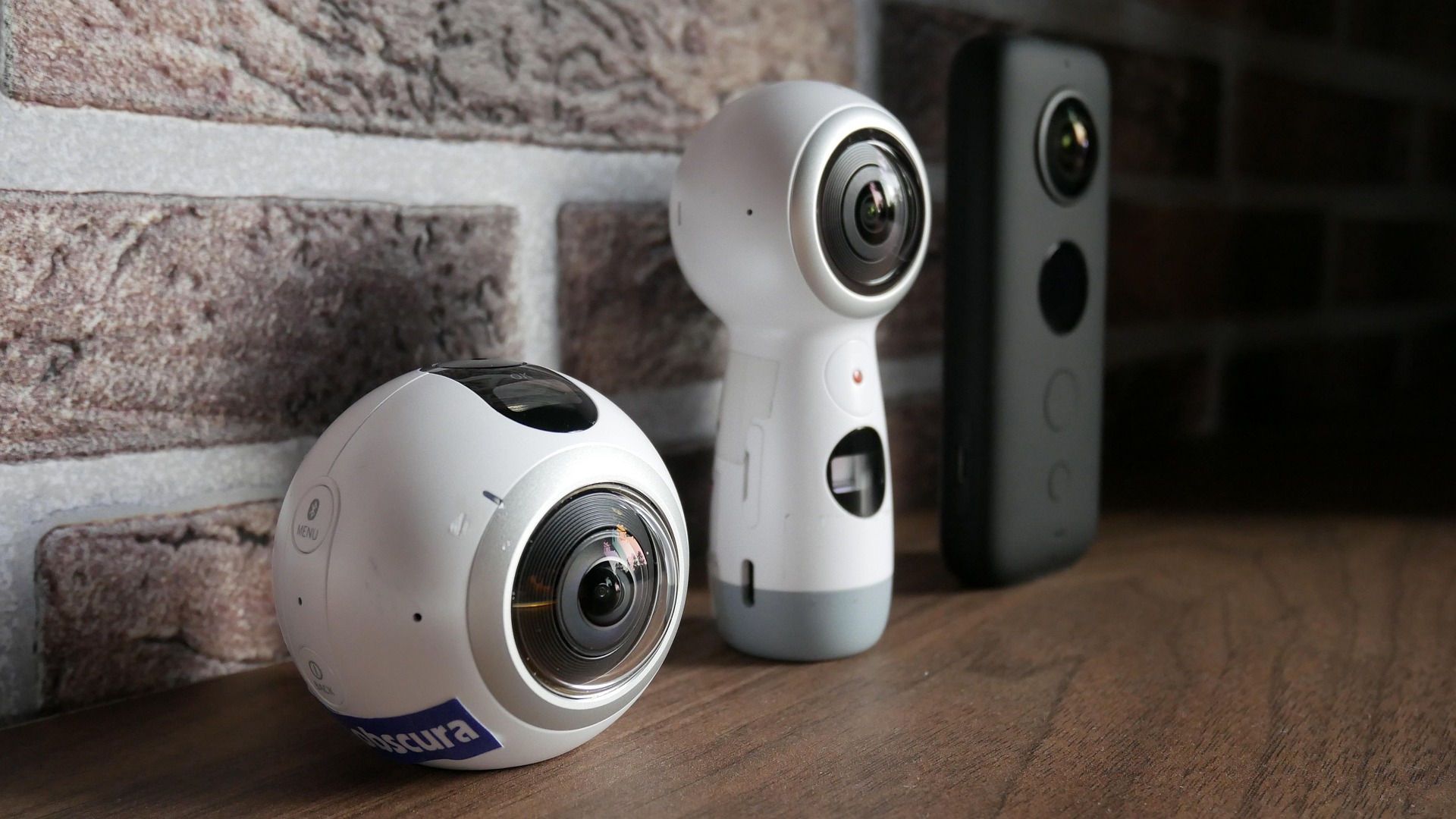
A 360° camera is the starting point, but the whole delivery chain matters. Before buying equipment, work out what the audience will watch, how the camera sends the stream and how you will test the finished experience.
How do you choose the camera?
For OowOah Live VR, confirm a compatible 360° camera with the required RTMP livestreaming capability. A device that records 360° video is not automatically suitable for live delivery. Check the exact model, firmware and supported workflow rather than relying on the product name alone.
What keeps the viewpoint stable?
Use a secure mount suitable for the location. Position it at a useful viewing height and keep cables away from audience routes. Consider how you will provide continuous power for the session and whether the equipment can operate for the planned duration.
How will the sound reach the audience?
Check the camera’s supported audio options and the venue’s microphone setup. A stream of a talk needs clear speech; a performance has different demands. Test the actual source and connection, including transitions between speakers, rather than judging sound from a quick room recording.
What should you test before selling tickets?
Rehearse the full route from capture to viewer using the intended network and settings. Confirm picture, audio and access. Keep a simple equipment checklist and assign a person to monitor the remote experience. The right setup is the one that works reliably for your event.