
Category: Events

  • What Makes a Great Host?

    What Makes a Great Host?

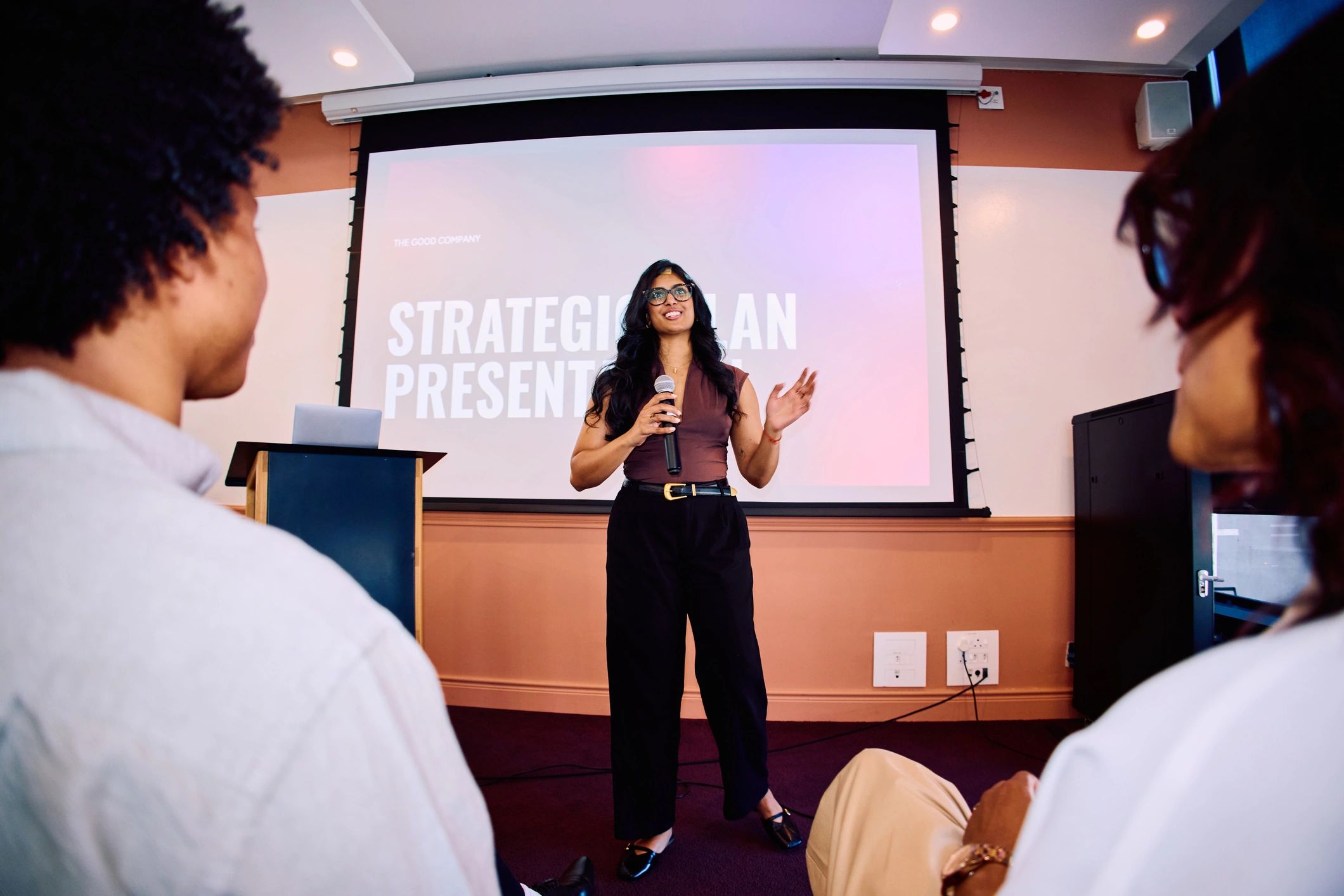
    A good host can make a room feel welcome before the main event begins. They help people understand what is happening, keep the evening moving and know when to let somebody else take the spotlight.

    Explain the basics without making a speech

    Tell guests what to expect, how long the session will last and how questions work. Remote participants may need different instructions from people in the room. A short, clear welcome prevents confusion without delaying the reason everybody arrived.

    Listen to the answer

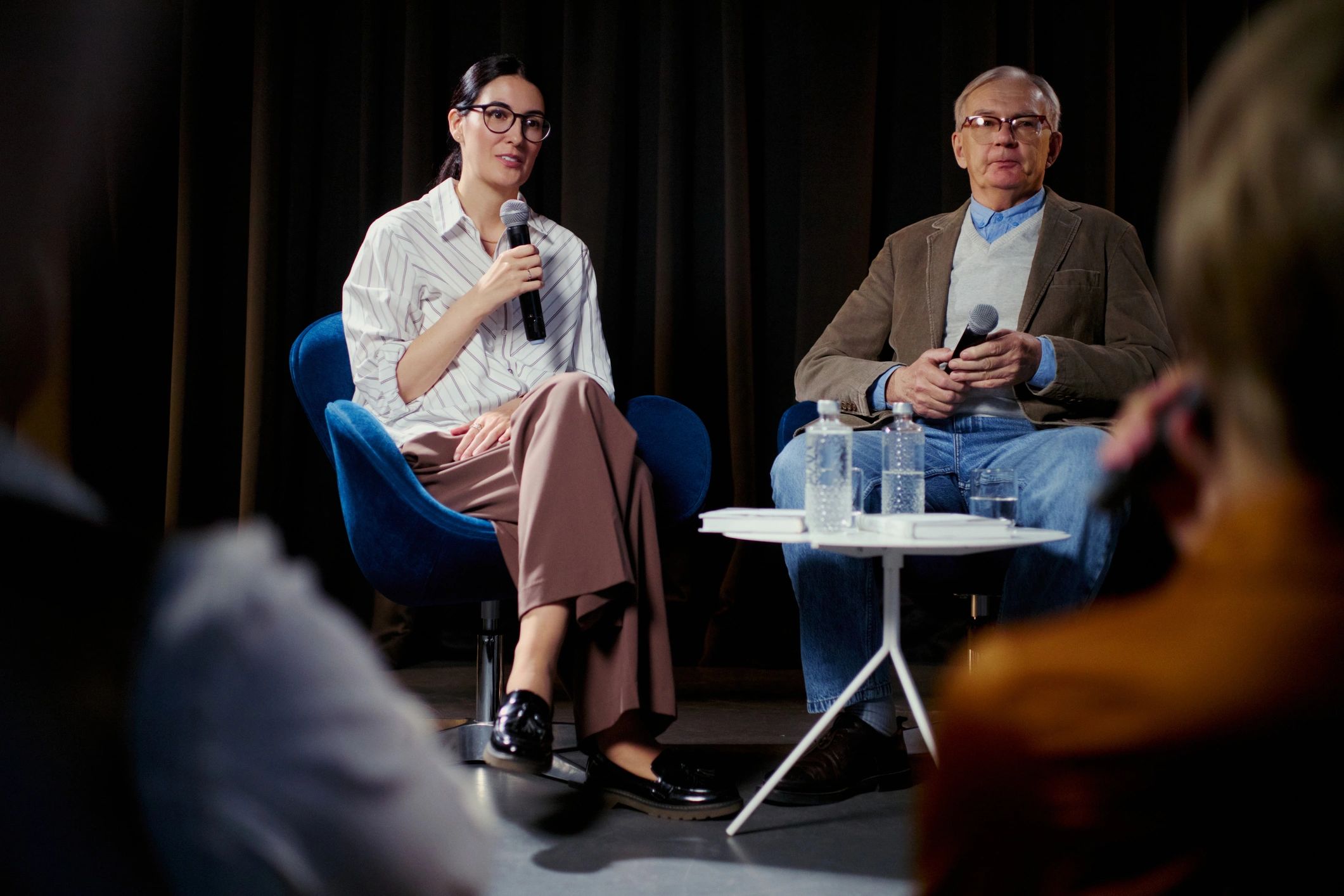
    In an interview or panel, the best next question may come from what the speaker just said. A prepared list is useful, but reading it regardless of the conversation can miss something interesting. Leave room for a follow-up that brings the audience with you.

    Handle the awkward moments calmly

    A late speaker, a microphone fault or a long answer can unsettle an event. A host needs a practical plan and a little judgement. Keep guests informed, avoid blaming people publicly and know who can help behind the scenes.

    Make participation feel possible

    Give newcomers enough context and invite questions without putting individuals under pressure. A good host does not measure engagement only by how loudly people respond. Whether guests join in person or remotely, the job is to help them feel included in the evening.

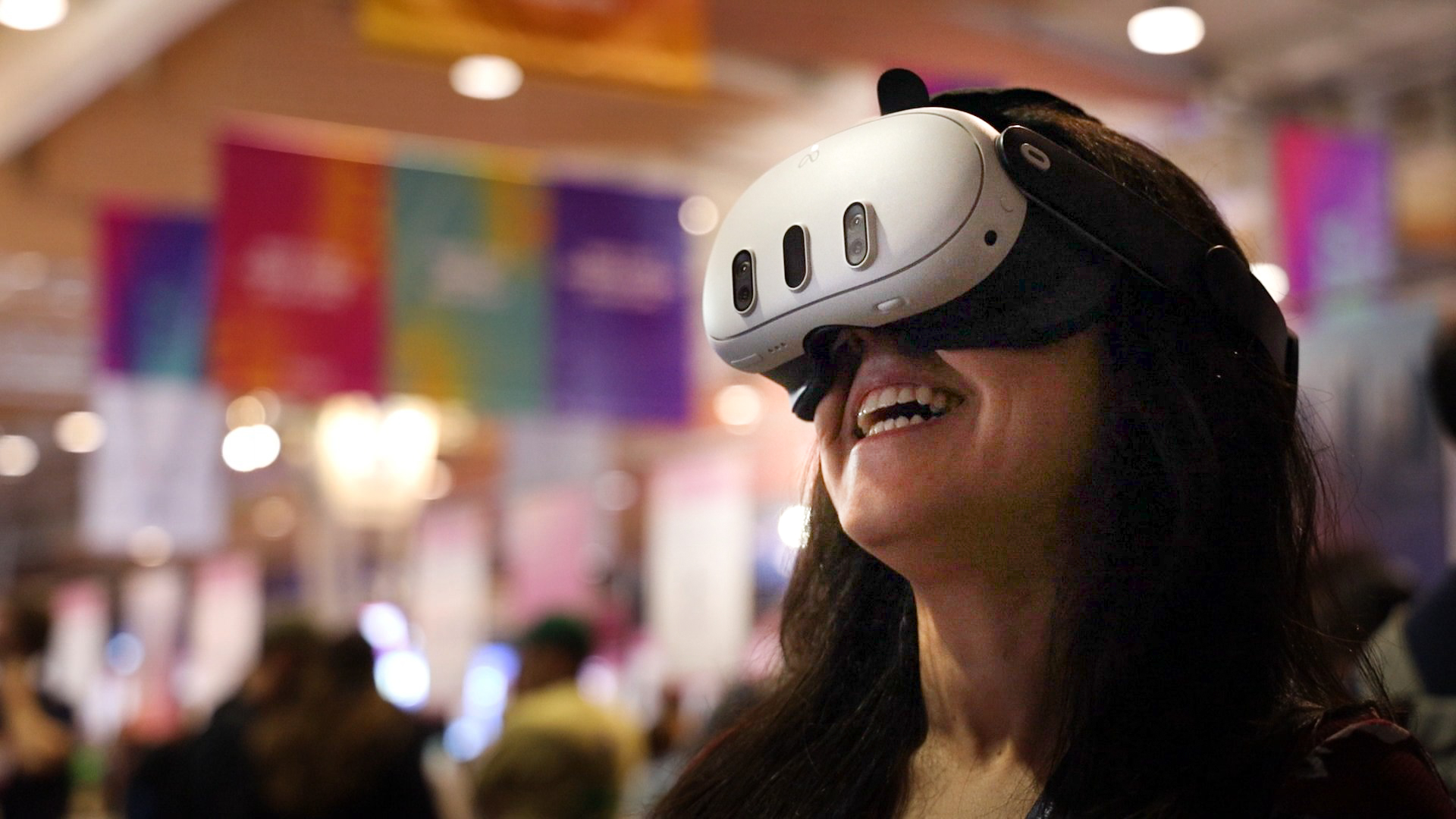
    Curious about bringing people together remotely? Explore Live VR Events with OowOah.
  • Why Do Some Events Sell Out While Others Struggle?

    Why Do Some Events Sell Out While Others Struggle?

    Two events can have similar venues, similar prices and very different results. There is rarely one magic explanation. But looking at the invitation from a potential guest’s point of view can reveal where interest turns into hesitation.

    Can people explain what they are buying?

    A clear promise beats a long list of features. Who is the event for, what will happen and why should someone care? A title, picture and short description should answer those questions before the visitor starts hunting through a page.

    The practical details can decide the sale

    Dates, finishing times, travel, accessibility and equipment requirements all affect a decision. For remote tickets, explain how access works and whether a recording is included. Uncertainty can stop someone buying even when the subject interests them.

    Reach the audience that fits

    A specialist workshop may need a small, interested audience rather than a huge general following. Think about where suitable attendees already gather and what they need to know. Promotion works better when it matches the event instead of merely repeating that tickets are available.

    Learn from actual behaviour

    Look at enquiries, page visits, sales and feedback together. Ask what made buyers say yes and what stopped interested people attending. Selling out is useful, but capacity and pricing matter too. A smaller room selling out does not automatically mean an event is more successful or more profitable.

    Curious about bringing people together remotely? Explore Live VR Events with OowOah.
  • Could a Village Hall Become an International Stage?

    Could a Village Hall Become an International Stage?

    A village hall may have a modest stage, mismatched chairs and a kettle that has seen better days. It can also have something a huge venue cannot manufacture: a community with its own stories, talent and sense of humour.

    Local does not mean uninteresting

    A choir, a storyteller or a conversation with a local expert might interest former residents and specialist audiences elsewhere. Begin with the event’s distinctive character. A generic show is harder to explain than an evening people can immediately picture.

    Find the audience before the equipment

    Ask existing supporters who might enjoy joining remotely. Former locals, family abroad or members of a shared-interest group could be useful starting points. A camera creates access; it does not create demand by itself.

    Keep the room working for its guests

    Position equipment so it does not block views or create hazards. Check sound and connectivity, agree permissions with performers and explain filming to attendees. The people in the hall should get a good event while remote guests receive a considered version of it.

    Try one evening and learn

    Set a realistic audience target and account for production and support costs. Ask remote viewers what worked and what they missed. The ambition can be wider than the postcode without losing the personality that makes the hall worth visiting in the first place.

    Curious about bringing people together remotely? Explore Live VR Events with OowOah.
  • A Night at the Museum After Everyone Has Gone Home

    A Night at the Museum After Everyone Has Gone Home

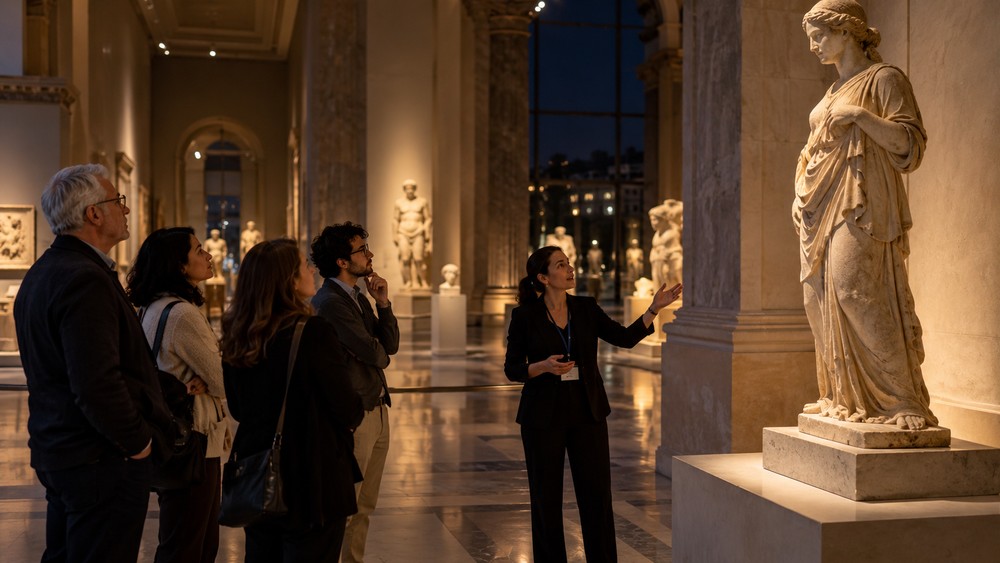
    Imagine a quiet gallery after closing time. The usual crowd has gone, and a guide stops beside one object with a story you have never heard. An after-hours museum event can invite people to look slowly rather than rush towards the next room.

    Choose a story instead of a catalogue

    Trying to cover every exhibit can turn an evening into a list. Choose a theme: one inventor, a surprising local connection or the journey of a particular object. Give the audience enough time to notice what makes each stop interesting.

    The guide makes the difference

    A knowledgeable host can explain why something matters without assuming everyone has studied the subject. Questions from viewers may reveal details the planned talk would otherwise miss. Build in time for curiosity rather than saving all interaction for the last minute.

    Remote access needs more than a wide shot

    A 360-degree view can show the gallery setting, but tiny labels and delicate objects may need additional close-ups or supporting images. Plan those details with the museum. Check lighting, filming permissions and any restrictions on particular exhibits.

    Make the visit welcoming

    Describe the duration, format and level of knowledge expected. Provide captions or other suitable access options where possible. An evening like this should give people a route into the subject, whether they are lifelong enthusiasts or simply curious about what happens behind the museum doors.

    Curious about bringing people together remotely? Explore Live VR Events with OowOah.
  • Would You Watch a Live Ghost Hunt From Your Sofa?

    Would You Watch a Live Ghost Hunt From Your Sofa?

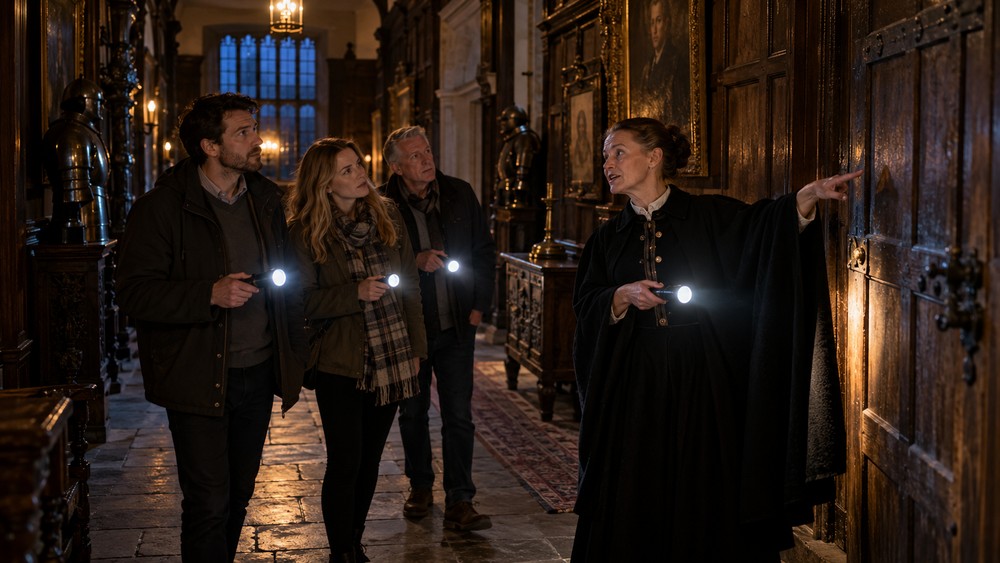
    An old corridor. A torch beam. Somebody whispers, “Did you hear that?” Meanwhile, you are at home with a cup of tea, deciding whether the noise was a mysterious visitor or a badly behaved floorboard. A ghost-themed evening has obvious potential for atmosphere.

    Tell a good story about the place

    The strongest starting point is the setting: its history, layout and local stories. Separate documented facts from folklore and entertainment. A host can make a building interesting without presenting an unexplained sound as proof of anything supernatural.

    Let the audience explore the scene

    A suitable 360-degree view could let remote viewers inspect the surroundings from the camera’s position. Darkness still creates production challenges. Test the equipment in the actual lighting conditions rather than assuming a dramatic location will produce a watchable picture.

    Suspense needs a sensible pace

    Give the evening a beginning, a route and a clear finish. Long silences may feel atmospheric in person but confusing to a remote viewer who thinks the connection has failed. A host can explain what is happening without narrating every footstep.

    Keep the scares within the agreement

    Get permission to use the location, explain the tone and provide clear audience guidance. Do not encourage trespassing or risky exploration. A ghost hunt can be a playful storytelling event: the audience can enjoy the mystery while remaining free to be thoroughly sceptical.

    Curious about bringing people together remotely? Explore Live VR Events with OowOah.

  • Behind the Curtain: What Happens Before an Event Opens?

    Behind the Curtain: What Happens Before an Event Opens?

    The audience sees the doors open, the lights change and the host appear. It can look effortless. Before that moment, somebody has checked a cable, moved a chair, found a missing microphone and asked where the speaker has gone.

    Rehearsal is more than practising a speech

    A useful run-through checks who introduces whom, where people stand and what happens between sections. Small transitions can create big pauses when nobody owns them. A simple running order gives the team a shared plan without trying to script every breath.

    Test what the audience will experience

    Check the sound from where guests sit, not just beside the control desk. For a stream, check the feed on the viewing device as well. An image that looks fine on a monitor may feel different in a headset. Test speech, lighting and camera position together.

    Give problems somewhere to go

    Decide who handles late arrivals, technical faults and performer questions. Keep essential contact details available to the team. A spare microphone or a clear holding message may save more stress than another decorative feature.

    Let preparation support the personality

    A well-prepared event can still feel relaxed and spontaneous. The planning gives hosts room to respond to the audience because the basics have been handled. If you add remote access, include that audience in the rehearsal rather than discovering its needs after the doors open.

    Curious about bringing people together remotely? Explore Live VR Events with OowOah.
  • Why Do Strangers Sing Together at Concerts?

    Why Do Strangers Sing Together at Concerts?

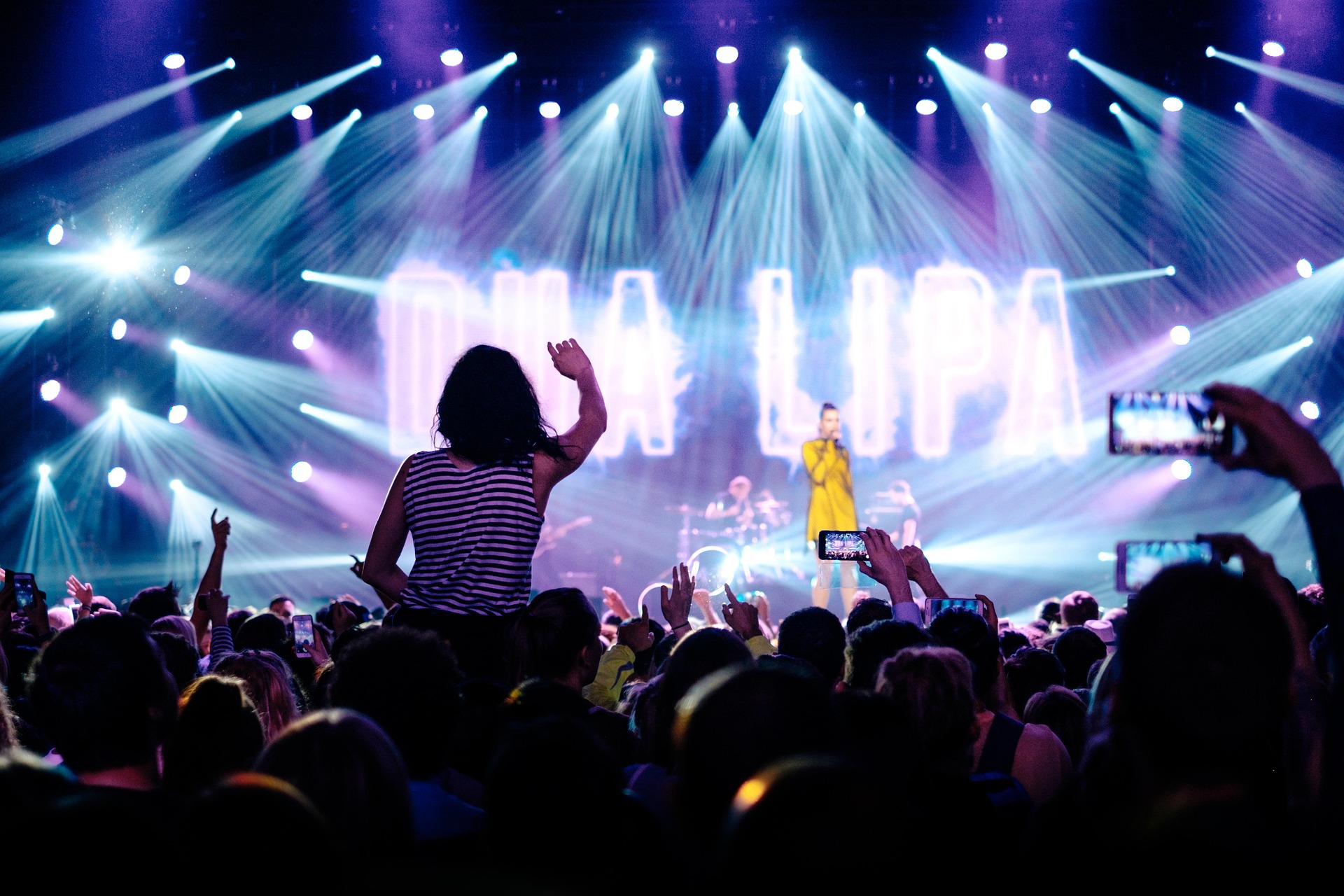
    You do not know the person beside you. You may never see them again. Yet for three minutes, you both know every word and behave as though you have rehearsed together for years. A familiar chorus can turn a crowd into part of the show.

    A song gives everyone a shared script

    You do not need an introduction to join a line you recognise. The performer starts it, the crowd takes over and the moment belongs to everyone who chooses to sing. Even a person who stays quiet can enjoy watching that exchange.

    The audience becomes something worth watching

    Concert memories are not always about the stage. They may include a friend’s reaction or the sound of a whole room joining in. For a broadcast, a carefully chosen view of the crowd can convey something that a sequence of performer close-ups misses.

    Leave space for different kinds of fans

    Some people sing loudly; others listen. Some love standing in the middle of the crowd; others need a quieter place. A good event lets people enjoy the music without treating one style of participation as the only correct way.

    Keep the atmosphere in the production

    Remote viewers need intelligible music and a sense of the room. Test how audience sound sits alongside the performance rather than relying on a single microphone. When planning a live experience, remember that the audience is part of the scene, even when it is not the headline act.

    Curious about bringing people together remotely? Explore Live VR Events with OowOah.
  • The Best Seat in the House: What Makes a Great View?

    The Best Seat in the House: What Makes a Great View?

    Front row sounds like an obvious winner. Until you find yourself looking up at a stage, beside a speaker or behind somebody much taller. The best seat depends on what you want from the evening.

    Close enough to see the details

    A nearby position can reveal expressions, small gestures and the work behind a performance. That can be wonderful at a talk or an acoustic show. It may be less useful if the spectacle spreads across a wide stage and you need to keep turning to follow it.

    Far enough back to see the whole picture

    A wider view can show lighting, movement and the crowd together. Some people enjoy seeing a performance unfold as a complete scene. Others would rather sacrifice that overview to feel close to a favourite performer. Neither preference is wrong.

    The camera gets a seat too

    For remote audiences, camera placement helps define the experience. A 360-degree view lets viewers look around the camera position; it does not automatically let them move anywhere in the venue. Test the viewpoint at the intended height and check for obstructions.

    Describe the experience honestly

    Organisers should show or explain the view before people buy access. Make restricted sightlines clear and avoid promising a front-row experience when the camera is at the back. A well-chosen position, clear sound and accurate expectations can make a modest production feel thoughtfully planned.

    Curious about bringing people together remotely? Explore Live VR Events with OowOah.
  • Could You Attend a Wedding From the Other Side of the World?

    Could You Attend a Wedding From the Other Side of the World?

    The invitation arrives, and you would love to be there. But the flight, the cost or a caring responsibility makes the journey impossible. A remote invitation cannot deliver a hug, but it could let someone share an important part of the day.

    Choose the moments that matter

    A ceremony, a speech or a short greeting may be more meaningful than hours of continuous footage. Ask the couple what they want to share and ask remote guests what they would value. A small plan is easier to manage than trying to broadcast every moment.

    Sound deserves special attention

    A distant camera may capture the room while missing the vows. Test microphones, the connection and the actual viewing setup before the wedding. Give one trusted person responsibility for helping remote guests, so the couple do not become technical support on their own day.

    Keep the invitation personal

    Tell guests when to join, which time zone applies and whether they can speak or send a message. A quick hello before the ceremony can make them feel expected. If the experience requires a headset, provide a suitable alternative for guests who cannot use one.

    Share with care

    Agree filming with the venue and people involved, and keep access private where appropriate. Explain whether footage will be recorded and who can watch it later. The aim is to include loved ones in a moment that matters, while respecting the wishes of the people celebrating.

    Curious about bringing people together remotely? Explore Live VR Events with OowOah.
  • Why Are Listening Parties Becoming Events of Their Own?

    Why Are Listening Parties Becoming Events of Their Own?

    An album can be background noise while you answer emails. Or it can be the centre of an evening: phones down, speakers up and a room full of people hearing the same track together. A listening party gives music a little space to breathe.

    Make room for the first reaction

    There is something enjoyable about hearing a song before you have read everybody else’s opinion. A shared first listen lets people notice different things: a lyric, a bass line or an unexpected change in mood. The conversation afterwards can become part of the experience.

    The artist can add a story

    An introduction, a short interview or an explanation between tracks can offer context without talking over the music. Keep the structure clear. If the audience came to listen to an album, they should get time to hear it properly rather than sit through a long promotional presentation.

    It does not need a huge venue

    A record shop, studio or community space can create an intimate evening. Remote guests could join a suitably produced event too, provided the audio is good and the necessary music permissions are in place. Clear start times help everyone share the same moment.

    Give the evening a purpose

    Decide whether the event is a first listen, an artist conversation or a fan discussion. Tell people what they are buying and whether a recording will be available. The strongest idea is simple: make the music the main attraction, then give people a reason to enjoy it together.

    Curious about bringing people together remotely? Explore Live VR Events with OowOah.
  • How Much Does It Cost to Add Live VR Streaming to Your Event?

    How Much Does It Cost to Add Live VR Streaming to Your Event?

    OowOah Live VR is free for organisers to use, with no registration fee or monthly platform subscription. OowOah takes 15% of Live VR ticket and replay sales. That pricing makes the platform charge straightforward, but organisers should still budget for delivering the remote experience.

    What does the percentage mean?

    For every £20 ticket sold, the 15% service charge is £3 and the organiser’s share is £17. These figures describe the split of sales revenue, not profit. Your own production costs and other applicable deductions need to be considered separately.

    What equipment should you budget for?

    You need a compatible 360° camera, a suitable mount, power and an internet connection appropriate to the stream. Check compatibility before buying or hiring. Existing venue equipment may help with audio, but the full capture setup still needs to be tested.

    What other work is involved?

    Allow time to prepare the ticket listing, obtain relevant permissions, rehearse the stream and support viewers. Adding Live VR to a physical event can reuse the programme you already have, but it still requires somebody to take responsibility for remote delivery.

    How can you assess the cost?

    List one-off purchases separately from recurring event costs. Estimate a realistic number of ticket sales and apply the 85% organiser share. Compare that amount with the extra costs of adding the stream. Start with a pilot if demand is uncertain, rather than buying equipment on the assumption that every event will sell out.

    Explore Live VR Events with OowOah.
  • How Do You Prepare a Presentation for a Live VR Audience?

    How Do You Prepare a Presentation for a Live VR Audience?

    You can keep delivering your presentation to the people in the venue while adding remote Live VR attendance. The preparation is about helping those viewers follow the same session from the camera’s position, rather than turning the talk into a separate virtual meeting.

    What can viewers actually read?

    Test your slides through the intended capture and viewing setup. Use clear layouts and avoid relying on tiny labels or dense charts. If supporting material is necessary, agree how it will be provided and tell viewers before the session.

    What happens when you move?

    Check whether the presenter remains visible from the chosen viewpoint. A demonstration at the side of the room may need different placement. Explain actions and refer clearly to what viewers should notice, especially when a detail is difficult to inspect remotely.

    How will questions be handled?

    Confirm the supported method before inviting remote questions. If a person in the venue asks something without a microphone, repeat the question so the remote audience can follow the answer. Assign somebody to manage any agreed remote participation.

    What should the rehearsal include?

    Use the actual microphones, lighting and presentation, with somebody watching in a headset. Include transitions, breaks and the closing instructions. Ask what was confusing and adjust it. Clear delivery serves both audiences, while a careful test reveals differences the speaker may not notice from the stage.

    Explore Live VR Events with OowOah.
  • How Much Do Organisers Keep from Live VR Ticket Sales?

    How Much Do Organisers Keep from Live VR Ticket Sales?

    OowOah takes 15% of Live VR ticket sales, leaving the organiser an 85% revenue share. The calculation is ticket revenue multiplied by 0.85. It is worth keeping that figure separate from profit, because delivering and promoting the event may involve other costs.

    What happens with a £10 ticket?

    If 100 people buy a £10 Live VR ticket, sales revenue is £1,000. OowOah’s 15% service charge is £150 and the organiser’s share is £850. This is an illustrative calculation, not a forecast of audience demand.

    How do higher ticket prices change the split?

    100 tickets at Sales revenue 15% charge 85% organiser share
    £10 £1,000 £150 £850
    £20 £2,000 £300 £1,700
    £30 £3,000 £450 £2,550

    Does the same principle apply to replays?

    Yes. OowOah also takes 15% of replay sales. Consider replay income separately so you can see what comes from the live event and what comes afterwards. Do not count a bundled replay as a second sale.

    How do you work out profit?

    Start with your organiser share, then subtract the costs attributable to the remote offering. Account for applicable refunds, taxes and other deductions using your own circumstances and arrangements. Keep physical-ticket income separate. A clear calculation helps you judge the extra audience option without treating gross receipts as money earned.

    Explore Live VR Events with OowOah.
  • What Equipment Do You Need for 360° Livestreaming?

    What Equipment Do You Need for 360° Livestreaming?

    A 360° camera is the starting point, but the whole delivery chain matters. Before buying equipment, work out what the audience will watch, how the camera sends the stream and how you will test the finished experience.

    How do you choose the camera?

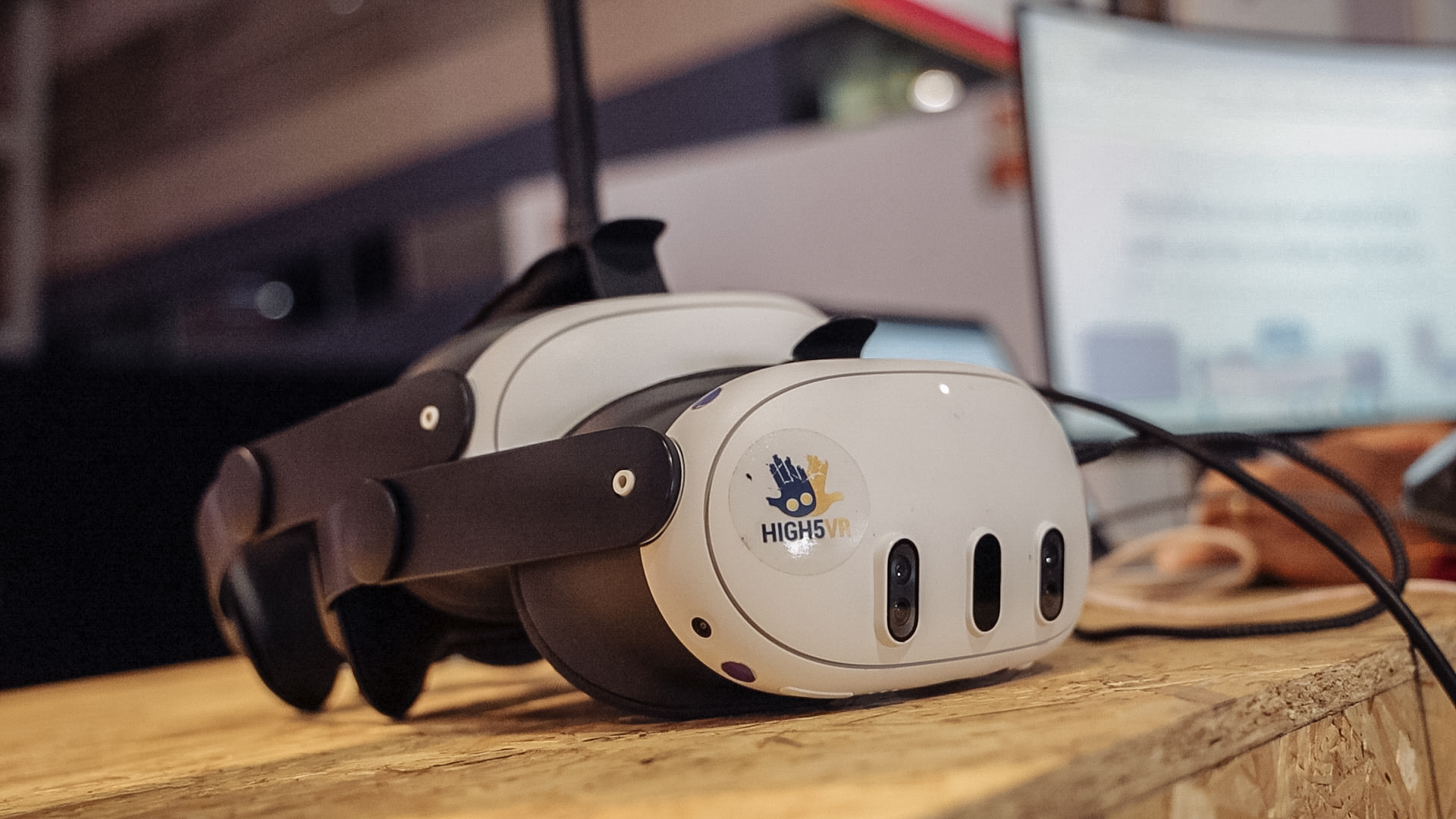
    For OowOah Live VR, confirm a compatible 360° camera with the required RTMP livestreaming capability. A device that records 360° video is not automatically suitable for live delivery. Check the exact model, firmware and supported workflow rather than relying on the product name alone.

    What keeps the viewpoint stable?

    Use a secure mount suitable for the location. Position it at a useful viewing height and keep cables away from audience routes. Consider how you will provide continuous power for the session and whether the equipment can operate for the planned duration.

    How will the sound reach the audience?

    Check the camera’s supported audio options and the venue’s microphone setup. A stream of a talk needs clear speech; a performance has different demands. Test the actual source and connection, including transitions between speakers, rather than judging sound from a quick room recording.

    What should you test before selling tickets?

    Rehearse the full route from capture to viewer using the intended network and settings. Confirm picture, audio and access. Keep a simple equipment checklist and assign a person to monitor the remote experience. The right setup is the one that works reliably for your event.

    Explore Live VR Events with OowOah.

  • How Do You Add Live VR Streaming to Your First Event?

    How Do You Add Live VR Streaming to Your First Event?

    Your first Live VR stream should begin with an event you already understand. Keep the programme in the venue, choose a manageable session and build a remote attendance option around it. A clear pilot is easier to learn from than an elaborate launch.

    What should you agree first?

    Discuss filming, camera placement and sound with the venue and presenter. Explain the plan to people who may appear in the capture. Confirm what can be streamed and whether you will offer a recording. Resolve permissions before promoting the remote ticket.

    How do you prepare the listing?

    Use the organiser panel to enter the event’s description, date and ticket information. State the time zone and the audience equipment requirements. Explain the viewpoint and what access includes. Registration is planned to open on 1 November 2026; use the speaker information page for preparation updates.

    What happens during setup?

    Each event has its own streaming details, including its RTMP information and QR setup. Follow the instructions for the compatible camera and event panel, checking both camera and admin Go Live steps. Treat access details carefully and avoid using settings from another service or event.

    How do you rehearse?

    Run the complete process before the public session. Have somebody check it from a headset and confirm sound, view and access. Assign a person to handle remote questions or faults. After the pilot, gather feedback and compare extra revenue with the extra effort involved.

    Explore Live VR Events with OowOah.