Category: Events

  • How Much Do Organisers Keep from Live VR Ticket Sales?

    How Much Do Organisers Keep from Live VR Ticket Sales?

    OowOah takes 15% of Live VR ticket sales, leaving the organiser an 85% revenue share. The calculation is ticket revenue multiplied by 0.85. It is worth keeping that figure separate from profit, because delivering and promoting the event may involve other costs.

    What happens with a £10 ticket?

    If 100 people buy a £10 Live VR ticket, sales revenue is £1,000. OowOah’s 15% service charge is £150 and the organiser’s share is £850. This is an illustrative calculation, not a forecast of audience demand.

    How do higher ticket prices change the split?

    100 tickets at Sales revenue 15% charge 85% organiser share
    £10 £1,000 £150 £850
    £20 £2,000 £300 £1,700
    £30 £3,000 £450 £2,550

    Does the same principle apply to replays?

    Yes. OowOah also takes 15% of replay sales. Consider replay income separately so you can see what comes from the live event and what comes afterwards. Do not count a bundled replay as a second sale.

    How do you work out profit?

    Start with your organiser share, then subtract the costs attributable to the remote offering. Account for applicable refunds, taxes and other deductions using your own circumstances and arrangements. Keep physical-ticket income separate. A clear calculation helps you judge the extra audience option without treating gross receipts as money earned.
    Explore Live VR Events with OowOah.

  • What Equipment Do You Need for 360° Livestreaming?

    What Equipment Do You Need for 360° Livestreaming?

    A 360° camera is the starting point, but the whole delivery chain matters. Before buying equipment, work out what the audience will watch, how the camera sends the stream and how you will test the finished experience.

    How do you choose the camera?

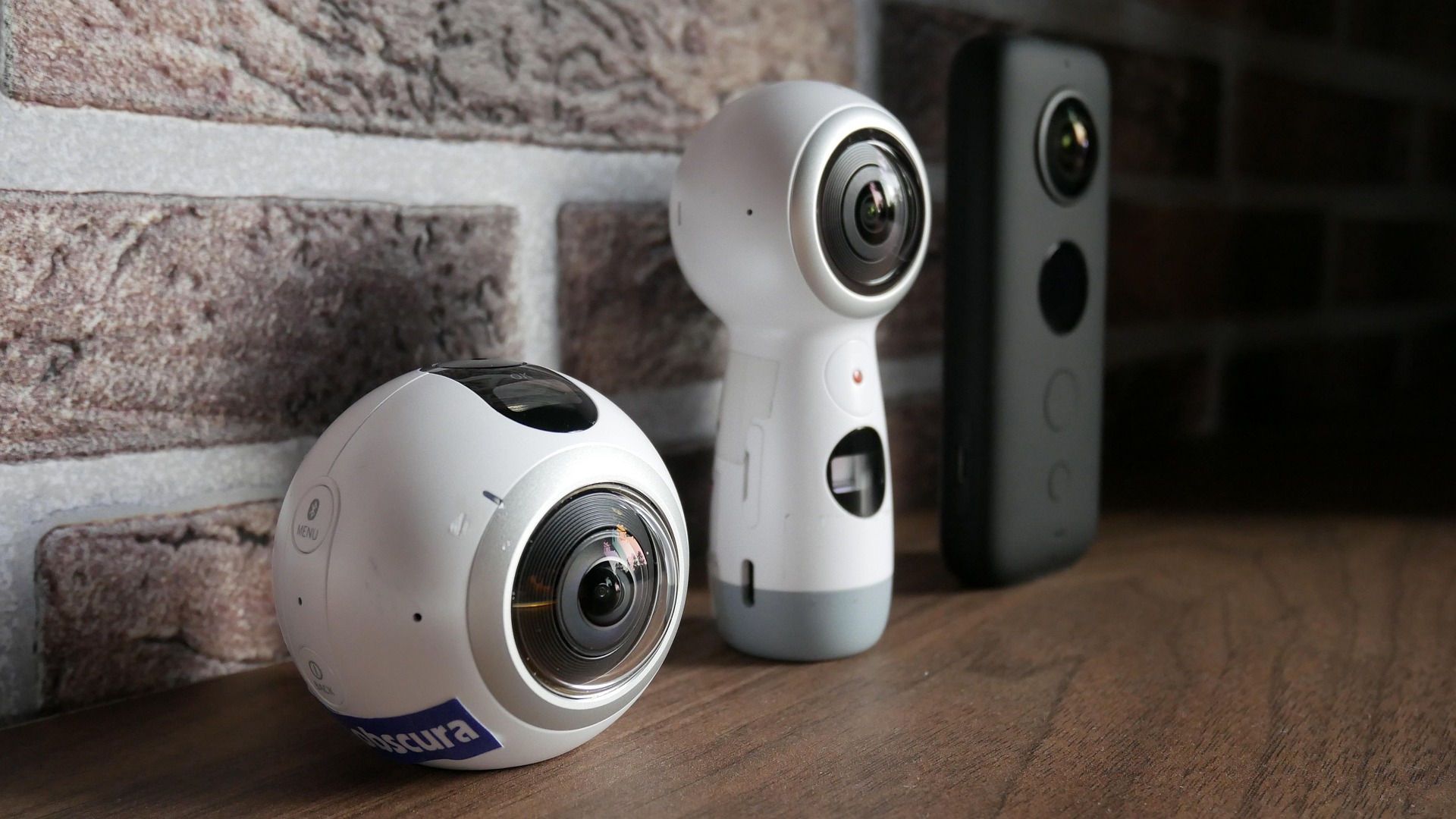
    For OowOah Live VR, confirm a compatible 360° camera with the required RTMP livestreaming capability. A device that records 360° video is not automatically suitable for live delivery. Check the exact model, firmware and supported workflow rather than relying on the product name alone.

    What keeps the viewpoint stable?

    Use a secure mount suitable for the location. Position it at a useful viewing height and keep cables away from audience routes. Consider how you will provide continuous power for the session and whether the equipment can operate for the planned duration.

    How will the sound reach the audience?

    Check the camera’s supported audio options and the venue’s microphone setup. A stream of a talk needs clear speech; a performance has different demands. Test the actual source and connection, including transitions between speakers, rather than judging sound from a quick room recording.

    What should you test before selling tickets?

    Rehearse the full route from capture to viewer using the intended network and settings. Confirm picture, audio and access. Keep a simple equipment checklist and assign a person to monitor the remote experience. The right setup is the one that works reliably for your event.

    Explore Live VR Events with OowOah.

  • How Do You Add Live VR Streaming to Your First Event?

    How Do You Add Live VR Streaming to Your First Event?

    Your first Live VR stream should begin with an event you already understand. Keep the programme in the venue, choose a manageable session and build a remote attendance option around it. A clear pilot is easier to learn from than an elaborate launch.

    What should you agree first?

    Discuss filming, camera placement and sound with the venue and presenter. Explain the plan to people who may appear in the capture. Confirm what can be streamed and whether you will offer a recording. Resolve permissions before promoting the remote ticket.

    How do you prepare the listing?

    Use the organiser panel to enter the event’s description, date and ticket information. State the time zone and the audience equipment requirements. Explain the viewpoint and what access includes. Registration is planned to open on 1 November 2026; use the speaker information page for preparation updates.

    What happens during setup?

    Each event has its own streaming details, including its RTMP information and QR setup. Follow the instructions for the compatible camera and event panel, checking both camera and admin Go Live steps. Treat access details carefully and avoid using settings from another service or event.

    How do you rehearse?

    Run the complete process before the public session. Have somebody check it from a headset and confirm sound, view and access. Assign a person to handle remote questions or faults. After the pilot, gather feedback and compare extra revenue with the extra effort involved.

    Explore Live VR Events with OowOah.

  • Do You Need a VR Headset to Attend a Live VR Event?

    Do You Need a VR Headset to Attend a Live VR Event?

    For OowOah Live VR attendance, you need a supported VR headset. It is a headset-based way to join an event remotely, alongside the people attending the physical venue. A normal video link on a laptop should not be assumed to provide the same access.

    Which equipment is listed?

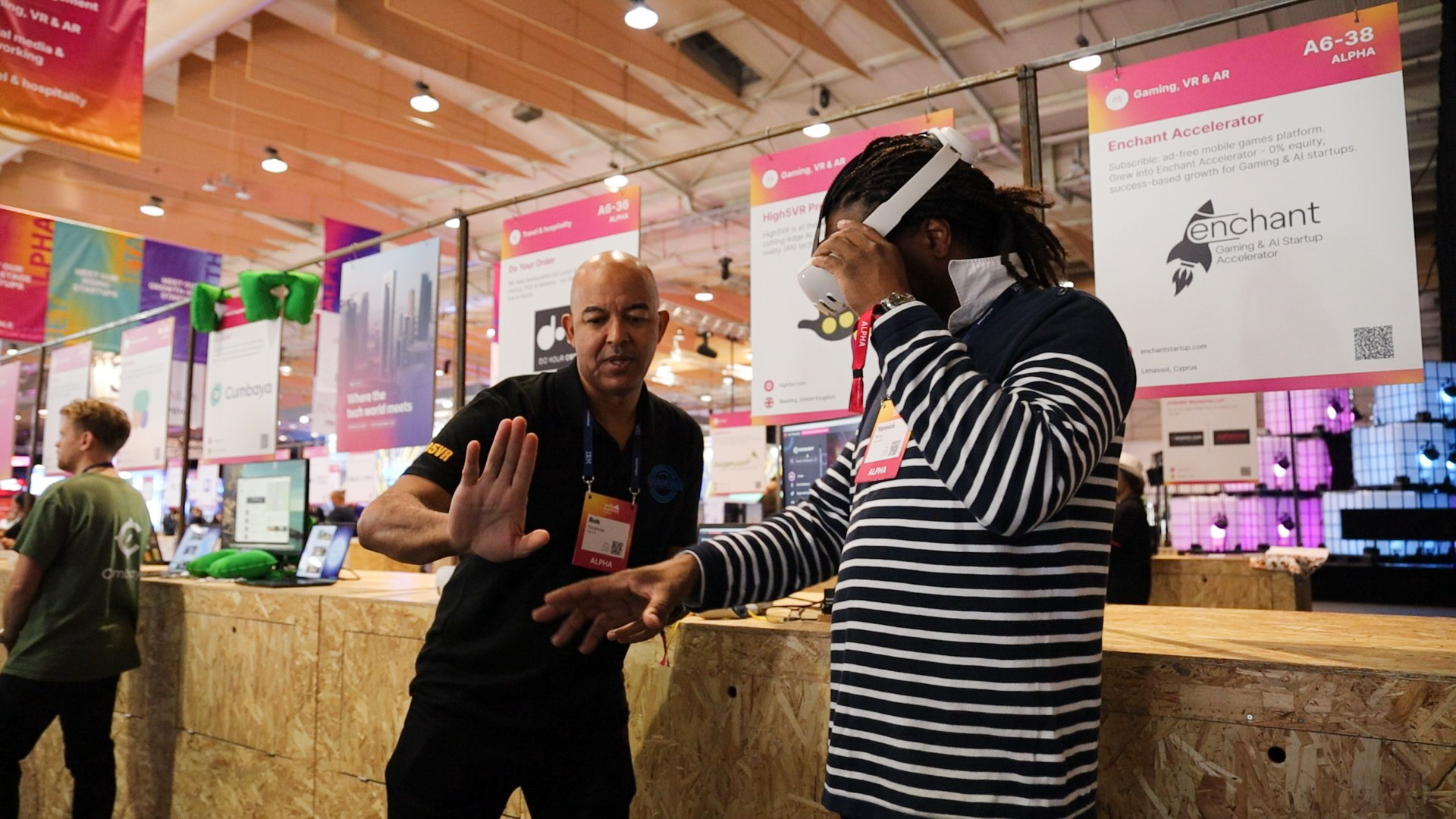
    OowOah’s attendee information lists Meta Quest 3 and Meta Quest 3S. You also need an account, suitable internet access and the relevant event ticket. Confirm the requirements on the event and attendance pages before buying equipment specifically for a session.

    What will you see?

    You view the event from the 360° camera’s location and can look around the captured scene. It is different from joining an avatar meeting room. You do not automatically become an avatar walking through the venue or gain a personal view from any seat you choose.

    What should you do before the start?

    Prepare your account and device, check the ticket is available and follow the attendance instructions in advance. Charge the headset and use a comfortable, clear viewing area. Allow time to solve access problems before the speaker begins.

    What if you cannot use a headset?

    Ask the organiser whether another attendance option is offered. Do not assume every event includes a conventional stream or an alternative replay format. Organisers should explain those choices clearly so people can decide whether the remote ticket suits them.

    Where can you check?

    OowOah Live VR audience requirements.

    Explore Live VR Events with OowOah.

  • Why Does Your Livestream Look Blurry or Sound Bad?

    Why Does Your Livestream Look Blurry or Sound Bad?

    A remote viewer can forgive a modest venue more easily than a speech they cannot understand. When the stream looks soft or sounds unclear, work through the capture and delivery chain methodically. Changing several settings at once makes it harder to identify the cause.

    Is the source already unclear?

    Check the camera’s lens, placement and lighting, then inspect what it captures before transmission. A distant speaker or tiny stage text may remain hard to see even when the connection is working. For 360° footage, assess the part of the scene viewers will actually look towards.

    Does the problem begin during delivery?

    Check the supported resolution, bitrate and streaming settings with the camera and platform guidance. Test the venue’s upload connection while the stream is running. Use observations from the test to identify where quality changes, rather than guessing from the headline broadband speed.

    Where does the audio problem start?

    Listen to the microphone feed and then the audience playback. Check levels, connections and microphone position. Distortion, low speech volume and too much room noise are different problems. A volume increase at the viewer’s end cannot restore speech that the capture missed.

    How do you confirm the fix?

    Repeat the test using the intended audience device, network and programme. Include the loudest and quietest sections. Keep the final working settings recorded and monitor during the event. If a problem persists, provide the equipment details and test results to support so the next step is based on evidence.

    Explore Live VR Events with OowOah.

  • Where Should You Put a 360° Camera at an Event?

    Where Should You Put a 360° Camera at an Event?

    The camera position becomes the remote audience’s place in the room. A good location balances a clear view of the presenter with a sense of the setting, while keeping the physical event comfortable for guests.

    What should viewers be able to see?

    Identify the important action: a stage, a panel or a demonstration. Check the viewpoint at the height you intend to use. A position that looks convenient beside the sound desk may leave the speaker distant or hidden behind audience members.

    What happens around the camera?

    360° capture can include people and activity in several directions. Look for distractions, sensitive areas and objects close to the lens. Explain filming to attendees and agree placement with the venue. Keep staff movement and audience routes in mind.

    Can guests still enjoy the event?

    A tripod should not block a seat, exit or accessible route. Secure the mount and manage its cables. Decide whether the position remains suitable when the venue is full, not only when the chairs are empty during setup.

    How should you test it?

    Check the view in a headset with a presenter on stage and realistic lighting. Verify the sound separately: a visually good position does not automatically capture useful audio. Make changes before the event and describe the viewpoint accurately on the ticket page. Remote guests should know the experience they are choosing.

    Explore Live VR Events with OowOah.

  • What Internet Connection Do You Need for Live VR Streaming?

    What Internet Connection Do You Need for Live VR Streaming?

    The important question is whether the connection can deliver your chosen stream reliably throughout the event. There is no single speed figure to apply to every camera, resolution and platform setup. Confirm the requirements for the exact workflow you plan to use.

    Why should you check upload performance?

    The venue sends the broadcast out to the platform, so its upload performance matters. Download speed alone does not describe that task. Compare tested upload capacity with the required streaming bitrate and leave suitable headroom according to the supported setup guidance.

    What else shares the network?

    Guests, staff systems and other productions may compete for the same connection. Ask the venue how the stream will be connected and managed. A test in an empty room does not necessarily reflect conditions once attendees arrive and begin using the network.

    What does a useful rehearsal involve?

    Run the intended stream for a representative session, with sound and the actual camera settings. Have another person check playback remotely. Record interruptions and quality changes. Where supported, a wired route may avoid some local wireless problems, but the full path still needs testing.

    What should the backup plan cover?

    Agree who monitors the connection and what viewers will be told if it fails. A backup route should be tested and compatible, rather than improvised on the night. Verify requirements with OowOah before advertising Live VR access, especially at a venue you have not streamed from before.

    Explore Live VR Events with OowOah.

  • How Can You Include People Who Cannot Travel to Your Event?

    How Can You Include People Who Cannot Travel to Your Event?

    An interested person may miss your event because of distance, cost, timing or caring responsibilities. Adding remote access gives them another possibility while you continue to welcome guests at the venue. Start by finding out what would help the people you want to include.

    What can Live VR offer?

    A headset-based 360° view can provide a remote perspective on the event’s setting. Present it as an additional attendance option, with a clear explanation of the camera viewpoint. Do not suggest that every aspect of being in the room is reproduced.

    What barriers remain?

    Viewers need suitable equipment, an account and a workable connection. Some people may prefer or require another format. Reducing travel does not automatically make an event accessible to everyone. Explain the supported options and invite people to ask about their requirements.

    How can the programme help?

    Publish the time zone, duration and breaks. Use clear speech and readable presentation material. Confirm any arrangements for questions before promising interaction. If a replay is offered, state what it includes and how viewers obtain access.

    What should you ask afterwards?

    Ask whether the option made attendance possible and which parts were difficult to follow. Use feedback to improve the next event. Adding Live VR is most useful when it responds to a real audience need, rather than treating a new attendance format as a complete solution for every person.

    Explore Live VR Events with OowOah.

  • How Much Should You Charge for a Live VR Event Ticket?

    How Much Should You Charge for a Live VR Event Ticket?

    A Live VR ticket is an additional way to attend your existing event. Its price should reflect the experience viewers receive and the audience you want to reach. It does not need to copy the physical ticket price or follow an invented universal rate.

    What are people buying?

    Explain the session, duration, viewpoint and any replay access. A practical training session and a short entertainment performance may have very different value to their audiences. Consider what suitable viewers already pay for comparable content, while recognising that headset requirements affect demand.

    How does the 15% charge affect your calculation?

    OowOah takes 15% of ticket sales. A £20 ticket therefore leaves a £17 organiser revenue share before your own costs and applicable deductions. Use the 85% share when estimating what the remote offering could contribute.

    What might a basic cost example show?

    If your extra delivery costs are assumed to be £170, ten £20 tickets produce a £170 organiser share. That illustrative calculation covers only the stated cost, without allowances for refunds, taxes or other deductions. Change the assumptions to match your actual event.

    How can you test a price?

    Speak to likely attendees and run a manageable pilot. State what is included and honour the offer. Review receipts, costs and feedback together before repeating the event. A higher price is useful only if the audience understands the value and enough people choose to buy.

    Explore Live VR Events with OowOah.

  • Should You Offer a Replay of Your Live VR Event?

    Should You Offer a Replay of Your Live VR Event?

    Some people want to attend live. Others cannot make the time or would like to revisit part of a session. A replay can extend the useful life of your event, but it needs a clear offer and the appropriate recording arrangements.

    Who would benefit from watching later?

    A replay may suit people in other time zones or viewers revisiting a demonstration. Think about the content: a carefully explained talk may remain useful, while a session built around audience interaction can feel different after the moment has passed.

    What permission do you need?

    Agree recording and later availability with speakers, performers and other relevant parties. Follow your event’s filming arrangements and platform policy. Do not assume permission to broadcast live also settles every use of a recording.

    Should access be included or sold separately?

    Make that choice clear on the ticket page. If the replay is bundled, explain the access period and any limits. If it is a separate purchase, describe it honestly as recorded content. OowOah takes 15% of replay sales, just as it does for Live VR ticket sales.

    What should you check before release?

    Review picture, sound and the beginning and end of the recording. Confirm the available format and access process rather than promising every viewing option. A useful replay should make the original offer easier to enjoy later, not leave buyers guessing what they can watch.

    Explore Live VR Events with OowOah.

  • Is Adding Live VR Streaming Worth It for a Small Event?

    Is Adding Live VR Streaming Worth It for a Small Event?

    A small room can contain a valuable talk, a distinctive performance or a subject with enthusiastic followers elsewhere. Adding Live VR may widen access, but the venue’s size alone does not tell you whether the extra offering will be worthwhile.

    Is there demand beyond the room?

    Ask existing followers who cannot attend whether they would buy remote access and whether they have suitable equipment. A specialist event may appeal strongly to a modest audience. A general event may need much more promotion to find viewers.

    What extra work will the stream create?

    Consider the camera, connectivity, preparation and audience support. Confirm permissions and test the viewpoint without disrupting the physical guests. Keep the pilot simple so you can identify whether the remote experience works before expanding it.

    What would the numbers look like?

    For example, 25 tickets at £10 produce £250 in sales. After OowOah’s 15% service charge, the organiser share is £212.50 before other costs and applicable deductions. Compare that amount with your extra delivery costs. This example assumes sales; it does not predict them.

    What else should you measure?

    Look at whether people who otherwise missed the event were able to attend and whether they would return. A pilot can provide useful evidence even when the audience is small. Scale the next attempt according to demand and practical results, rather than assuming worldwide availability guarantees worldwide sales.

    Explore Live VR Events with OowOah.

  • How Can You Add a Live VR Audience to Your Existing Conference?

    How Can You Add a Live VR Audience to Your Existing Conference?

    A conference does not have to become an entirely different event to welcome remote viewers. You can identify suitable sessions in the programme and plan Live VR access alongside the audience already attending in person.

    Which sessions should you start with?

    A keynote, panel or clearly presented demonstration can provide a manageable pilot. A busy exhibition floor is a different production challenge. Begin with a session where the viewpoint, sound and audience expectations are easy to explain. Agree the plan with the speaker and venue.

    What should the production team check?

    Check camera placement, microphone access, connectivity, power and session transitions. Test from the remote viewer’s device. If slides are essential, verify that their content can be understood through the intended setup, rather than assuming a stage screen will be readable from every position.

    How do remote attendees fit into the programme?

    Give them a clear timetable and explain breaks. If you plan to include questions, confirm a supported submission method and assign someone to manage it. Avoid advertising live interaction until you have checked exactly how it will work.

    What should the ticket page say?

    Name the sessions included, equipment requirements, time zone and any replay arrangements. Distinguish the Live VR ticket from the physical conference pass. OowOah Live VR is an add-on attendance option: your conference remains in its venue while selected content can reach people elsewhere.

    Explore Live VR Events with OowOah.

  • How Can Live VR Extend Your Physical Event to a Wider Audience?

    How Can Live VR Extend Your Physical Event to a Wider Audience?

    Your venue has a fixed number of seats. Your potential audience may include people far beyond the local area. Adding Live VR gives your existing event another way to welcome guests, while continuing to run the performance, seminar or talk in the room.

    Who might want to join remotely?

    Start with people who already have a reason to care: followers in other regions, former attendees who have moved away or customers unable to travel on the date. Ask them about interest and equipment before assuming that a worldwide booking link will produce a worldwide audience.

    What stays at the venue?

    The speaker, programme and in-person guests remain central to the event. Position the capture equipment where it provides a useful view without blocking seats or routes. Remote access should be part of preparation, rather than an interruption added after the doors open.

    How should you explain the extra ticket?

    Describe it as live remote attendance in a headset, with a view from the camera’s location. State the equipment needed, the event time and what access includes. Do not promise that a remote guest can move freely through the venue or talk to every person in the room.

    What would make a useful first test?

    Choose one event with clear demand, reliable connectivity and a cooperative venue team. Measure extra ticket receipts alongside production costs and feedback. OowOah’s 15% service charge applies to Live VR ticket sales. Wider reach is an opportunity to develop, rather than a guaranteed sales result.

    Explore Live VR Events with OowOah.

  • What Is the Difference Between 360° and Conventional Livestreaming?

    What Is the Difference Between 360° and Conventional Livestreaming?

    A conventional livestream shows the frame selected by the production team. A 360° livestream captures the scene around a camera position so viewers using a suitable player can choose where to look. The difference is about the viewing experience, not simply whether one stream has more pixels.

    Who chooses the viewpoint?

    With a conventional broadcast, the director can move between close-ups, slides and audience shots. In a headset-based 360° experience, the viewer can turn their head to explore the captured surroundings. They remain at the camera’s viewpoint; looking around does not automatically mean walking anywhere in the venue.

    Which details matter most?

    A close-up can make a tiny product feature or a chart easy to inspect. A wider immersive view can convey the room and its atmosphere. Choose the format around what the audience needs to understand. If the event depends on fine text, test readability before choosing the production setup.

    What equipment changes?

    360° capture requires a compatible camera and a streaming workflow that supports its output. Conventional capture may use a single camera or a more elaborate production. For OowOah Live VR, organisers need compatible equipment and remote guests use a supported headset.

    Do you have to replace the physical event?

    No. Live VR can be added to the event you already run, providing another attendance option. Keep the venue experience and explain the remote viewpoint clearly. Test both picture and sound from the audience’s device before offering tickets.

    Explore Live VR Events with OowOah.

  • Why Do We Pay to Watch Someone Else Play a Game?

    Why Do We Pay to Watch Someone Else Play a Game?

    The player has the controller. You have the snacks. Somehow, you are both completely invested. Watching somebody else play can sound strange until you remember how many people enjoy football without stepping onto the pitch.

    There is a story in the contest

    A close game gives an audience something to follow: a difficult decision, an unexpected comeback or a final chance to win. You do not need to understand every detail immediately. A good commentator helps newcomers recognise what is at stake while giving experienced fans enough detail to stay interested.

    Personality gives people a reason to return

    Some viewers follow a team. Others enjoy a particular player’s humour, patience or way of explaining a problem. The entertainment can come from the person as much as the result. For an organiser, that makes introductions and accessible commentary important parts of the event.

    Watching together changes the evening

    A tense finish feels different when you can share it with other people. A watch party can give viewers a reason to arrive at the same time and discuss what happens. Clear community rules and a host who welcomes beginners help stop the conversation becoming an exclusive club.

    Make the first visit easy

    If you are planning a gaming event, explain the format, length and level of knowledge required. Check permissions before broadcasting game content. A remote experience should give people a good view and reliable sound, rather than assume that technology alone will keep them watching.

    Curious about bringing people together remotely? Explore Live VR Events with OowOah.