
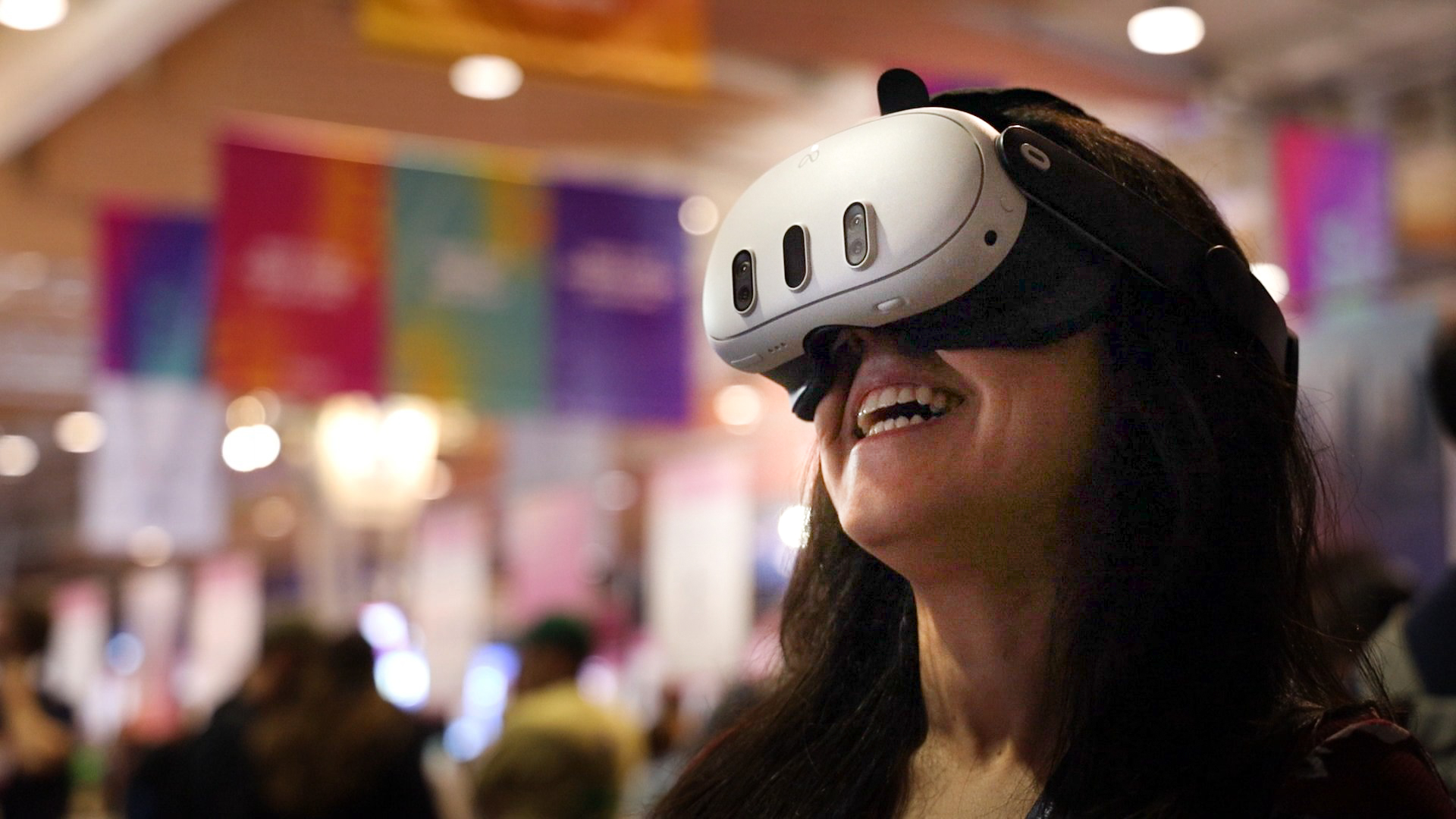
Speakers can make a first event easier to follow by explaining the equipment and joining process before the start. Some people will already use a headset regularly, while others may be opening the event app for the first time. A clear preparation message gives both groups a useful reference.
What should the message explain?
Give the date, start time and time zone, then point viewers to OowOah's viewing guide. Make the Meta Quest 3 or Meta Quest 3S requirement clear. Encourage people to prepare their headset and check their booking beforehand rather than beginning setup at the exact start of the talk.
How does the audience enter the event?
Live VR uses an audience account linked to the booking. Viewers use that account in the public VR app and find their booking in My Events. The event lobby provides the waiting point when entry is available. This is separate from a business inviting guests into an OowOah VR Meeting Room.
How can the speaker reduce confusion?
Use the same title and timing across the event page and preparation message. Explain the experience without claiming viewers can walk around the venue or join a private avatar meeting. Invite people to read the guide early. A short rehearsal of the joining explanation can reveal terms that first-time attendees may not understand.
Where can I find out more?
Read the Live VR viewing guide. Visit explore live vr events for the relevant service information.