
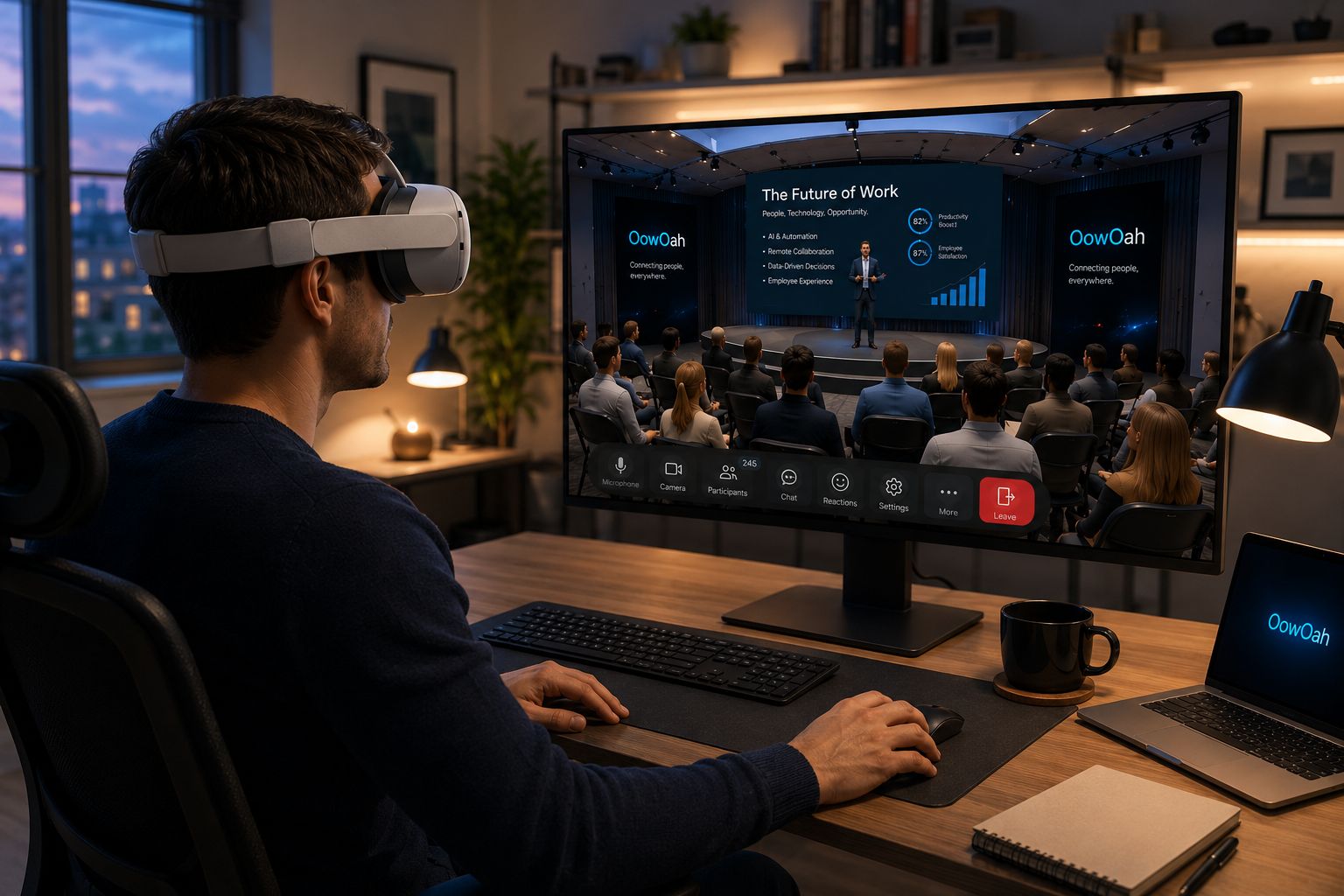
No. Businesses cannot currently add their own logo or company branding to an OowOah VR Meeting Room. Do not plan a meeting on the assumption that the room can be visually customised for your organisation.
Can I still present my company's material?
Yes. OowOah supports PowerPoint presentations, so a business can explain its work using its prepared presentation. Showing branded material in a presentation is different from adding branding to the virtual room itself.
What should I tell a client?
Describe the shared OowOah meeting environment accurately and focus on what the conversation will cover. Explain the presentation, discussion and headset requirements. Avoid promising a custom-branded room as part of an invitation or sales proposal.
How do I arrange the meeting?
The business creates the session and adds attendees in its admin panel. OowOah sends email invitations. Only the business needs an OowOah account for that arrangement, and each participant needs a Meta Quest 3 or Meta Quest 3S.
Where can I find out more?
How VR meetings differ from video calls. Visit explore vr meeting rooms for the relevant service information.