
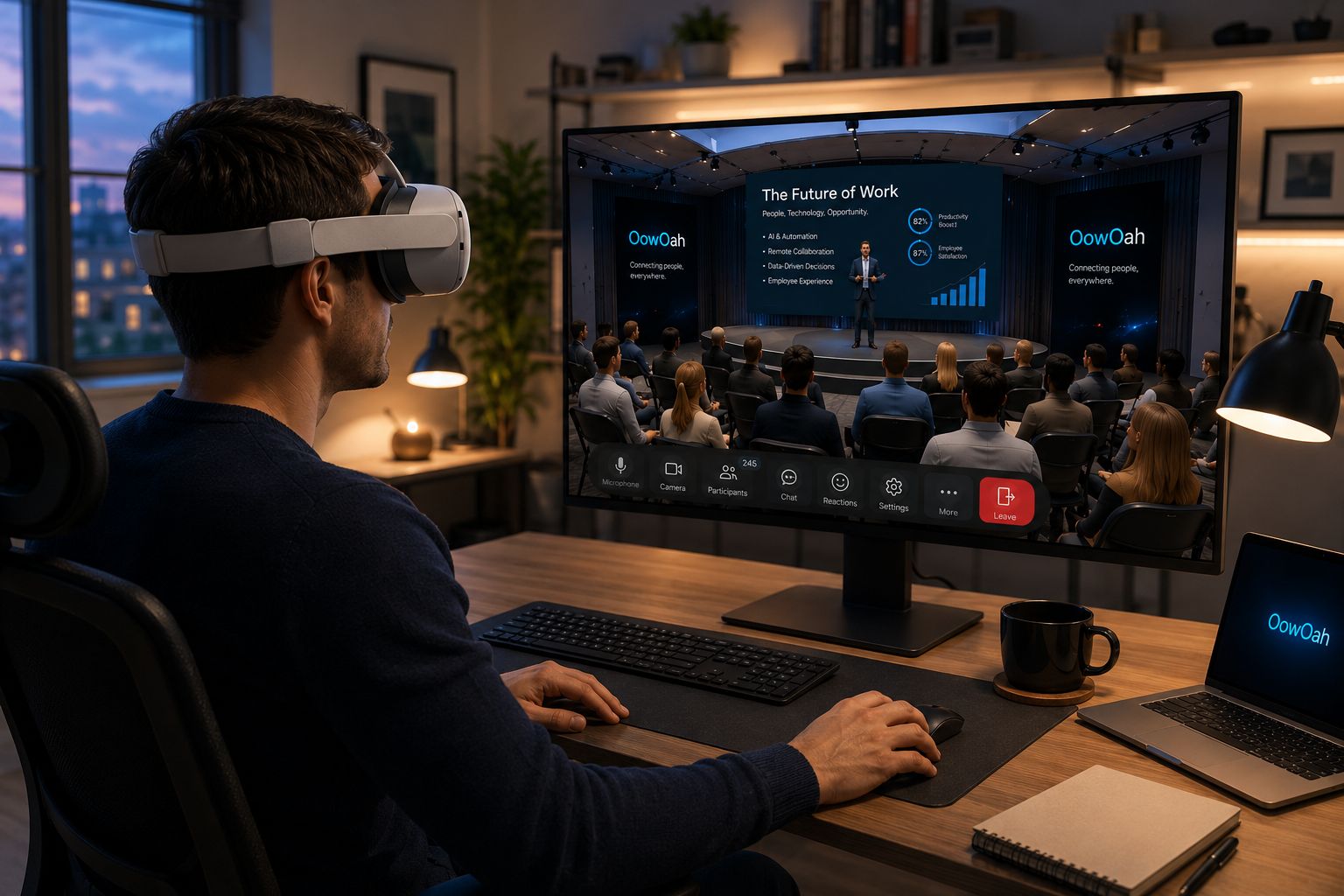
Yes, if your existing headset is a Meta Quest 3 or Meta Quest 3S. Those are the supported OowOah models confirmed for this service. Owning a headset does not mean every Quest model or every other VR device is supported.
What should I check on my device?
Confirm the exact model before accepting a meeting invitation. Prepare the device and complete the relevant setup before the meeting starts. If you are uncertain about the model, resolve that first rather than assuming a similar product name means it will work.
Do I need to buy a separate business account?
A guest invited to an OowOah VR Meeting Room does not need a separate business account. Only the hosting business needs an OowOah account under this arrangement. It creates the meeting, adds attendees and lets the system send invitations.
Is public Live VR access the same?
No. Attending a public Live VR event follows the audience booking and account process. A compatible headset can be used for the relevant OowOah experience, but a business meeting invitation and an event ticket are different forms of access.
Where can I find out more?
How VR meetings differ from video calls. Visit explore vr meeting rooms for the relevant service information.