
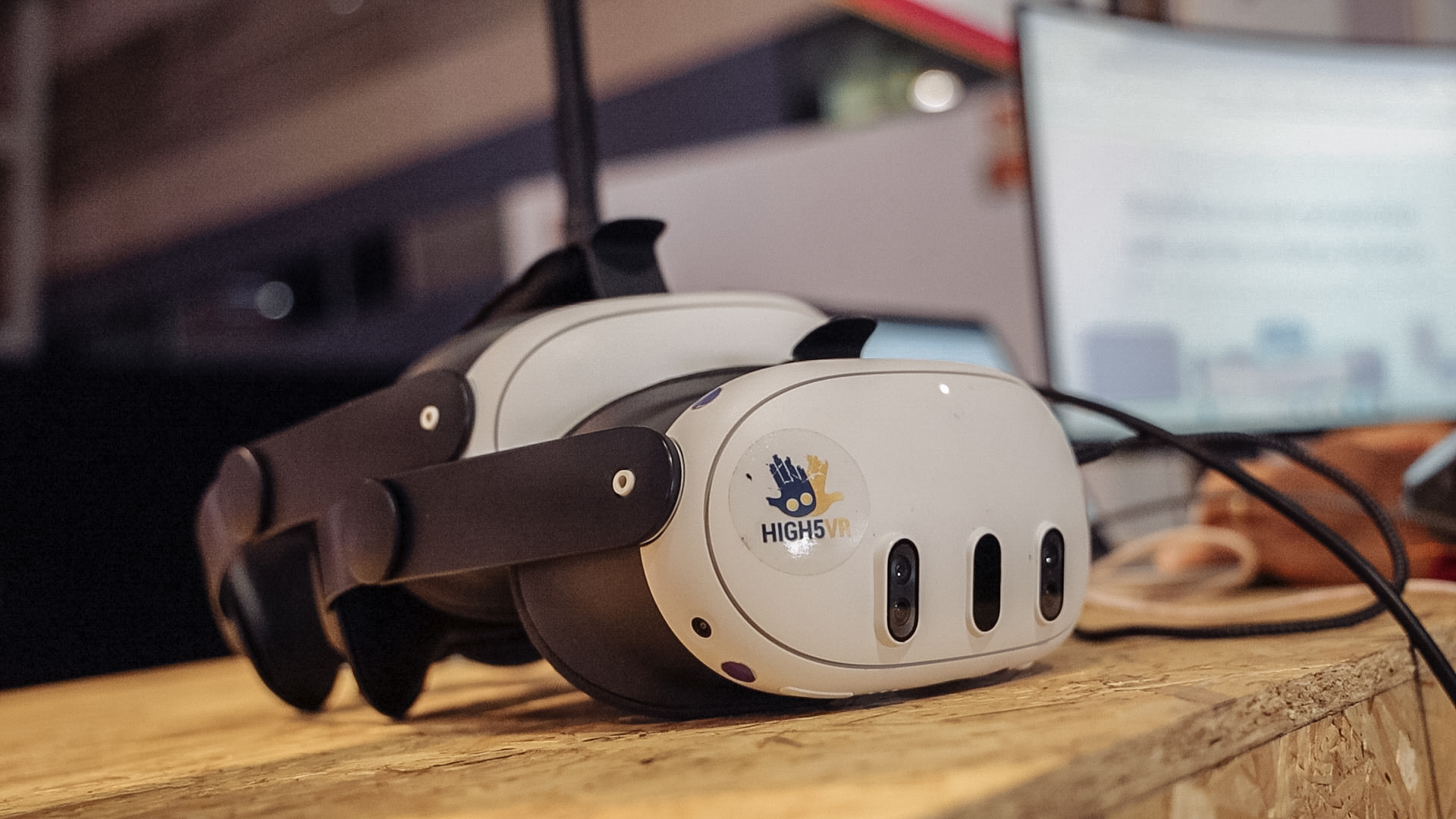
Glasses can be worn with a compatible Meta Quest headset when the frames fit appropriately. This is a headset-fit question rather than a different OowOah account or meeting mode. Check the guidance for your specific Meta Quest 3 or Meta Quest 3S before the session.
Will every pair of glasses fit?
Do not assume that every frame fits every headset arrangement. Meta's guidance notes that frame size matters and provides model-specific fitting information. Follow that guidance rather than forcing the headset over glasses or relying on another person's adjustment.
What should I do before a meeting?
Try the fit ahead of time and check that you can comfortably read the material shown. Tell the organiser if you need time to adjust the headset before discussion begins. Avoid leaving a first fitting until an important presentation has already started.
Where can I check the fitting instructions?
Use Meta's official guidance on wearing glasses with Meta Quest, linked below. It covers the hardware fitting issue. OowOah supports Meta Quest 3 and Meta Quest 3S, and the meeting organiser can help you prepare the joining process separately.
Hardware guidance:
Meta: wearing glasses with Meta Quest.
Where can I find out more?
How VR meetings differ from video calls. Visit explore vr meeting rooms for the relevant service information.