
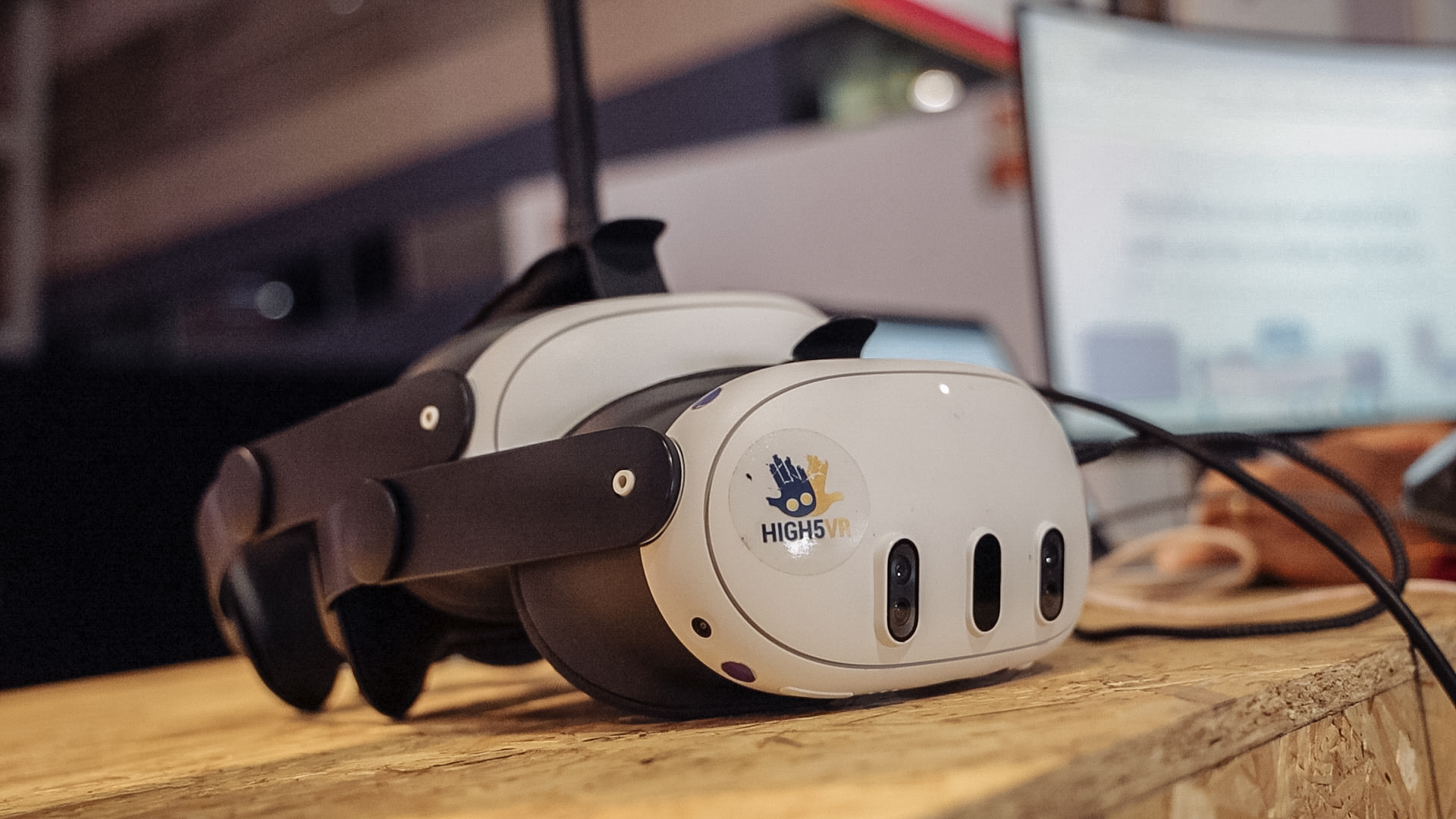
VR meetings can provide a shared digital setting, but they introduce practical trade-offs. Before choosing one, consider equipment, comfort, access and the task itself. A fair comparison includes the people for whom VR is inconvenient or unsuitable.
Equipment and preparation
Each OowOah VR Meeting Room participant needs a supported Meta Quest 3 or Quest 3S headset. Buying, charging and managing equipment takes time and money. Guests may need an introduction before they can concentrate on the discussion.
Comfort and accessibility
Not everyone can or wants to wear a headset. Some people may find a session uncomfortable or need shorter periods and breaks. Ask privately about practical requirements and provide another way to contribute without requiring personal explanations.
Working with detailed information
Long documents, small text and extensive typing may suit another setup better. Test the actual material in the headset. A large virtual screen is useful only when participants can read and work with what it shows.
Choose a proportionate use
A two-minute clarification may not justify entering VR. A focused project discussion may be worth testing. Do not present VR as a replacement for every video call or physical meeting; use it where the experience and outcome justify the effort.