
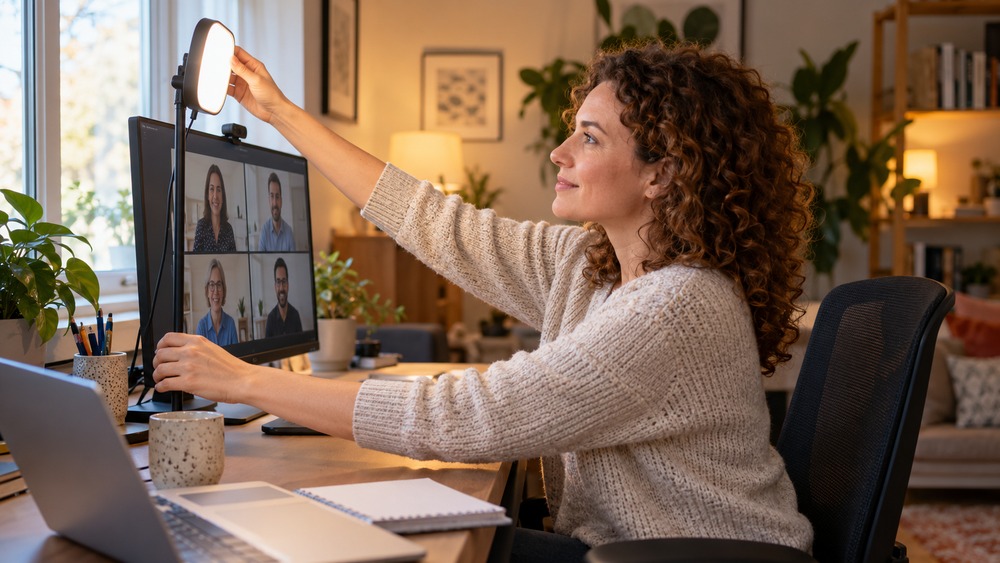
For clearer video meeting lighting, start with a soft light in front of you and check the camera preview. You may be able to improve the picture by moving a lamp, changing your seat or adjusting blinds before buying new equipment.
Check the direction of the light
A strong light behind you can make your face appear dark. Try facing towards a window or another soft source, while avoiding uncomfortable direct glare. Check what happens at the time of day when you normally take calls.
Use lamps carefully
A small diffused light near the camera can help in a darker room. Keep stands and cables stable and use equipment according to its instructions. Avoid placing a bright bare light close to your eyes or pointing it straight into the lens.
Look for reflections and harsh shadows
Glasses, shiny surfaces and strong overhead lighting can affect the image. Make small changes and compare the preview. A neutral, readable picture is more useful than over-brightening the whole room.
Check more than appearance
Leave enough light to work comfortably and read notes. Keep private documents out of view and test sound before the appointment. Good meeting lighting supports a clear conversation; it does not need to turn a home office into a film set.
Related guide: What Is the Best Online Meeting Platform?.