
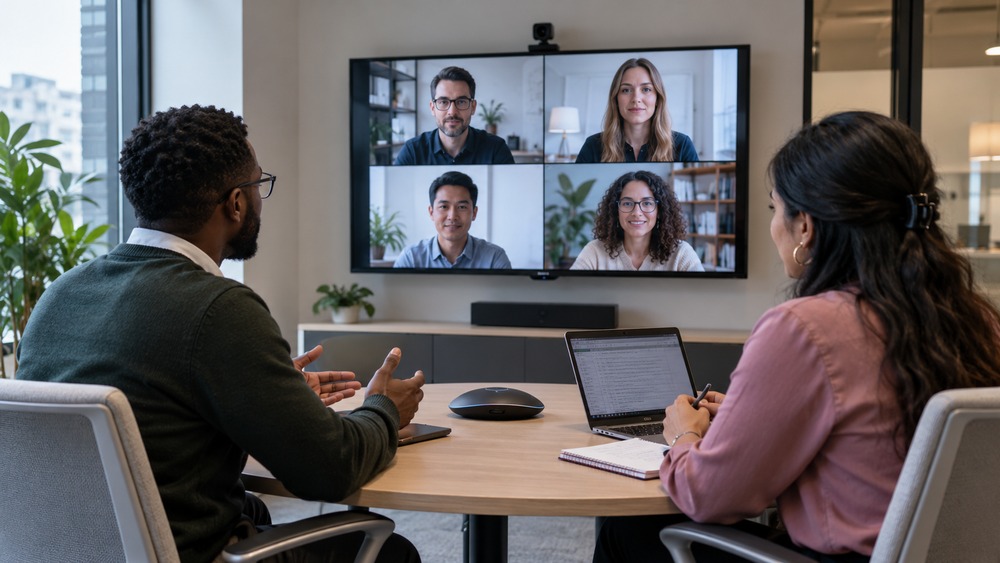
Yes, a television can often serve as a larger display for a video meeting, provided a compatible device supplies the meeting software. A TV with an HDMI socket does not automatically include the camera, microphone, controls or app support needed for a complete conference system.
Choose how the meeting will run
One approach is connecting a suitable computer to the TV as a display. Another is using a dedicated room system. Check the supported connections and software before buying peripherals or assuming the television’s own apps can host the call.
Place the camera deliberately
Position a compatible camera where it can show the people attending. A camera sitting far to one side can make conversation awkward. Check the picture from a remote participant’s viewpoint, especially if the table is large.
Treat sound as a separate task
TV speakers can play the call, but your microphone still needs to capture the room without an echo loop. Use a suitable audio arrangement and avoid several nearby devices playing the same meeting audio.
Check reading distance
A large display is useful only when everyone can read what is shown. Test a typical shared document from the furthest seat. For a recurring office space, compare a planned room setup with an improvised laptop-and-TV arrangement before committing.
Related guide: What Is the Best Online Meeting Platform?.