Category: VR Meetings

  • VR Meetings vs Video Calls: What Is Different?

    VR Meetings vs Video Calls: What Is Different?

    The main difference is the shared environment

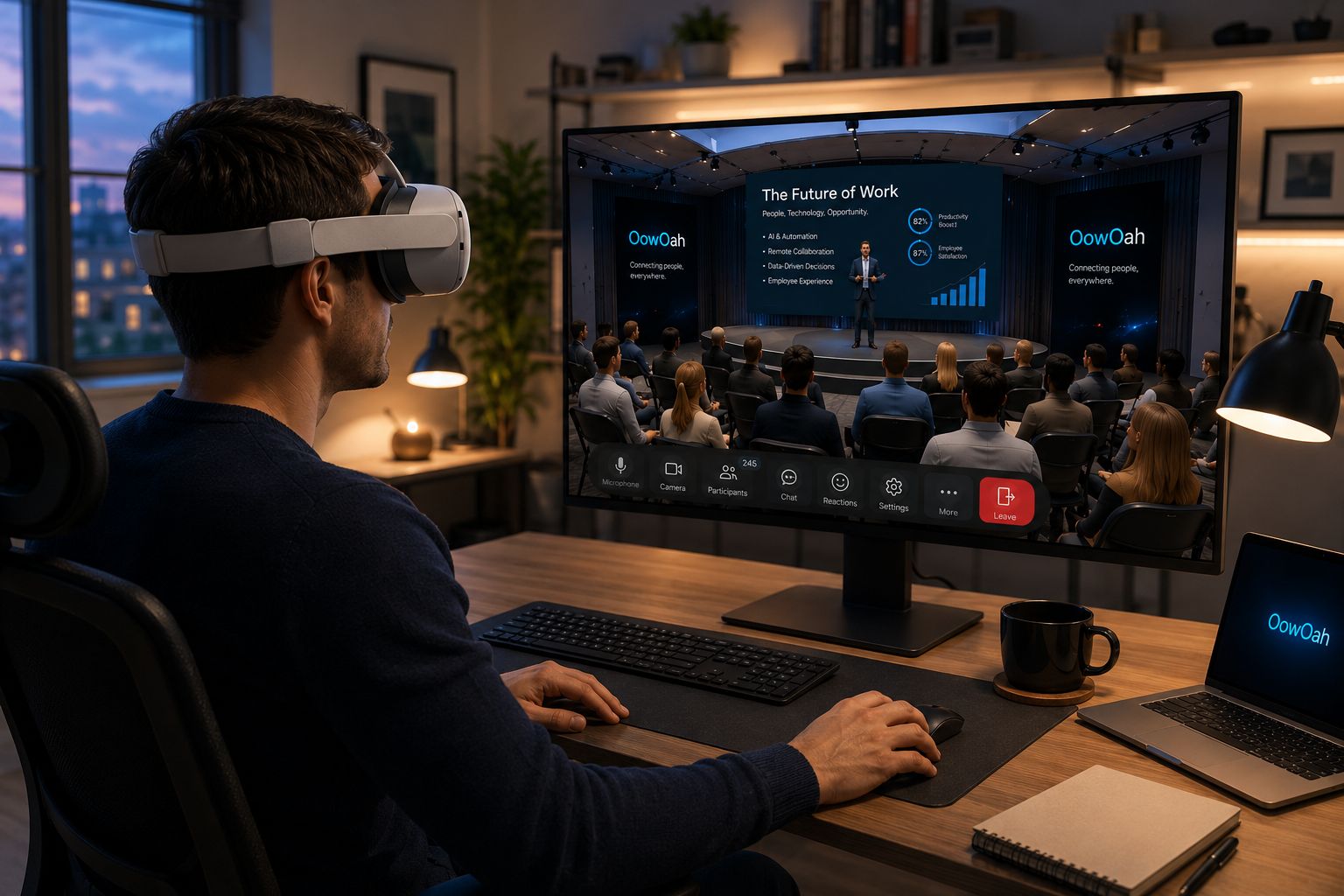
    A video call usually displays people and shared content on a phone or computer screen. An avatar-based VR meeting places headset users inside a virtual room. Participants look around that environment and communicate with other people represented there. Both formats can support discussion, but they create different experiences.

    Equipment and preparation

    Video calls are familiar to many teams and can often be joined using existing devices. A VR meeting requires compatible headsets, software access and an introduction to the controls. Build that preparation into the plan. Check comfort and provide another route for anyone who cannot use the headset experience.

    Choose around the work

    A short update may be easiest by video or even a written message. A planned workshop or presentation may be worth testing in a virtual room. In-person sessions remain useful for activities that require physical access. Consider the meeting’s purpose, the participants and the material rather than assuming one format is best for everything.

    Compare a real session

    Use the same type of agenda for a small trial and gather feedback afterwards. Could everyone hear, contribute and follow the presentation? Were decisions clear? Did the equipment create difficulties? OowOah VR Meeting Rooms offer a shared environment with presentation screens and meeting support features. Evaluate the practical experience with your team before expanding its use.

    Explore the next step

    If this is a challenge for your organisation, find out whether a different meeting or event format could help. Explore OowOah VR Meeting Rooms.


  • Hybrid Meetings: How to Include People Joining Remotely

    Hybrid Meetings: How to Include People Joining Remotely

    Two locations can become two different experiences

    People in the meeting room can hear side comments and notice when someone wants to speak. Remote participants may hear a distant microphone and see only the slides. The organiser needs to plan how the two groups will communicate, rather than simply adding a video link to an in-person invitation.

    Check sound before adding complexity

    Ask a remote colleague to test the room audio. Can they hear each speaker clearly? Can people in the room hear them without feedback? Use equipment suited to the room and avoid several nearby devices playing the same call audio. Share documents directly so remote participants are not dependent on a camera pointed at a screen.

    Make someone responsible for remote participation

    A facilitator should monitor questions and bring remote contributions into the discussion. Repeat local comments that were not audible. Avoid continuing important decisions in a room-only conversation after the call ends. Record the agreed outcome in one place that everyone can access.

    Consider a more consistent shared format

    For some discussions, having everyone join individually may produce a clearer experience. A VR meeting room is another possible shared format for participants with suitable headsets. It should be tested with the group and accompanied by an alternative where necessary. The goal is comparable access to information and discussion, not using more technology for its own sake.

    Explore the next step

    If this is a challenge for your organisation, find out whether a different meeting or event format could help. Explore OowOah VR Meeting Rooms.

  • Online Presentations: Why Screen Sharing Alone Is Not Enough

    Online Presentations: Why Screen Sharing Alone Is Not Enough

    A shared slide is only the starting point

    Screen sharing makes a presentation visible, but it does not tell you whether people can read it or follow the argument. Dense slides and long monologues can make discussion difficult. Plan around what the audience needs to understand and what they should be able to decide afterwards.

    Prepare for the screen people actually use

    Use clear headings, readable text and one main point per slide. Avoid displaying a full spreadsheet when only two figures matter. Describe the key point aloud and share the document separately when people need to examine details. Check the material on a smaller display before the session.

    Build discussion into the presentation

    Pause at meaningful points and ask a specific question. Explain how attendees can interrupt or request clarification. If you are presenting and managing questions alone, keep the format simple. For a larger session, a colleague can monitor questions while the speaker concentrates on the explanation.

    Match the presentation space to the task

    VR meeting rooms offer virtual presentation screens within a shared environment. This can provide another setting for discussing reports or proposals, but the content still needs to be readable and well organised. Test it in the actual headset experience before inviting clients. A successful presentation leaves people with a clear understanding and agreed next steps, whichever platform you use.

    Explore the next step

    If this is a challenge for your organisation, find out whether a different meeting or event format could help. Explore OowOah VR Meeting Rooms.