
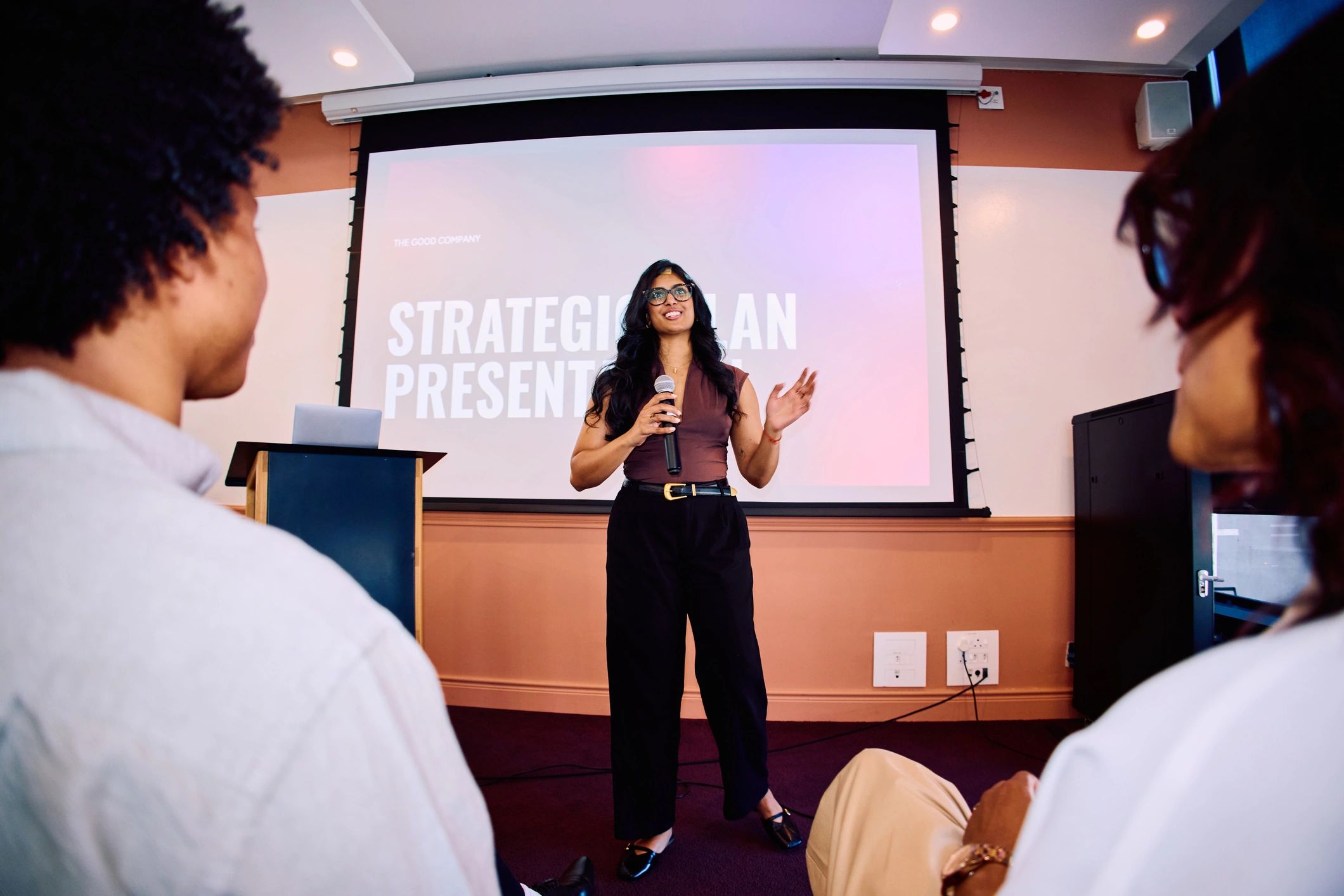
A shared slide is only the starting point
Screen sharing makes a presentation visible, but it does not tell you whether people can read it or follow the argument. Dense slides and long monologues can make discussion difficult. Plan around what the audience needs to understand and what they should be able to decide afterwards.
Prepare for the screen people actually use
Use clear headings, readable text and one main point per slide. Avoid displaying a full spreadsheet when only two figures matter. Describe the key point aloud and share the document separately when people need to examine details. Check the material on a smaller display before the session.
Build discussion into the presentation
Pause at meaningful points and ask a specific question. Explain how attendees can interrupt or request clarification. If you are presenting and managing questions alone, keep the format simple. For a larger session, a colleague can monitor questions while the speaker concentrates on the explanation.
Match the presentation space to the task
VR meeting rooms offer virtual presentation screens within a shared environment. This can provide another setting for discussing reports or proposals, but the content still needs to be readable and well organised. Test it in the actual headset experience before inviting clients. A successful presentation leaves people with a clear understanding and agreed next steps, whichever platform you use.
Explore the next step
If this is a challenge for your organisation, find out whether a different meeting or event format could help. Explore OowOah VR Meeting Rooms.