Category: News

  • How Can You Add a Live VR Experience to a Fan Event?

    How Can You Add a Live VR Experience to a Fan Event?

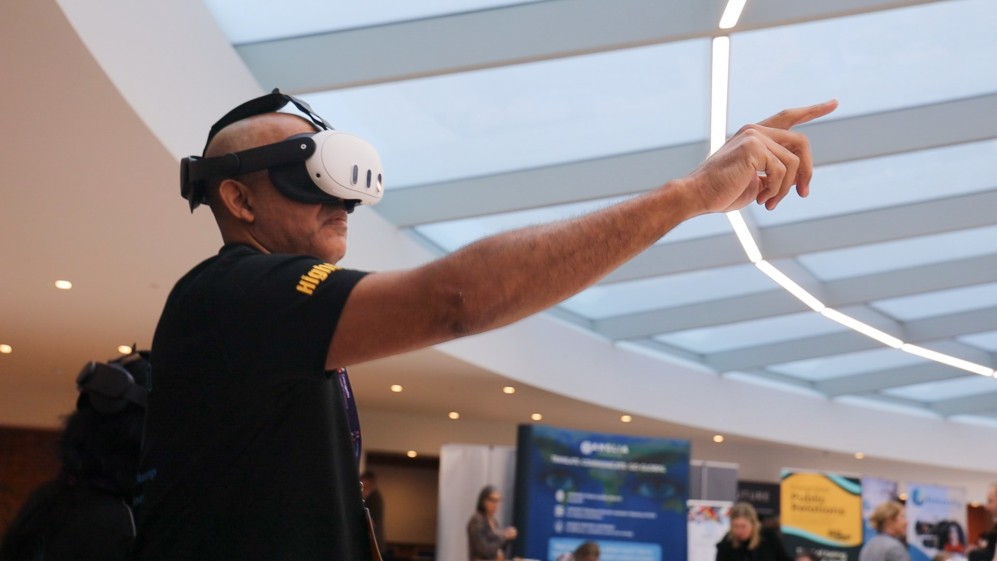
    A fan event is about sharing a moment with people who care about the same thing. A venue audience brings energy, but travel and capacity can keep other fans away. Adding Live VR gives those people another way to experience the event.

    Choose a moment worth sharing

    An interview, live demonstration or performance can give remote viewers a reason to book. Explain exactly what their ticket includes. Watching an event in 360° does not automatically include a personal conversation, backstage access or a meet-and-greet.

    Keep the venue experience

    Run the physical event as planned and position a compatible 360° camera where it gives a useful view without blocking guests. Test speech, music and lighting from the remote viewer’s position before doors open.

    Make the invitation clear

    Tell fans which headset they need, when the session starts and how to access it. Confirm permission to stream performances and show participants. A clear programme helps people decide whether the experience suits them.

    Start with one session

    Try a focused part of the programme first. Ask remote attendees about sound, view and enjoyment afterwards. OowOah Live VR is an add-on to physical events; equipment and production still need planning.
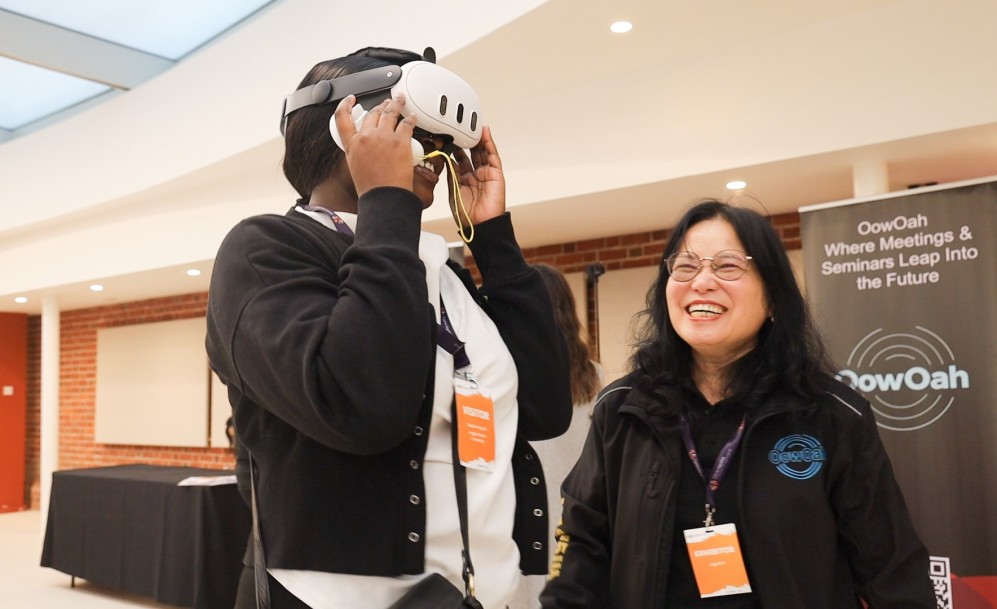
    Find out more about OowOah Live VR Events.

  • What Would Your First Five Minutes in VR Be Like?

    What Would Your First Five Minutes in VR Be Like?

    Minute one: finding the comfortable fit

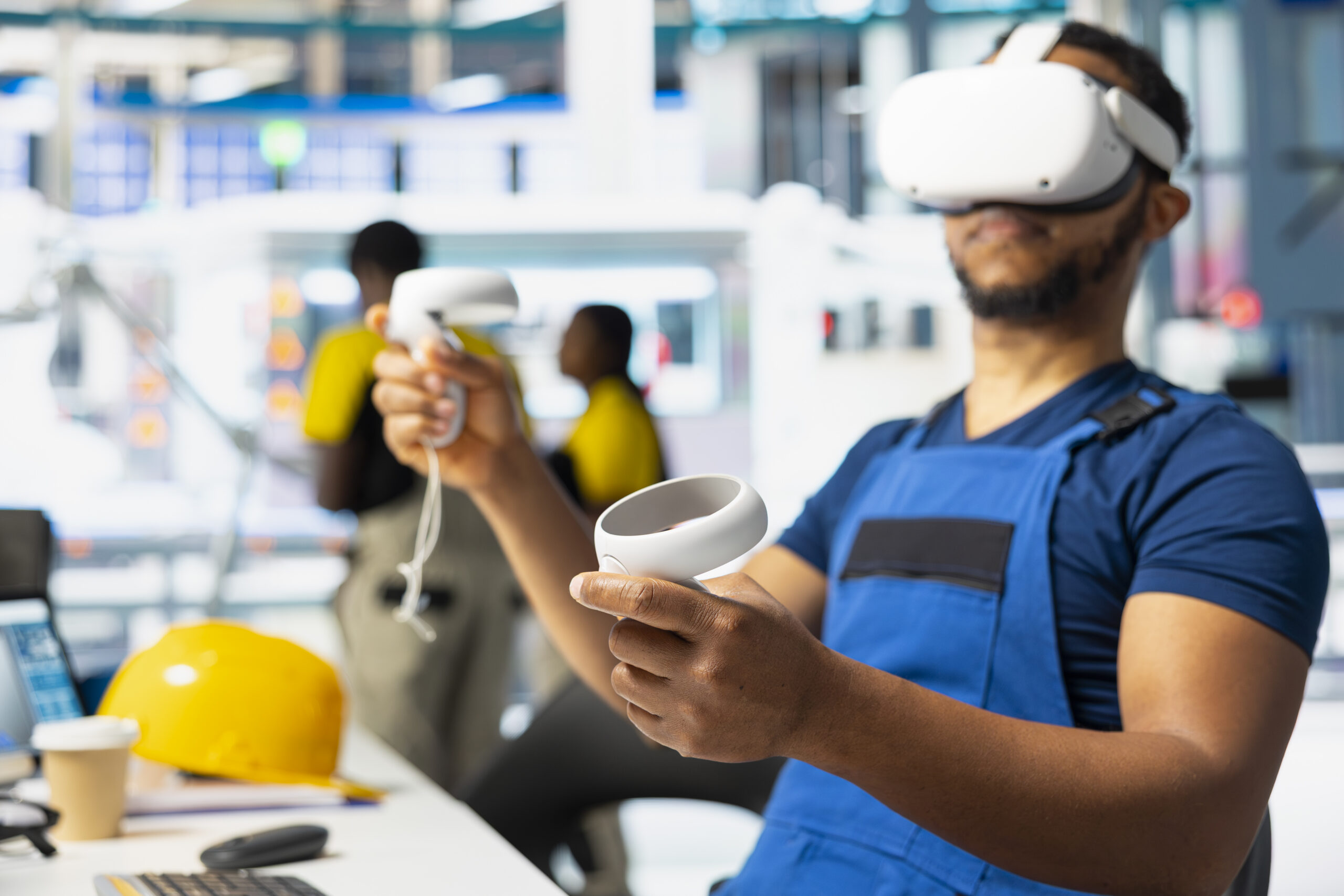
    Your first job is less science fiction than you might expect: adjust the headset until it fits comfortably. Follow the device instructions, check the view and ask for help if something feels wrong. There is no prize for pretending you know every control. Everyone using VR had a first go, including the person now explaining it with great confidence.

    Minute two: yes, you can look around

    In a virtual environment, looking left reveals what is on your left. Looking right reveals what is on your right. It sounds obvious on paper, but experiencing it is the interesting part. Move naturally within the guidance for your device and surroundings. You do not need to spin dramatically to demonstrate that you have understood.

    Minute three: learning the useful controls

    Different applications use different controls. Start with what you actually need: selecting an option, joining the activity and knowing how to leave. Save the grand tour of every menu for another day. A short, supported introduction makes more sense than discovering the controls during a client presentation.

    Minute four: meeting somebody in there

    In an avatar-based meeting, other people appear as representations within the shared room. They may be in another office or another country, but you can talk together in the virtual setting. Your first conversation can be wonderfully ordinary: hello, can you hear me, and where are you joining from? The technology is new to you; the people are still people.

    Minute five: noticing what the room is for

    Now you can begin exploring the presentation screens and the activity planned for the session. Perhaps it is a discussion, a workshop or a project review. A virtual room is useful when it supports something you want to do together. It does not need to turn every conversation into a futuristic spectacle.

    There is no stopwatch

    These five minutes are an imagined introduction, not a required pace. Take longer if you need it, pause when appropriate and choose an alternative if a headset does not suit you. OowOah VR Meeting Rooms provide a setting for exploring business collaboration in VR. Begin with a relaxed practice session. Your first goal is simply to feel comfortable enough to discover what comes next.

    Explore VR Meeting Rooms.

  • Back-to-Back Video Meetings: What Microsoft’s Research Found

    Back-to-Back Video Meetings: What Microsoft’s Research Found

    What the research examined

    In April 2021, Microsoft published findings from a small study involving 14 participants. Researchers compared video meeting sessions with and without breaks, using EEG equipment to observe brain activity. The break condition included ten-minute periods of meditation between meetings. It was a specific experiment, rather than a survey of every workplace.

    What Microsoft reported

    Microsoft reported patterns consistent with accumulating stress during consecutive meetings without breaks. The break condition showed different patterns, including indicators associated with better engagement. These findings support taking meeting schedules seriously. They do not establish that every type of break has identical effects, or that changing software alone solves meeting fatigue.

    Put a gap in the diary

    A practical response is to schedule shorter sessions and protect the time between them. State the decision needed, share background material beforehand and finish when the task is complete. Avoid filling a new gap immediately with another call. A break is most useful when colleagues are actually free to step away.

    Apply the lesson to every meeting format

    The same scheduling care should inform in-person, video and VR sessions. Moving to a virtual room does not remove the need for breaks or a manageable workload. If a team trials VR meetings, assess comfort and session length alongside collaboration. Better planning and an appropriate environment should work together.

    Read the original research

    Source: Microsoft WorkLab, Research Proves Your Brain Needs Breaks, 20 April 2021. Read Microsoft’s study summary.

    Explore the next step

    If this is a challenge for your organisation, find out whether a different meeting or event format could help. Explore OowOah VR Meeting Rooms.

  • Do You Need Technical Skills to Use VR for Business?

    Do You Need Technical Skills to Use VR for Business?

    You need an introduction, not a technical qualification

    A new headset can look unfamiliar, especially to someone who has never used VR. The first session should focus on getting comfortable, understanding the basic controls and joining the intended activity. Avoid making an important client meeting someone’s first unassisted experience.

    Prepare the device before the session

    Charge the headset, check the required application and confirm account access. Follow the device instructions for a suitable environment and boundary setup. Give the user a simple joining guide, including who to contact if they need help. Preparation reduces the amount of troubleshooting needed during the meeting.

    Teach only the controls needed

    For an introductory meeting, show how to join, hear others, speak and leave. Explain any presentation or note-taking controls when they become relevant. A short practice session is more useful than a long tour of every feature. Let people ask questions and make adjustments before the scheduled discussion begins.

    Keep participation flexible

    Some people may be uncomfortable in a headset or unable to use one. Plan an alternative and offer breaks. The person arranging business VR needs to understand the access process, but does not need to develop the software. Start with a supported trial, assess the experience and decide whether it suits the team and its work.

    Explore the next step

    If this is a challenge for your organisation, find out whether a different meeting or event format could help. Explore OowOah VR Meeting Rooms.

  • Is Virtual Reality Just for Gaming? Practical Uses for Business

    Is Virtual Reality Just for Gaming? Practical Uses for Business

    Start with the activity, rather than the headset

    Gaming is a familiar use of virtual reality, but a headset can also provide a shared meeting space, an immersive learning environment or a view of a real event. For a business, the useful starting point is a task that existing methods make difficult. A headset purchase should follow that decision.

    Meetings and shared discussion

    Avatar-based meeting rooms let participants join a virtual environment from different locations. They can discuss material displayed on virtual screens and communicate within that space. These sessions still require preparation, clear audio and an agenda. They suit a different task from an email update or a physical inspection.

    Live events and practical learning

    A live 360-degree broadcast gives a headset viewer a view around the camera’s position at a real venue. It is different from an animated virtual world. Training applications may instead use simulated scenarios designed for practice. Ask which type of experience a provider means before comparing products or discussing results.

    Try one practical use first

    Choose a small group, explain the equipment and allow time to get comfortable. Check whether the activity was useful, whether people could participate and whether another format is needed for some colleagues. OowOah brings meeting rooms, live VR events and remote perspective sharing into its platform. Each service should be considered against a clear business need.

    Explore the next step

    If this is a challenge for your organisation, find out whether a different meeting or event format could help. Explore OowOah VR Meeting Rooms.

  • Does VR Training Work? What the PwC Study Found

    Does VR Training Work? What the PwC Study Found

    What PwC studied

    PwC’s 2020 research compared classroom learning, e-learning and VR for a particular soft-skills course involving new managers. The training addressed inclusive leadership and unconscious bias. Understanding that context matters: the results concern a designed learning programme, not a general test of every headset application.

    The findings in context

    PwC reported faster course completion and stronger focus for VR learners in that study. Its UK summary states that VR participants completed the course four times faster than classroom learners and were four times more focused than e-learning participants. These comparisons describe the studied course. They are not promised results for every organisation.

    What a business can take from it

    The research gives businesses a reason to consider immersive learning where practice, attention and realistic scenarios are important. A sensible pilot starts with a defined skill and a way to assess it. Compare understanding, application, learner comfort and the full cost of delivery. Headsets, preparation and content development all belong in that assessment.

    Training, meetings and live events are different uses

    A scenario-based VR course is different from a meeting in a virtual room or a live seminar filmed with a 360-degree camera. The study does not establish the effectiveness of OowOah or prove that VR meetings outperform video calls. It supports informed investigation of a specific training approach. Choose the experience around the actual learning or collaboration task.

    Read the original source

    Read PwC’s summary of its VR soft-skills training study.

    Explore the next step

    If this is a challenge for your organisation, find out whether a different meeting or event format could help. Explore OowOah VR Meeting Rooms.