
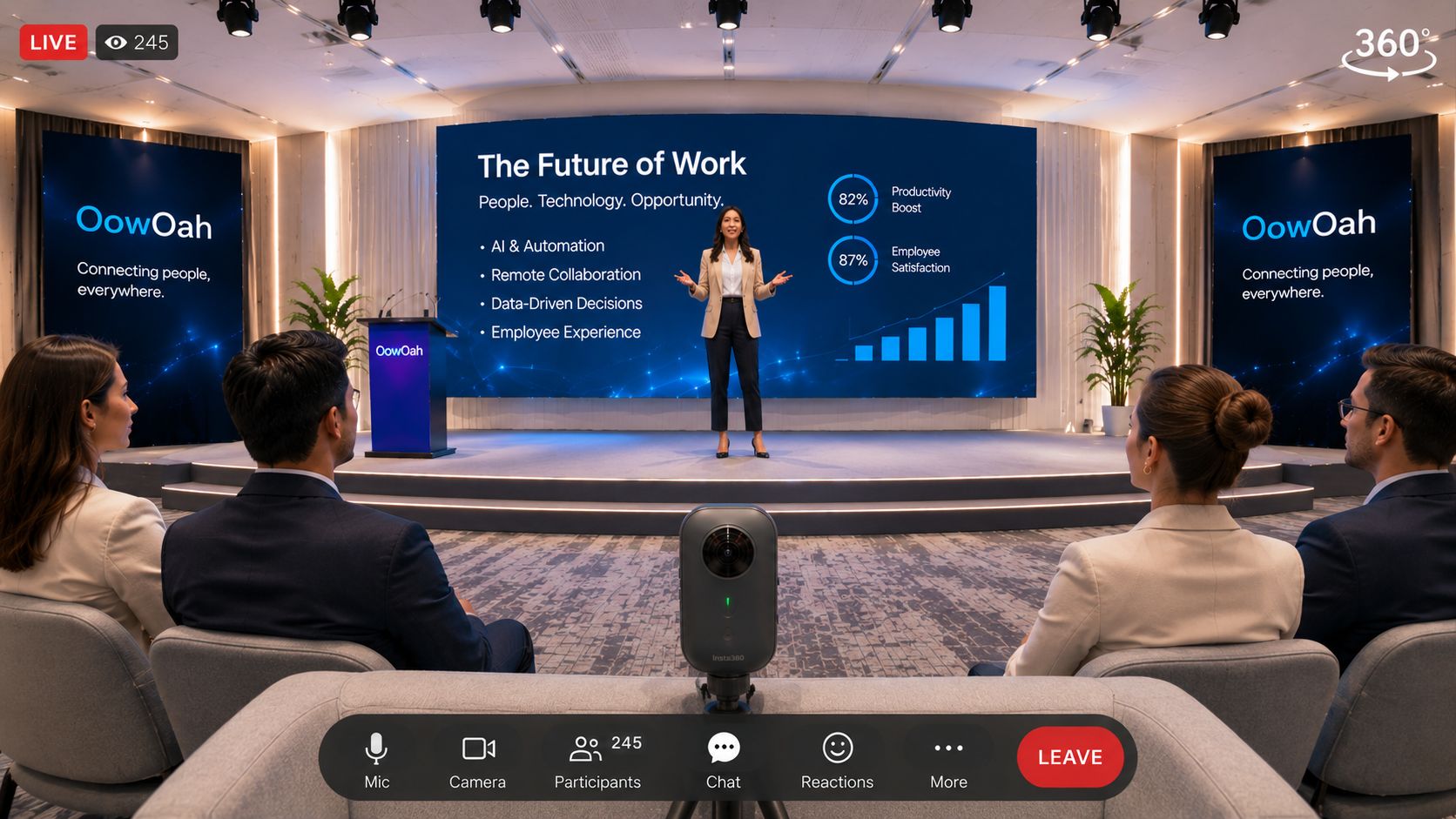
A conference does not have to become an entirely different event to welcome remote viewers. You can identify suitable sessions in the programme and plan Live VR access alongside the audience already attending in person.
Which sessions should you start with?
A keynote, panel or clearly presented demonstration can provide a manageable pilot. A busy exhibition floor is a different production challenge. Begin with a session where the viewpoint, sound and audience expectations are easy to explain. Agree the plan with the speaker and venue.
What should the production team check?
Check camera placement, microphone access, connectivity, power and session transitions. Test from the remote viewer’s device. If slides are essential, verify that their content can be understood through the intended setup, rather than assuming a stage screen will be readable from every position.
How do remote attendees fit into the programme?
Give them a clear timetable and explain breaks. If you plan to include questions, confirm a supported submission method and assign someone to manage it. Avoid advertising live interaction until you have checked exactly how it will work.
What should the ticket page say?
Name the sessions included, equipment requirements, time zone and any replay arrangements. Distinguish the Live VR ticket from the physical conference pass. OowOah Live VR is an add-on attendance option: your conference remains in its venue while selected content can reach people elsewhere.