
Create the meeting in the OowOah admin panel and add the attendees. The system then sends email invitations. This lets the business arrange the session and include clients through the meeting setup process.
Does the client need an OowOah business account?
No. Only the hosting business needs an OowOah account for this meeting invitation arrangement. It can invite people outside the business. Do not confuse that with the separate audience account used to book public Live VR events.
What equipment does the client need?
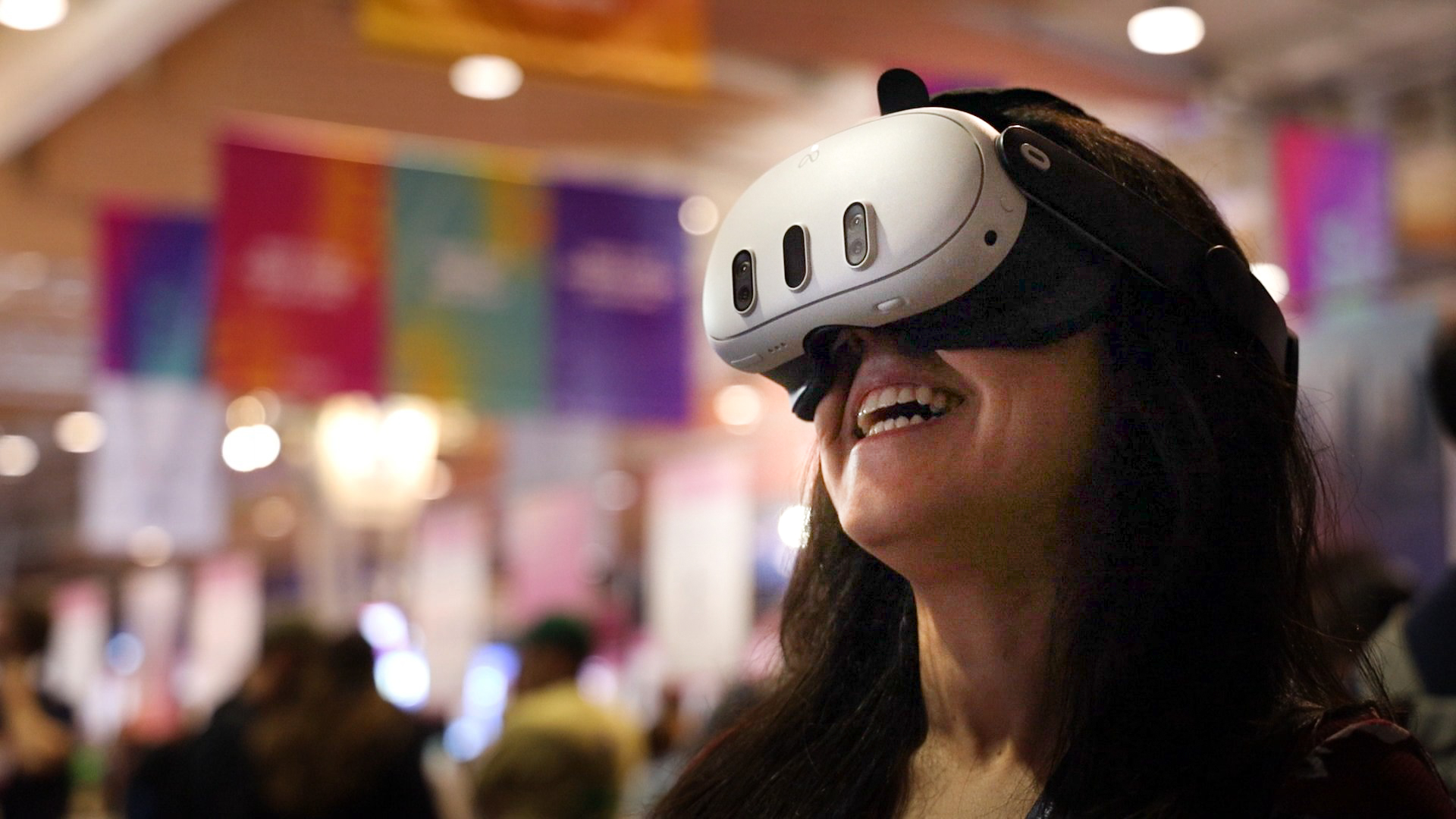
Every participant needs their own Meta Quest 3 or Meta Quest 3S. Confirm that before arranging a VR presentation, rather than assuming the client can enter from an ordinary phone or laptop. Explain the meeting format in the invitation context.
What should I prepare for the conversation?
Send a clear agenda and tell the client what the session needs to achieve. Prepare any PowerPoint presentation and leave time for questions. If it is their first VR meeting, allow an introduction before beginning the main discussion.
Where can I find out more?
How VR meetings differ from video calls. Visit explore vr meeting rooms for the relevant service information.