
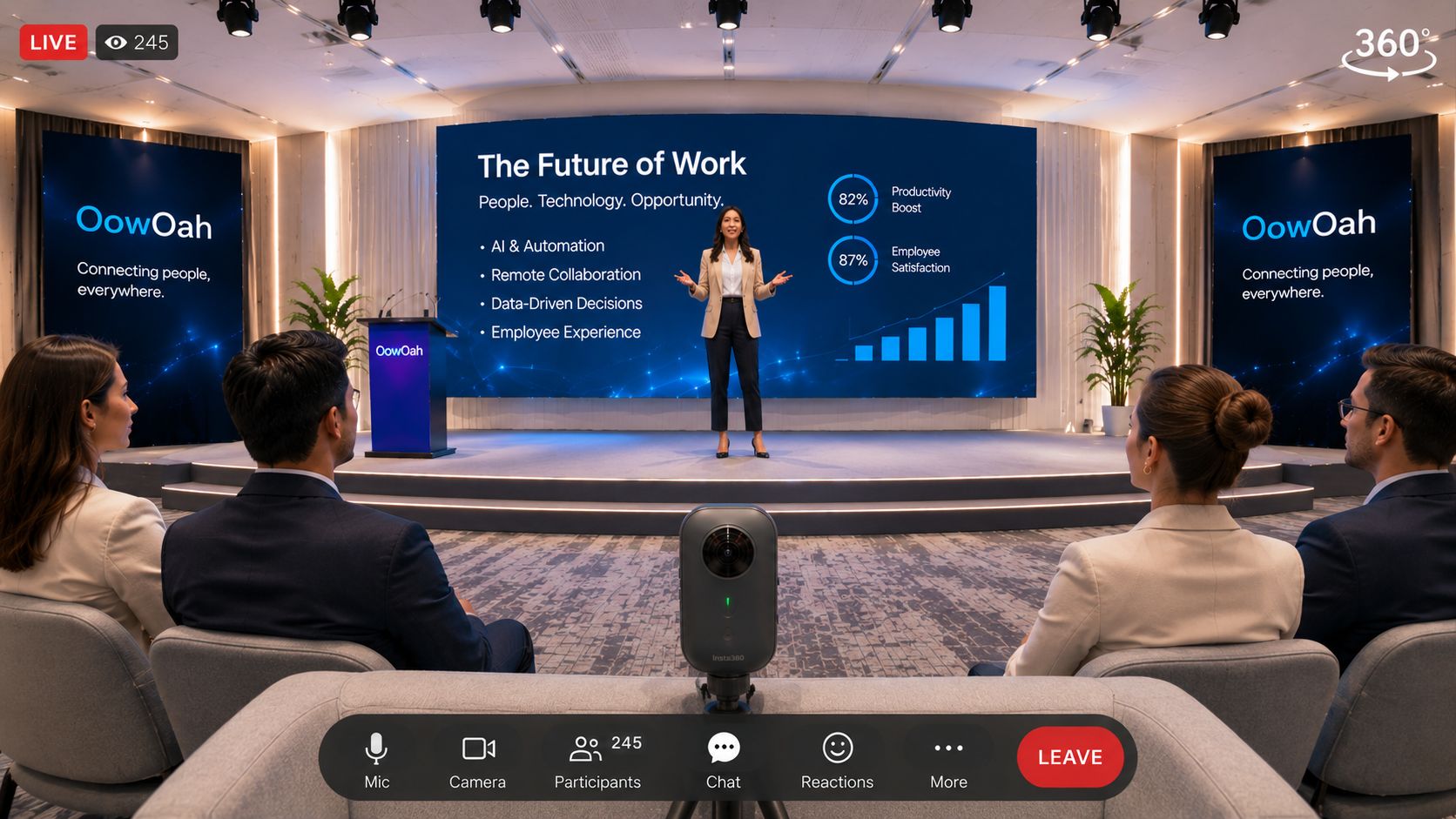
Test the experience the remote audience will receive, using the proposed venue, camera position and connection. A successful equipment check in another room does not show that the full event arrangement will work. A rehearsal lets the team find practical problems while there is still time to address them.
Which parts of the production need attention?
Check the 360° view, the sound of the presenter and any important material shown during the programme. Look for blocked views, distracting nearby activity and content that is difficult to follow from the camera position. Use a supported headset to assess what the audience sees rather than relying only on a camera preview.
Which platform steps should be rehearsed?
Work through the agreed event setup and broadcast sequence with OowOah. Check that the event information and timing match the programme. Organisers may use their own compatible RTMP 360° camera, so confirm the actual device and stream settings before the rehearsal. Do not assume every 360° camera has the required live-streaming capability.
What should happen after the test?
Write down the changes, give each one an owner and repeat any affected checks. Brief the presenter on the final camera arrangement and how to handle a pause. A rehearsal is also a chance to make the joining instructions clearer and confirm the plan for communicating any interruption.
Where can I find out more?
How your audience attends in VR. Visit explore hosting live vr events for the relevant service information.