
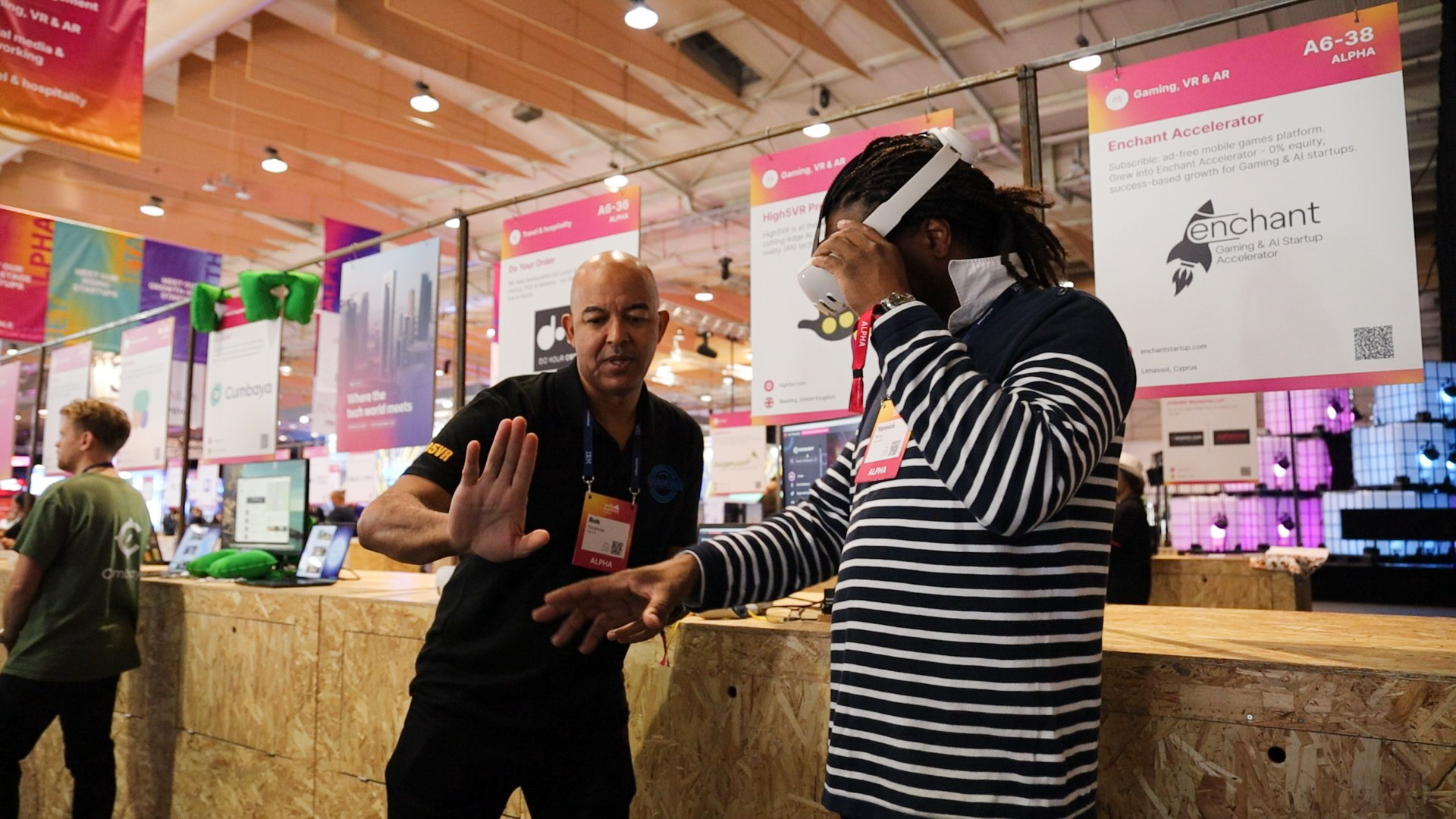
A recruitment agency can use an OowOah VR Meeting Room for a candidate briefing or a conversation about a role. The format is most useful when the people involved already have access to compatible headsets and want a shared space to discuss the opportunity and supporting material.
What could the briefing include?
Explain the role, the employer's requirements and the next stage of the process. A PowerPoint presentation can provide a common reference, while the recruiter leaves time for questions. The session should help the candidate understand the opportunity rather than test their familiarity with a headset without warning.
How are candidates invited?
The business creates the meeting in its admin panel and adds attendees. OowOah sends the email invitations. Only the business needs an OowOah account under this arrangement, and every participant needs their own Meta Quest 3 or Meta Quest 3S. Confirm the equipment requirement before choosing VR for a candidate conversation.
What about notes and recordings?
OowOah supports AI meeting notes and summaries, and meetings can be recorded for later viewing. Agree how those tools will be used before a conversation involving personal information. Keep the briefing focused on relevant material and give candidates a clear next step. VR attendance should not be presented as evidence of suitability for an unrelated role.
Where can I find out more?
How VR meetings differ from video calls. Visit explore vr meeting rooms for the relevant service information.