
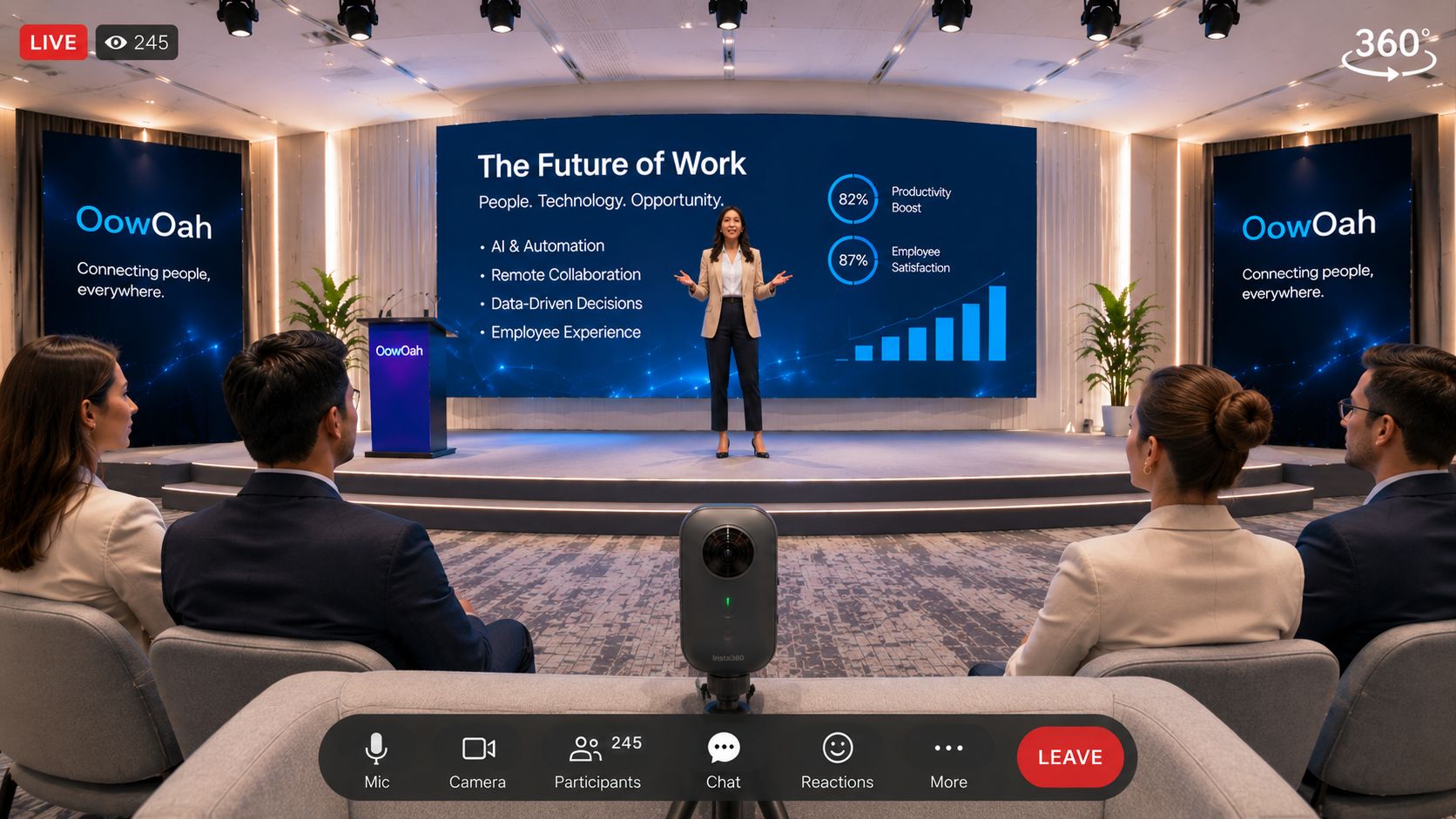
An office conference room needs equipment that lets remote participants hear the whole discussion and see useful detail. The right setup depends on the room, seating and meeting service. Buying a larger display alone rarely answers all of those questions.
Plan around the room
Measure the space and identify where people will sit, present and speak. Check power, network access and cable routes. Decide whether the room will use a dedicated meeting system or a participant’s laptop with connected peripherals.
Choose the audio and camera
The microphone needs to cover the people who contribute, including those furthest from the table’s centre. The camera should frame the seats and presenter appropriately. An all-in-one bar can simplify some rooms, but its suitability must be checked for that layout.
Include control and sharing
People need a clear way to join, adjust audio and show material. Confirm compatibility between the meeting platform, controller, computer and peripherals. Check how visiting presenters will connect without disrupting the room setup.
Test with remote colleagues
Run a realistic meeting with people in every usual seat. Ask remote testers about voices, echo and slide readability. Include installation, support and subscriptions in the plan. A well-tested modest room is more useful than equipment chosen only from a specification sheet.
Official references, checked 16 October 2026: Microsoft Teams Rooms, Zoom Rooms.
Related guide: What Is the Best Online Meeting Platform?.