
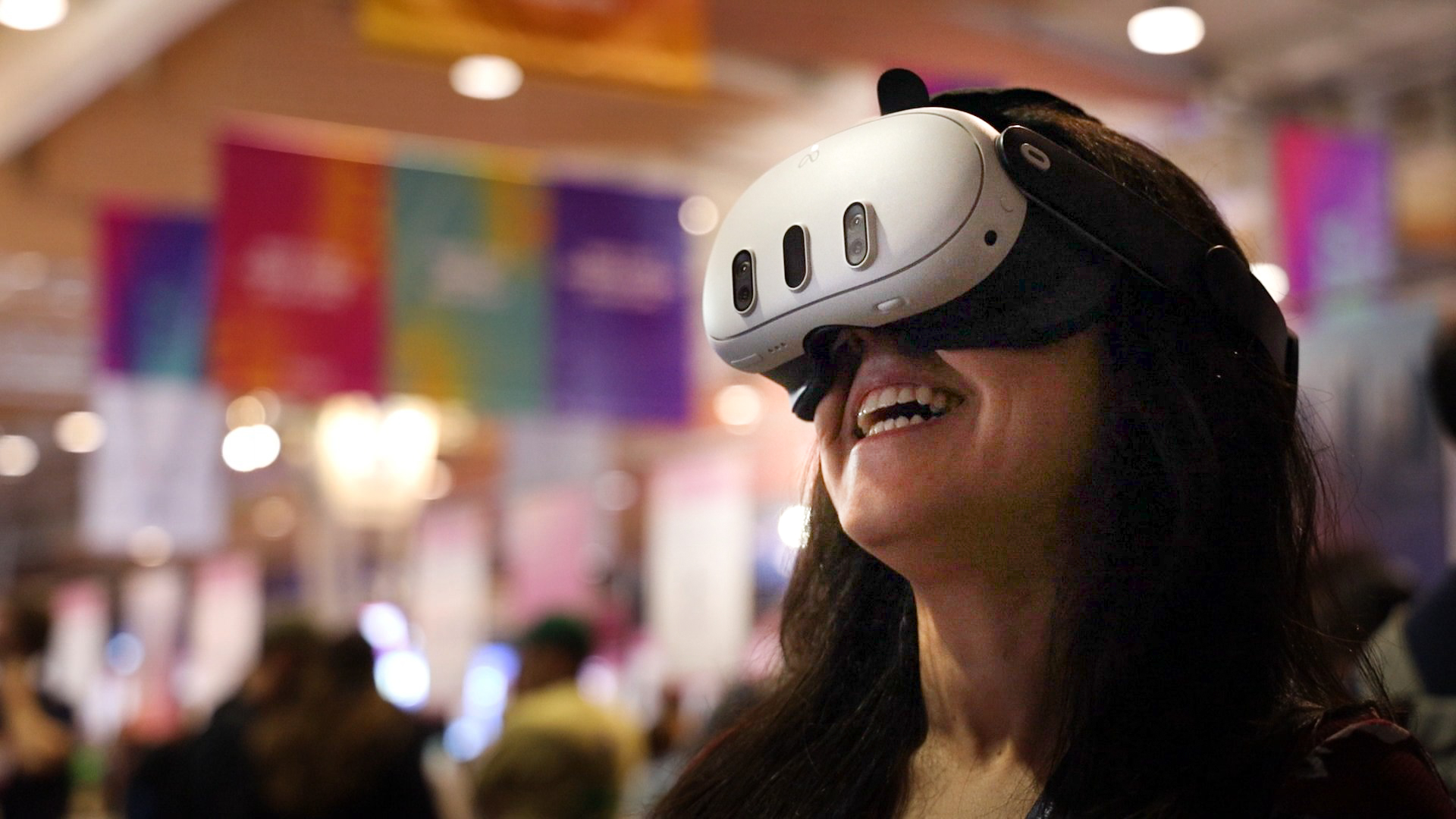
A Meta Quest can provide access to more than meetings, depending on the device and the applications you choose. Potential uses include training experiences, demonstrations and immersive viewing. Hardware ownership alone does not provide every business function or a licence to every app.
Explore task-specific training
A purpose-built training application can provide scenarios suited to its learning objective. Check the content, assessment and access arrangements rather than assuming a general meeting app contains a complete training course. Some tasks still require physical practice.
Try demonstrations and presentations
A suitable application may help a team explain material or review an idea. Confirm which formats and tools it supports before preparing content. A headset display does not automatically mean that a service includes native 3D editing or every kind of file viewer.
Consider first-person collaboration and events
OowOah Quantum Leap brings a live real-world perspective into a VR meeting. OowOah Live VR provides a separate audience experience for compatible 360° event broadcasts. Both need their own supported setup and should not be confused with an ordinary video call.
Introduce the equipment carefully
Choose one useful task, confirm software compatibility and give users time to learn the controls. Include comfort, access and the total cost in a small evaluation. A productive use of a headset is one that helps people do their work, rather than adding technology without a clear benefit.
Related guide: What Is the Best Online Meeting Platform?.