
Start from OowOah's Live VR Events page and choose the event you want to attend. Read the programme and practical information before booking so you understand the experience and the equipment required.
What should I check first?
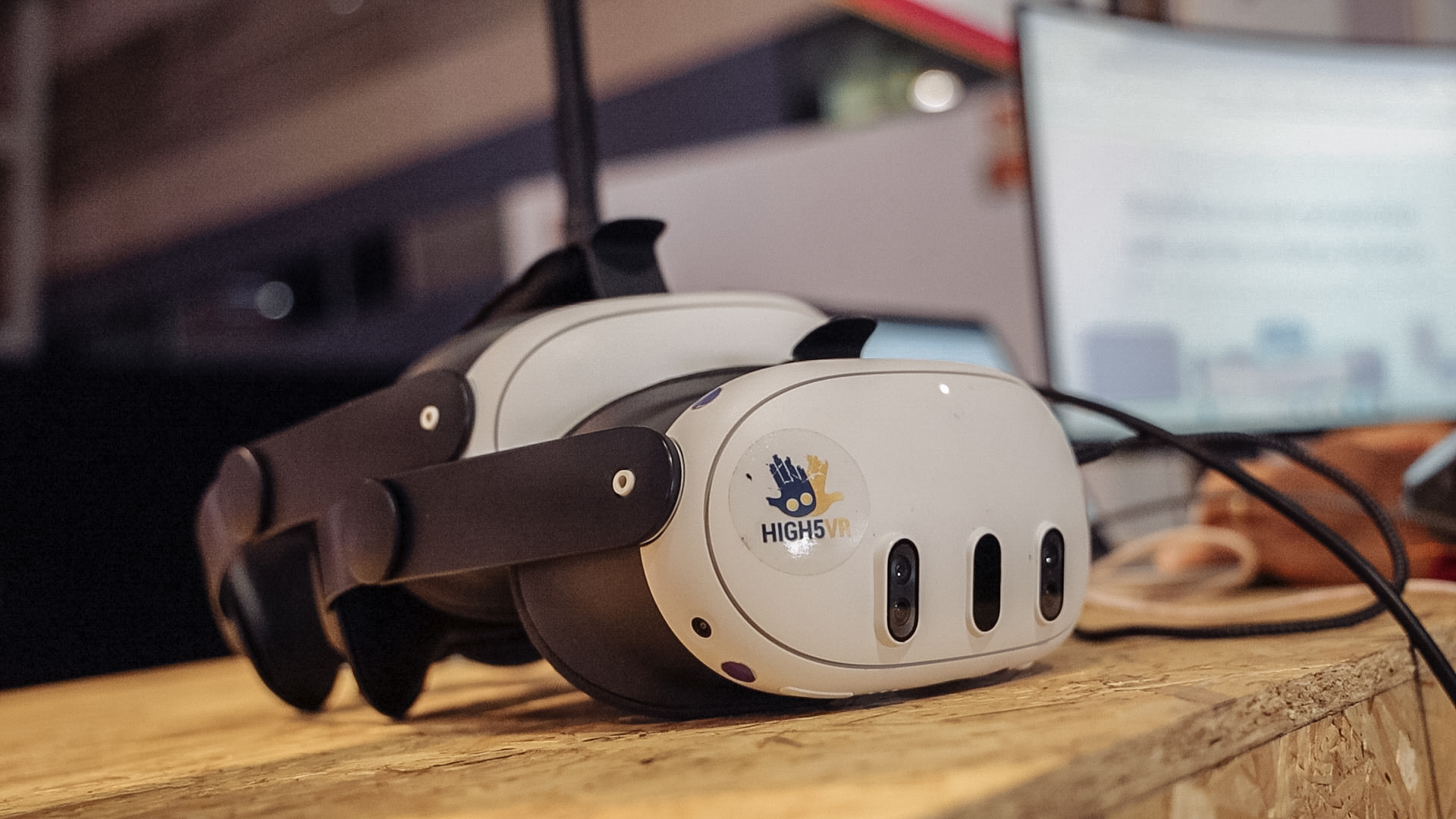
Look at the presenter, date, start time and time zone, ticket price and description. You need a Meta Quest 3 or Meta Quest 3S. Make sure the event is something you want to watch through a headset rather than assuming it is an ordinary browser-based stream.
How does booking work?
Use an audience account for the booking and complete the relevant ticket process. Ordinary organisers offer paid tickets. Free events are reserved for OowOah ambassadors, such as Sara and Elena. Read the advertised offer for the event you select.
Where do I prepare to attend?
Use OowOah's viewing guide for the app and joining steps. This is separate from a guest invitation to a business VR Meeting Room. Do not assume booking a public event follows the business-account-only invitation arrangement.
Where can I find out more?
Read the Live VR viewing guide. Visit explore live vr events for the relevant service information.