
Use the OowOah audience account associated with your booking in the public VR app. Your booked event is available through My Events, with entry through the event lobby when joining is available.
What should I prepare beforehand?
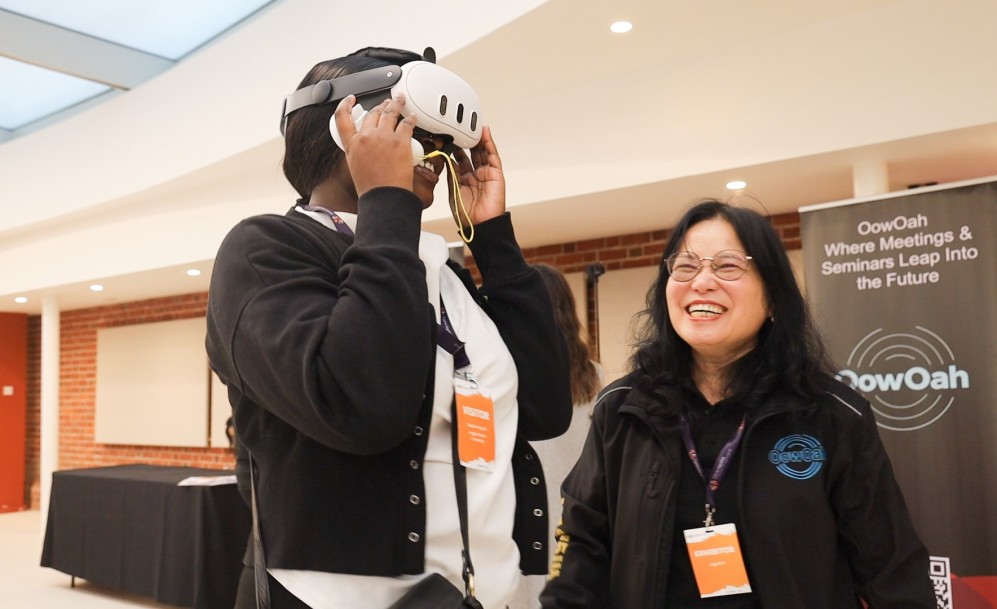
Have your Meta Quest 3 or Meta Quest 3S ready and read OowOah's viewing guide. Check the event date, start time and time zone. Complete the preparation before the event rather than first looking for joining information when the programme begins.
What if I used a different email address?
Keep the booking and audience account details consistent. The access process uses the account associated with the booking. If something does not match, use the published contact route to resolve it rather than buying a second ticket on an assumption.
Is this the same as joining a business meeting?
No. A Live VR ticket and audience account are different from a business setting up a meeting and emailing guest invitations. Use the instructions for the experience you have booked, and retain the confirmation so the event details are easy to find.
Where can I find out more?
Read the Live VR viewing guide. Visit explore live vr events for the relevant service information.