
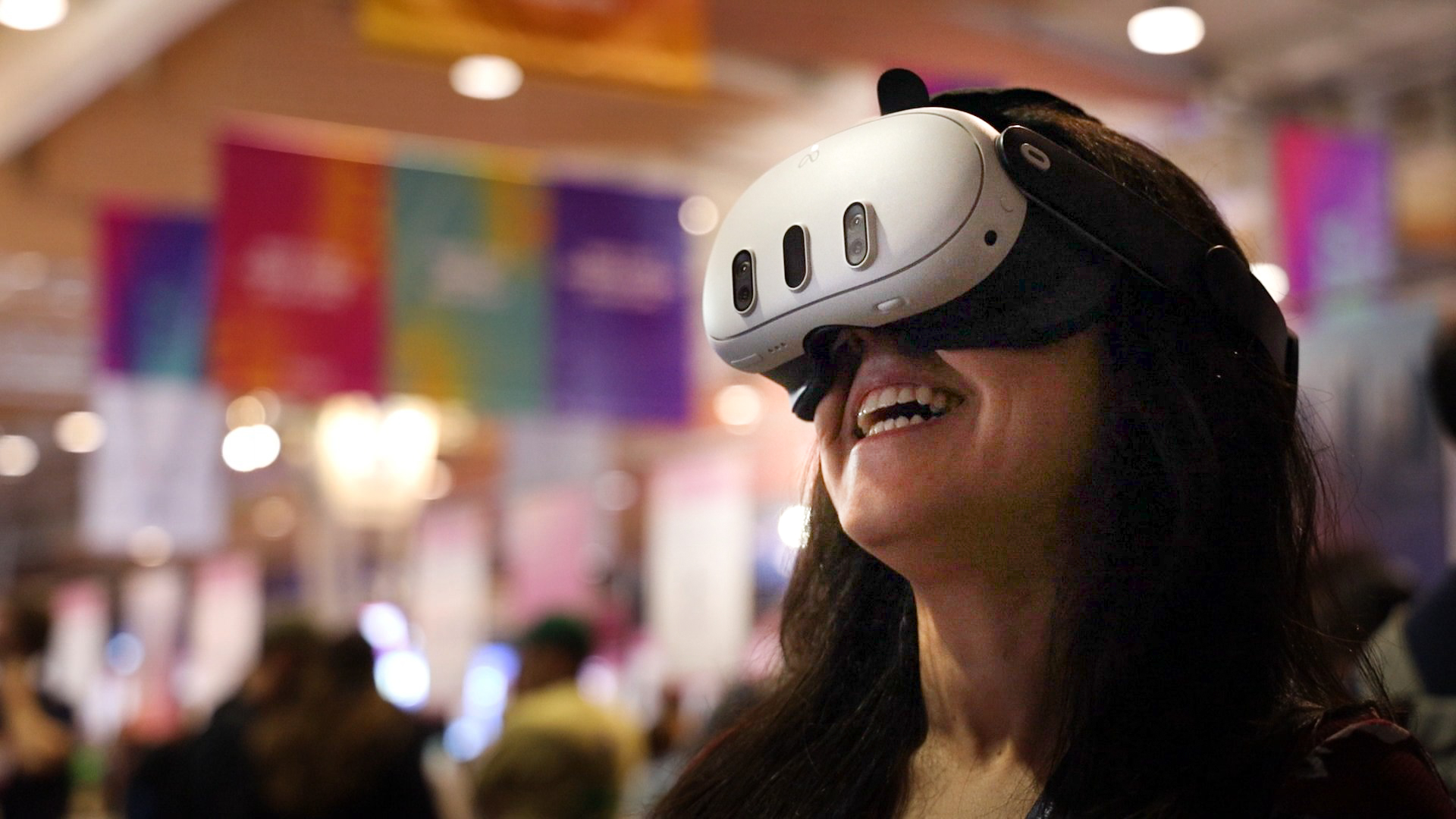
Yes. A business networking group can use an OowOah VR Meeting Room for introductions, a member presentation or a focused discussion. Everyone joins the shared virtual room through a supported headset, so the organiser needs to check access before offering the format to a group.
What could a first networking meeting include?
Start with short introductions and one useful topic. Give members an opportunity to explain what they do and what sort of connection they are seeking. A member can present using PowerPoint, with time afterwards for questions. A straightforward agenda lets the organiser assess whether VR suits the group's conversations.
What are the practical limits?
The seated room accommodates 12 people and the standing room accommodates 30. Each attendee needs a Meta Quest 3 or Meta Quest 3S. Only the hosting business needs an OowOah account for inviting guests. These requirements should be stated before members commit to the session.
How does the organiser invite members?
Create the meeting in the admin panel and add the attendees. The system sends the email invitations. Send a clear agenda and explain how long the discussion will last. Do not promise automatic introductions, contact exchange or other networking tools that have not been confirmed. End by explaining how members can follow up through the group's usual channels.
Where can I find out more?
How VR meetings differ from video calls. Visit explore vr meeting rooms for the relevant service information.