
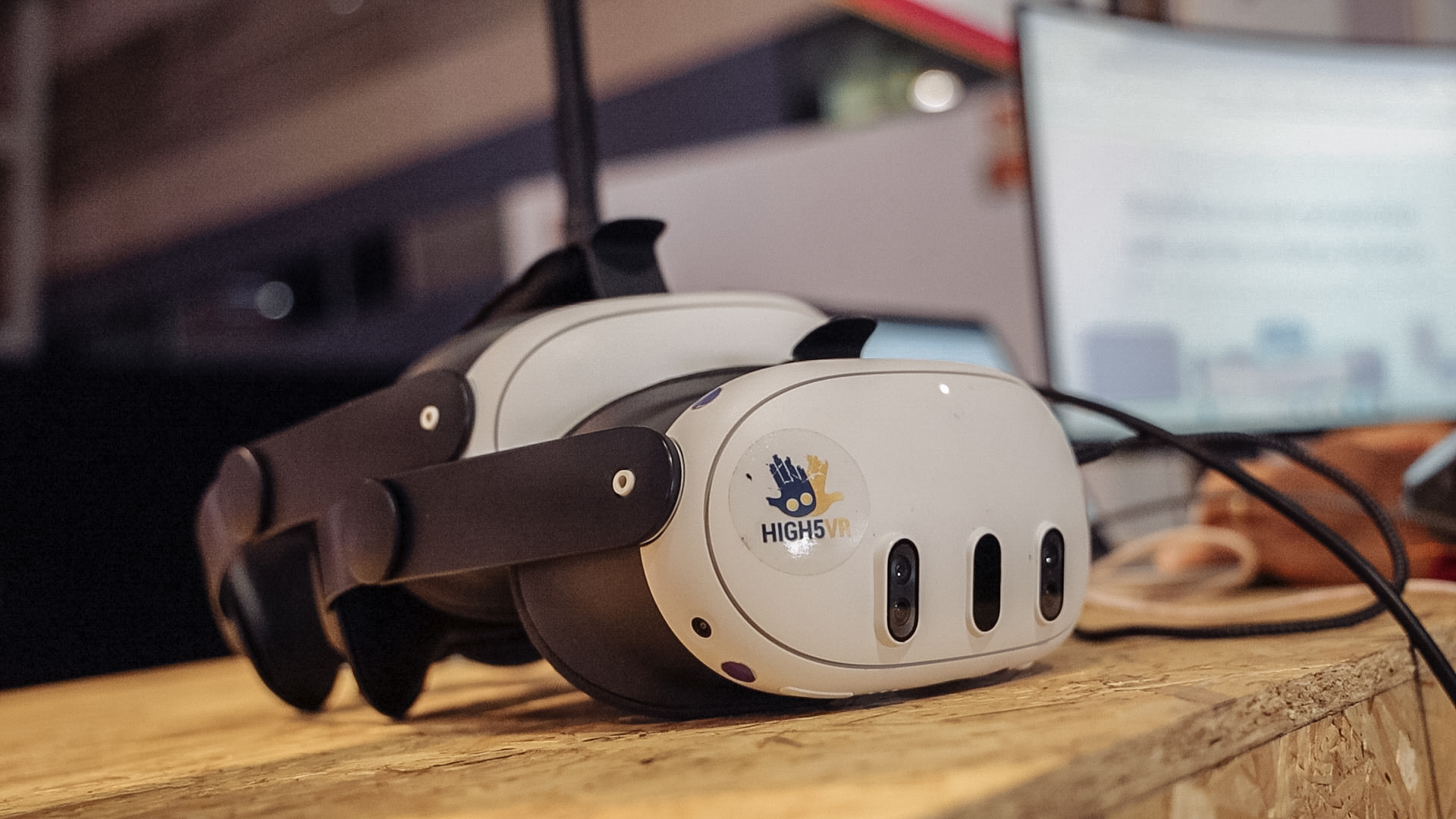
It depends on the headset, meeting format and supported software. Viewing a normal Teams or Zoom meeting on a screen inside a headset is different from entering an immersive meeting as an avatar. A meeting link alone does not confirm that every headset can join.
Separate the two experiences
A virtual screen can show a conventional video meeting while you wear a headset. The call itself may still use the usual video layout. An immersive meeting has a shared digital environment and its own joining process. Ask the organiser which experience the invitation refers to.
What does Microsoft currently support?
Microsoft documents a separate Teams Immersive app for supported Meta Quest devices, including Quest 3 and Quest 3S. Its immersive events require an appropriate invitation and account setup; they are not simply an immersive view of any ordinary Teams meeting.
Microsoft’s support page also states that immersive events will retire on 2 April 2027. This information was checked on 18 October 2026. Read the current official guidance and ask your organisation’s administrator about access before planning around this feature.
What about Zoom?
Zoom provides a web app for devices and browsers that meet its requirements. That does not establish compatibility with every VR headset browser. Do not assume a headset is supported because a web page opens or because its browser shares technology with a desktop browser.
If you use a setup that displays your computer inside a headset, confirm how meeting audio, microphone input and presentation controls work. The meeting may still be running on the computer. We have not verified a universal, standalone Zoom joining method for Meta Quest in this guide.
Check more than whether you can hear the call
- Can you sign in and pass your organisation’s access checks?
- Can others hear you clearly, and what do they see instead of your face?
- Can you read shared slides and use the controls you need?
- Can you stop presenting or leave the call without difficulty?
- Do you have a familiar alternative if the setup fails?
Where do OowOah VR Meeting Rooms fit?
OowOah provides its own shared VR meeting-room experience. It should not be treated as a built-in bridge into Teams or Zoom: such an integration has not been confirmed here. Use your existing video platform for suitable calls and consider a separate VR session when the task and participants suit that format.