
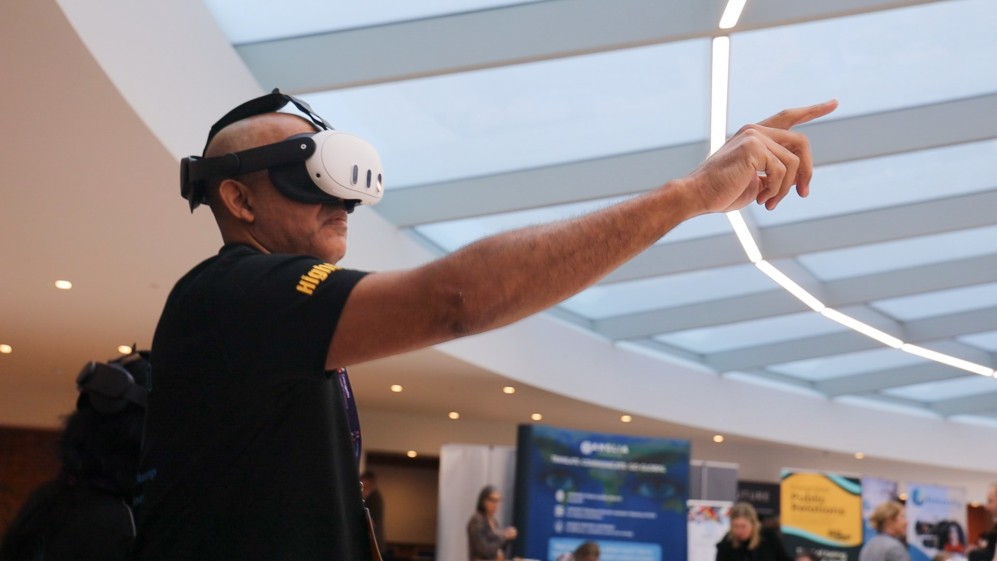
A VR call is a live conversation experienced through virtual reality. In a shared VR meeting room, people can appear as avatars and talk while occupying the same digital setting, even though they are in different physical places. The exact experience depends on the application.
What do you see during a VR call?
Instead of looking only at a grid of camera feeds, you may see a virtual room with other participants represented by avatars. You can turn your head to look around the space and view the material being presented. An avatar is a digital representation of a person; it is not necessarily a live image of their face.
How do you talk to other people?
The application carries participants’ voices over an internet connection. A headset’s microphone and audio output are part of that setup. How voices behave, whether participants can mute one another and which other controls are available depend on the platform. Check those details before an important conversation.
What equipment do you need?
Start with the meeting app’s supported devices. OowOah VR Meeting Rooms list Meta Quest 3 and Quest 3S, with headsets purchased separately from the monthly meeting-room subscription. Participants need the appropriate account access, a working connection and a comfortable physical space.
Before the first call, charge the headset, adjust its fit and practise joining the room. Keep the introduction short and agree another way to communicate if someone cannot use VR comfortably.
Is a VR call the same as watching a video call in a headset?
No. A conventional meeting displayed on a virtual screen can still be a video call. A shared VR room gives the conversation a digital spatial setting. Neither arrangement automatically reproduces physical contact or every expression you would notice in person.
Is it the same as a Live VR event?
OowOah Live VR Events involve remote viewing of a physical event captured in 360°. That is a different experience from colleagues speaking together as avatars in a meeting room. Choose the service according to whether you want a conversation or an event-viewing experience.
What should your first VR call achieve?
Choose one task, such as introducing a proposal or discussing a document. Check that everyone can hear, follow the material and contribute. Leave with a decision or clear next action. For more context, read how VR meetings differ from video calls.