
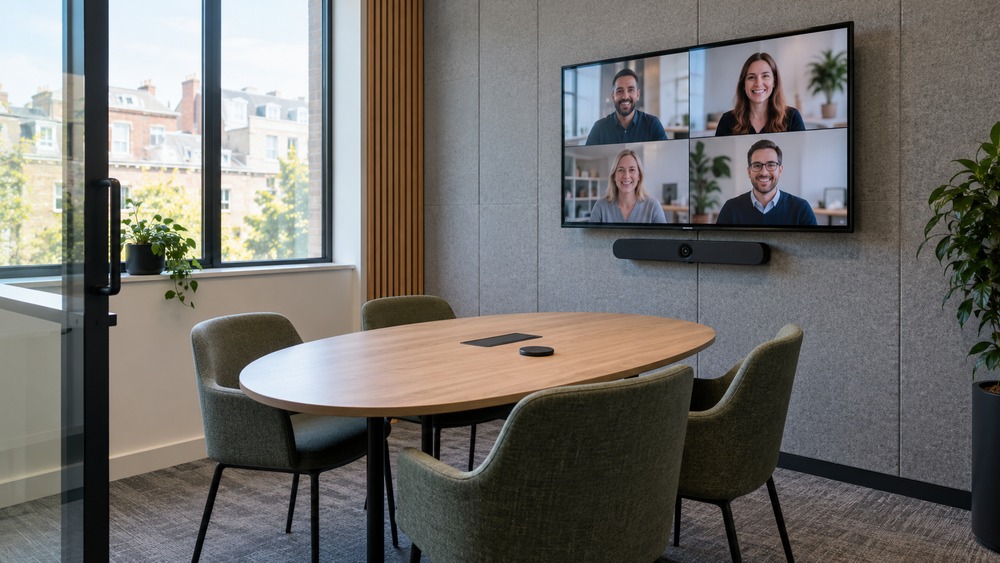
A useful huddle room is a small space where a few people can meet without complicated setup. Keep the budget focused on clear sound, an appropriate view and easy joining. The cheapest shopping basket is not always the lowest-cost room to operate.
Define the room before shopping
List the usual number of local participants and the service they use. Check seating, room noise, power and connectivity. Decide whether a laptop-based arrangement is sufficient or a dedicated room system is justified.
Reuse suitable equipment
An existing display and computer may reduce the initial purchase cost if they meet the requirements. Test them with the intended camera and audio. Do not count equipment as suitable only because the connectors happen to fit.
Prioritise sound and usability
Try the seats furthest from the microphone and ask a remote tester to judge the result. Choose a simple way to connect and show material. A single well-matched conference device can be easier to manage than several untested peripherals.
Write down the full budget
For illustration, you could set an internal equipment allowance of £600 and a separate £200 setup allowance, making an £800 planning budget before subscriptions and any applicable tax. These are hypothetical allowances, not supplier prices or an OowOah quote. Replace them with actual compatible equipment and installation quotations.
Official references, checked 16 October 2026: Microsoft Teams Rooms, Zoom Rooms.
Related guide: What Is the Best Online Meeting Platform?.