
A practical home video meeting setup starts with a suitable device, working audio, an internet connection and a camera when video is required. You do not necessarily need specialist conference-room hardware. Test what you already own before buying replacements.
Start with sound
A headset with a microphone can be a useful option, particularly in a shared room. Check comfort and compatibility with your computer or phone. Select the intended microphone and speaker in the meeting service before joining.
Make the picture useful
A built-in camera may be adequate for everyday calls. If its angle is poor, adjust the device position safely before replacing it. A separate webcam can give more flexibility, but placement and light still matter.
Check the space and connection
Choose a place where you can concentrate and avoid exposing confidential material. Test the connection where you will actually sit. If wireless performance is inconsistent, investigate a suitable wired option or another location rather than assuming the meeting app is at fault.
Keep VR requirements separate
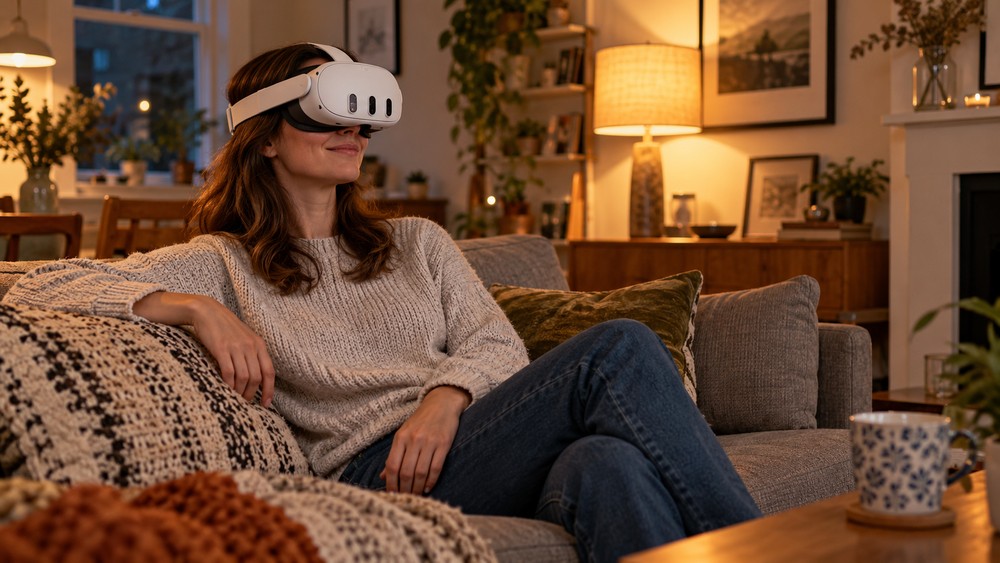
A headset-based VR room is not the same setup as a laptop video call. OowOah VR Meeting Rooms require supported headsets and account access. Compare the equipment needed for the specific experience instead of buying a general “meeting kit” without a clear purpose.
Related guide: What Is the Best Online Meeting Platform?.