
For a small business, the best video conferencing software is often the one clients can join easily and staff can manage consistently. Start with the work you do: quick calls, presentations and paid events do not all need the same setup.
Make a short requirements list
Write down typical meeting length, headcount and the number of people who host sessions. Decide which tools are essential and which would merely be nice to have. Include guest access, device compatibility and any organisational data requirements.
Compare existing subscriptions
Zoom, Teams, Google Meet and Zoho Meeting offer different account structures and editions. Check whether your existing business software already includes the capability you need. Compare the right paid plan with the right paid plan rather than relying only on free-account limits.
Try a client invitation
Ask someone outside your business to join using an ordinary device. Test the actual presentation and conversation. Check whether the host can manage the session without technical support and whether guests can contribute comfortably.
Consider specialist formats separately
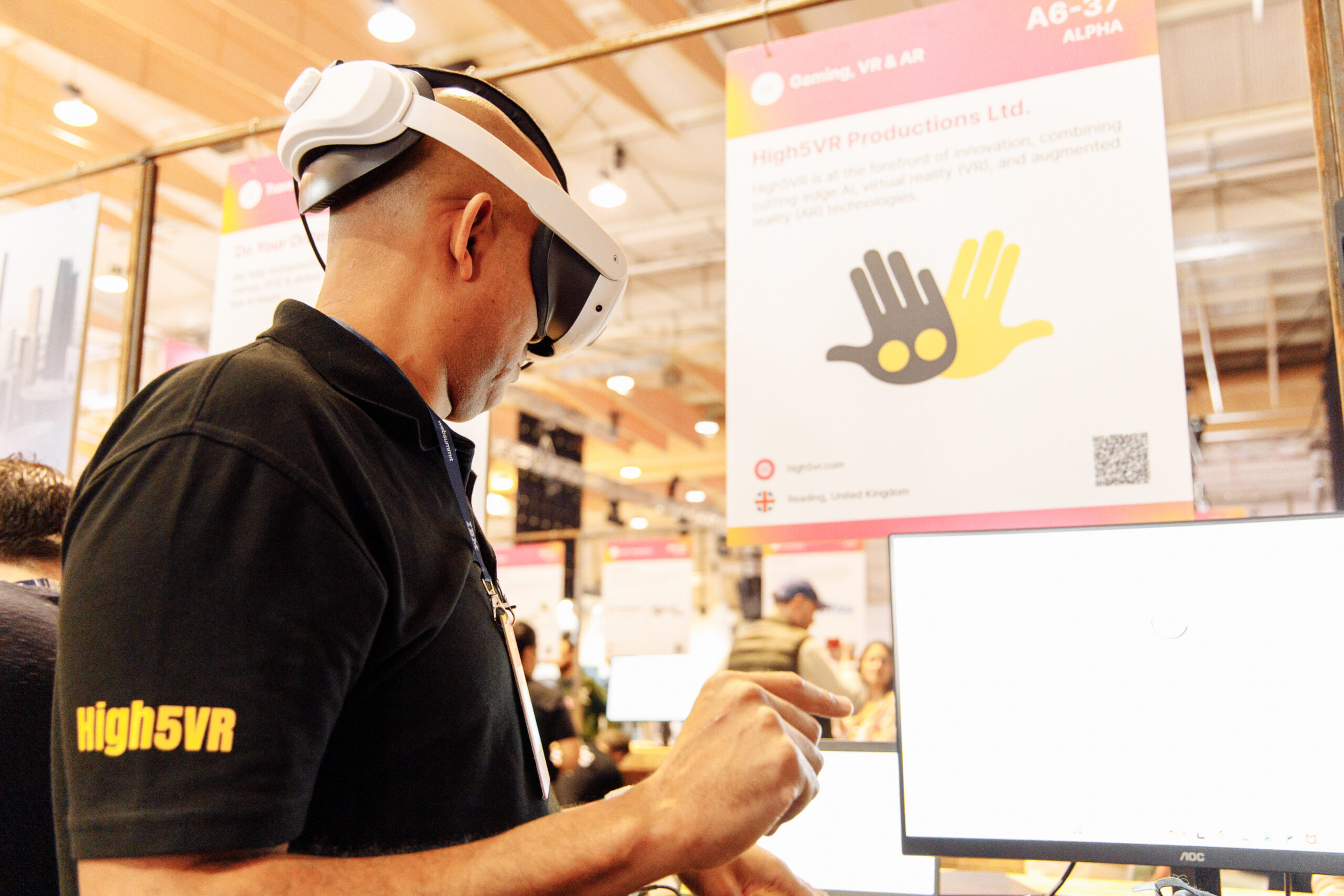
OowOah VR Meeting Rooms provide a shared headset-based environment for suitable discussions. Live VR is an add-on for physical event audiences. Assess those against a specific use case, including equipment and access, rather than asking one service to replace every kind of business conversation.
Official references, checked 16 October 2026: Zoom Meetings, Teams free meetings, Google Meet limits, Zoho plans.
Related guide: What Is the Best Online Meeting Platform?.