
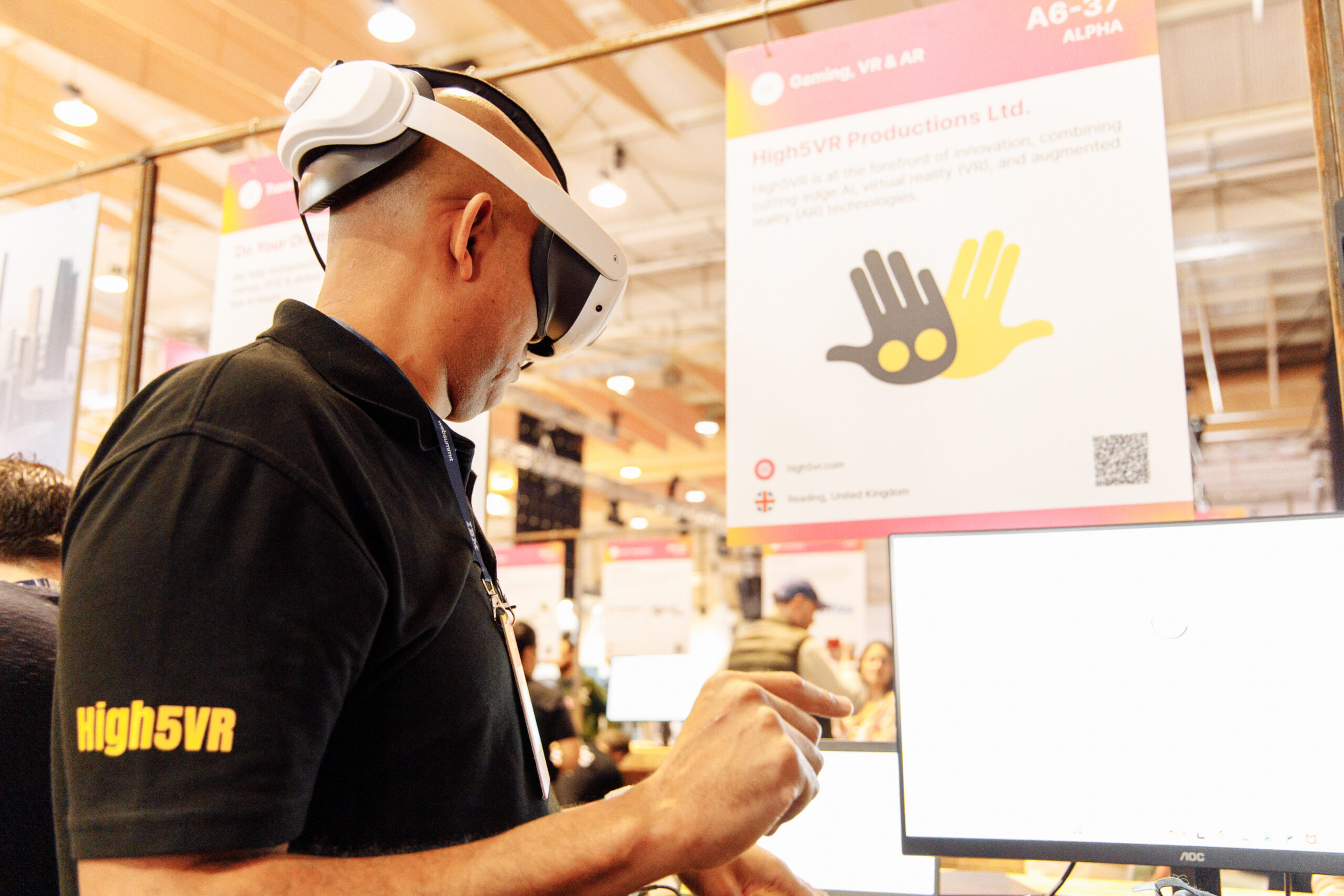
If someone cannot use a VR headset, the meeting still needs to include their contribution. The reason may be comfort, accessibility, equipment or personal preference. Start by discussing a practical alternative rather than asking them to justify their situation publicly.
Ask privately what would help
Find out which format the person can use comfortably. They may prefer a video call, telephone discussion or written feedback. You do not need a detailed account of a medical condition to arrange a reasonable way to contribute.
Check the actual product requirements
OowOah VR Meeting Rooms require supported headsets for participants. Do not promise that someone can join the same room through a browser or phone unless that capability is confirmed. Arrange an alternative meeting or another route for their input.
Keep decisions inclusive
Share the same relevant documents, questions and context. If input is collected separately, bring it into the main discussion before a decision is made. Sending someone the result afterwards is not the same as letting them influence it.
Choose another format when needed
If the group’s purpose requires everyone to talk together, use a format everyone can access. The advantages of a virtual room do not outweigh excluding a colleague or client from an important conversation.