
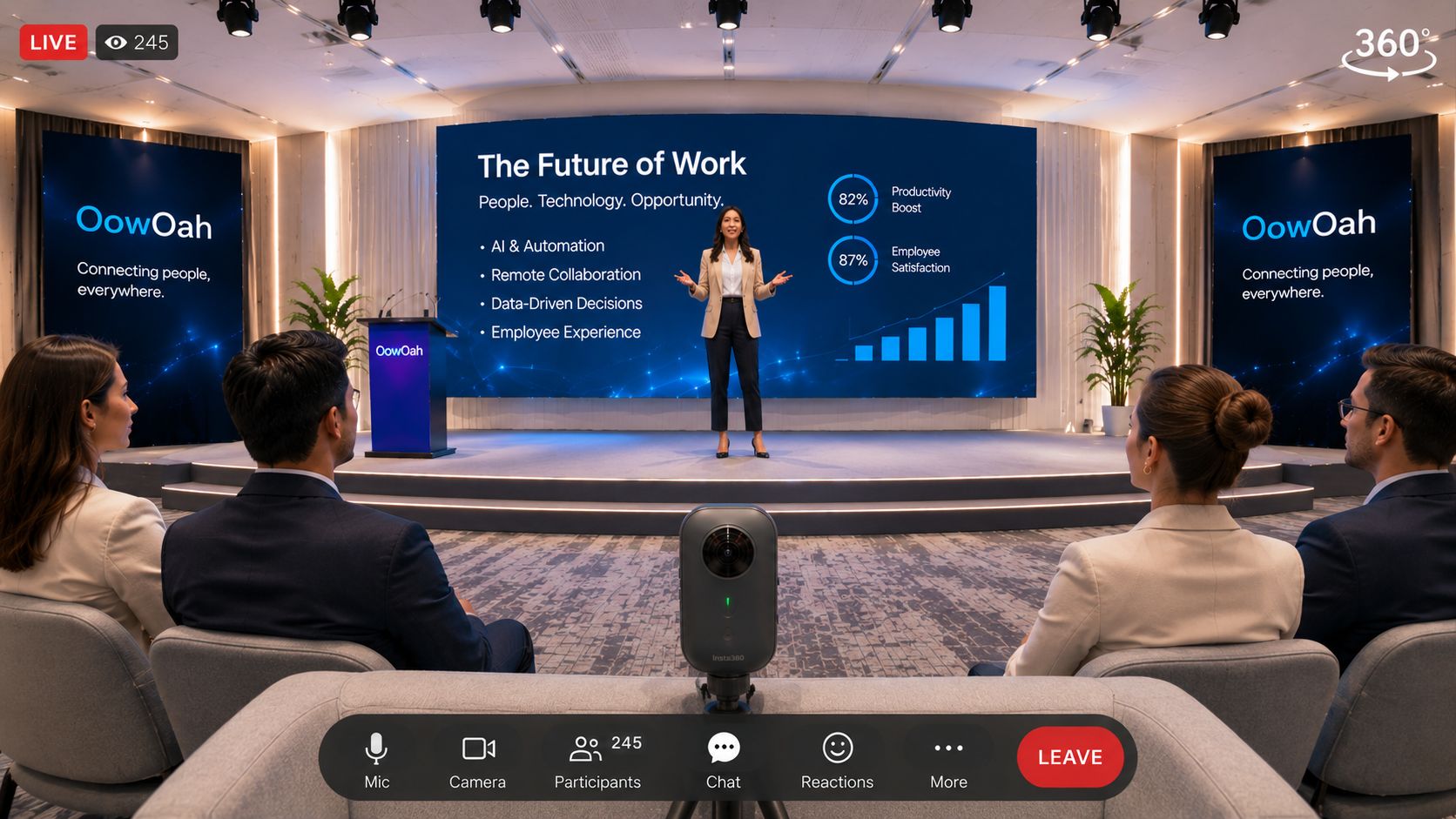
A complicated idea becomes easier to discuss when people can follow its parts and ask questions at the right moment. A VR meeting could provide a shared setting for that conversation, but changing the room does not automatically improve the explanation.
Build the explanation in stages
Start with the problem, show one simple example and add detail gradually. If you are explaining a business process, follow a single item through it before introducing exceptions. Avoid filling a presentation with every technical term at once.
Use the setting deliberately
Shared screens can give the group a common reference. Point people towards the relevant section and pause before moving on. Check supported presentation options rather than promising interactive objects, simulations or 3D models that have not been confirmed.
Ask for understanding
Invite someone to explain the idea back in their own words. Ask what remains unclear. Agreement, silence and understanding are different things, whether the meeting is in person, on video or in VR.
Choose a practical format
If the material requires detailed reading or a participant cannot use a headset, another format may work better. Test one explanation with a small group and compare what they understand afterwards, rather than judging only how impressive the room looks.