
Choose your meeting software before buying a collection of headsets. A device’s ability to run VR applications does not mean every business meeting platform supports it. Compatibility needs to be checked for the specific application and workflow.
Which models does OowOah list?
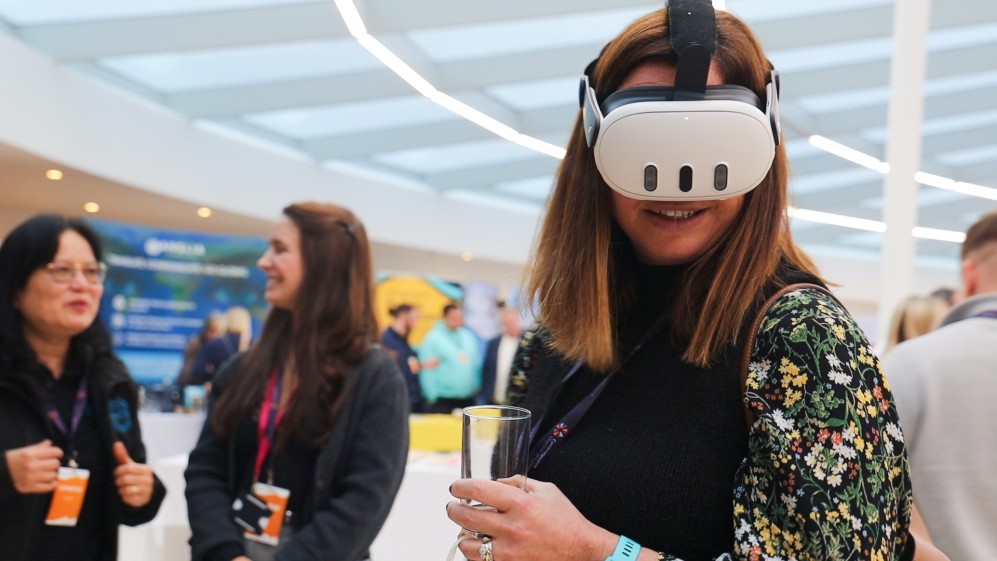
OowOah VR Meeting Rooms currently lists Meta Quest 3 and Meta Quest 3S for participants. Every participant joining the VR room needs a supported headset. Do not assume another model works simply because it uses the same brand name.
What else needs preparing?
Set up the required accounts, install the correct application and follow the organisation’s access process. Charge devices and check their connection before the meeting. A first session should include enough time to adjust the fit and learn the basic controls.
How many devices and spaces do you need?
Think about who will participate simultaneously and whether equipment will be shared between sessions. The monthly headset-space subscription and the physical devices are separate planning decisions. Avoid confusing a large staff list with the number of people attending at once.
How can you avoid a difficult first meeting?
Run a short introduction before an important client session. Confirm that participants can join, hear one another and follow the presentation. Discuss individual access needs and provide another meeting arrangement where required. A smooth start comes from preparation rather than the headset model alone.