
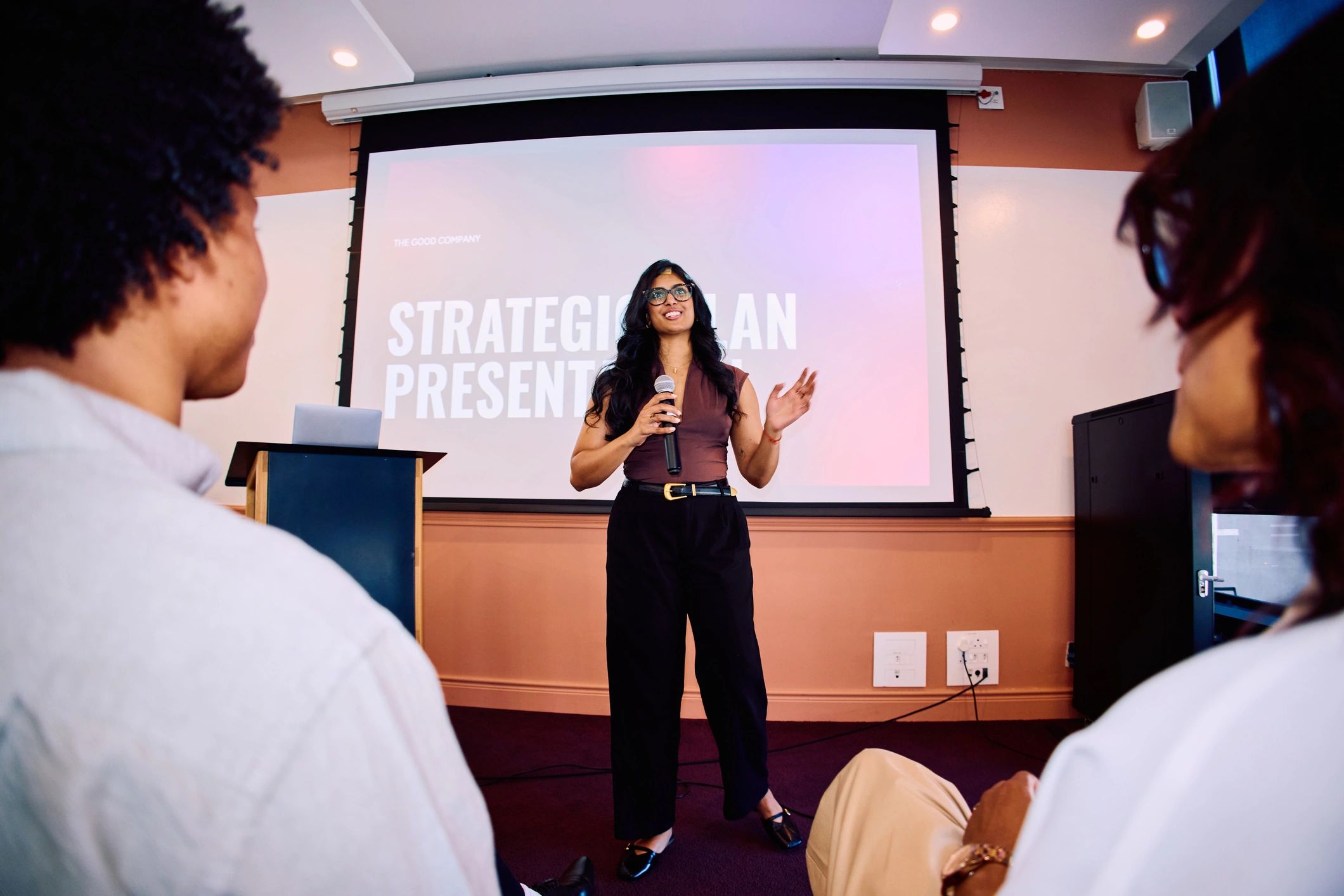
Plan two audience experiences together
The venue audience can see the stage directly and speak with people around them. Remote attendees rely on the broadcast and whatever interaction the organiser provides. Define what each ticket includes before selling it. A clear description should explain access, timing and whether any recording will be available.
Design the broadcast around the content
Prioritise intelligible speech and a useful view of the speaker. If slides carry important information, check how remote attendees will read them. For 360-degree streaming, camera placement determines the viewer’s position in the venue. Keep that view clear and test the actual headset experience.
Explain how questions will work
A remote audience should know whether it can ask questions and how. Assign someone to manage the channel if one is offered. The presenter can acknowledge both audiences and repeat questions from the room. Do not promise interactive features unless the chosen event system supports them.
Test the complete attendee journey
Check discovery, booking, confirmation and entry as well as the camera feed. Have someone outside the venue test access. OowOah Live VR is intended to add a 360-degree headset audience to real events. Organisers still need suitable equipment, sound, connectivity and a clear event plan. Match the production to what attendees are paying to experience.
Explore the next step
If this is a challenge for your organisation, find out whether a different meeting or event format could help. Explore OowOah Live VR events.