
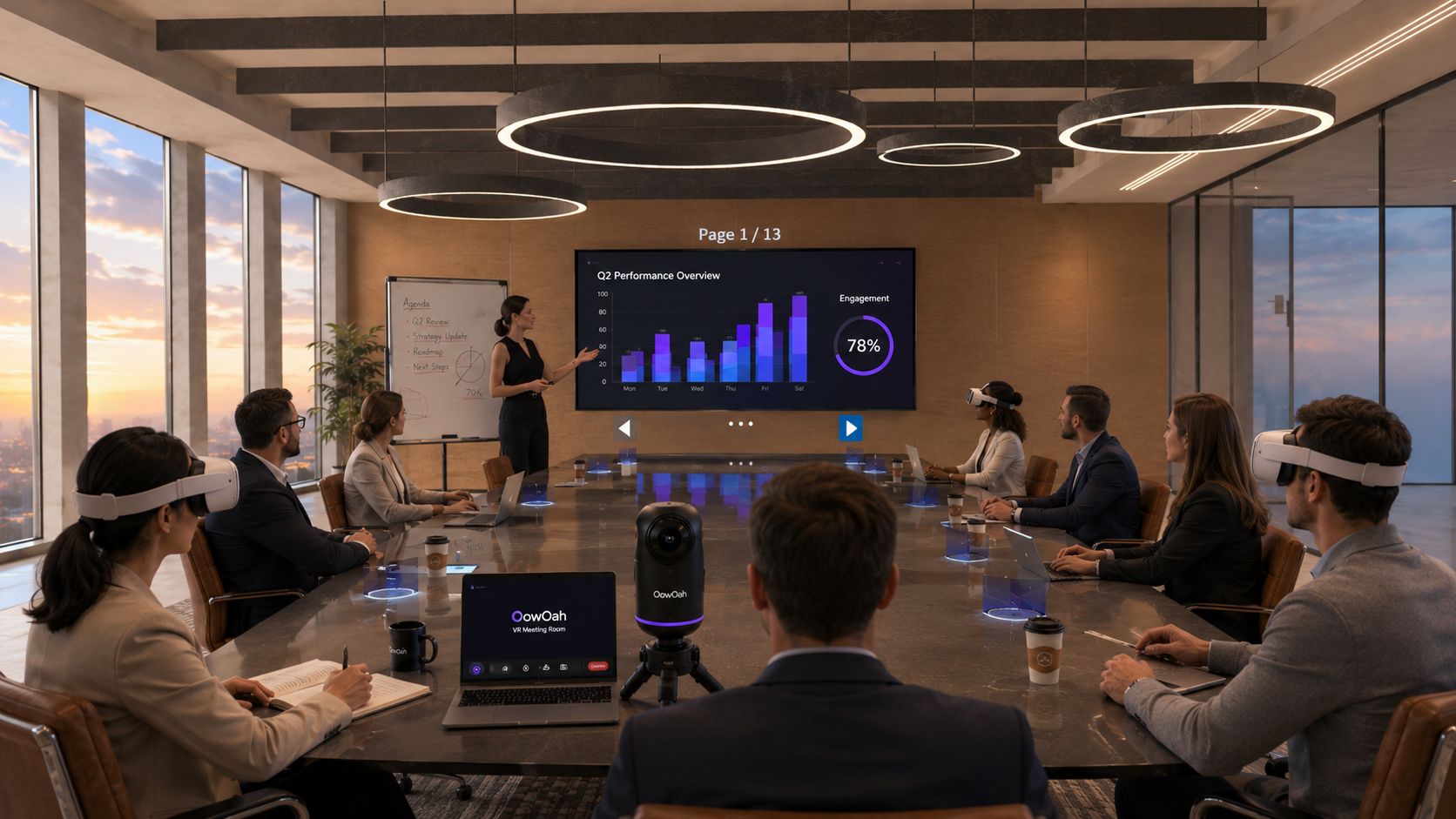
A business might have 30 employees but only need five people in a VR meeting at once. Charging for every registered person would tell you little about that actual use. OowOah VR Meeting Rooms use headset spaces: the number of people who can be in VR at the same time.
What does a headset space mean?
A headset space represents simultaneous access, rather than one named employee. Your organisation can add users across its team, clients and guests, while the subscription reflects how many people need to join VR meetings concurrently. Each person attending still needs a compatible headset and the appropriate account access.
Think about a working week. Monday’s project group and Thursday’s client discussion may involve different people. Your planning question is the maximum number who need access at the same time, rather than how many names appear in the organisation’s records.
How does that affect the price?
OowOah’s published price is £12.99 per headset space per month after the free first month. Five spaces therefore cost £64.95 monthly. This is the subscription calculation; compatible Meta Quest 3 or 3S headsets are purchased separately.
For comparison, ten spaces at that rate would be £129.90 monthly. These are straightforward examples of the advertised pricing, not a prediction of your organisation’s needs. Check the current offer and terms when registering.
Count the meeting before counting the staff
Write down the sessions you actually intend to hold, who attends and whether any run concurrently. A business with a large staff list may begin with one small project group. Another organisation may need many people together for a particular review.
Avoid assuming that an organisation account supplies physical headsets. Work out what equipment you already have, who will use it and where participants will join from. Access planning and equipment planning are related decisions, but they are different purchases.
Begin with a useful group
Choose the people who can test a real working discussion rather than adding everyone simply because an account can hold more users. Give that group a short introduction to the room, then ask whether they could follow the material and contribute.
Use that experience to decide how many simultaneous places your business needs. The purpose of the pricing model is easier to understand once you connect it to an actual meeting: pay for the VR access you intend to use together.