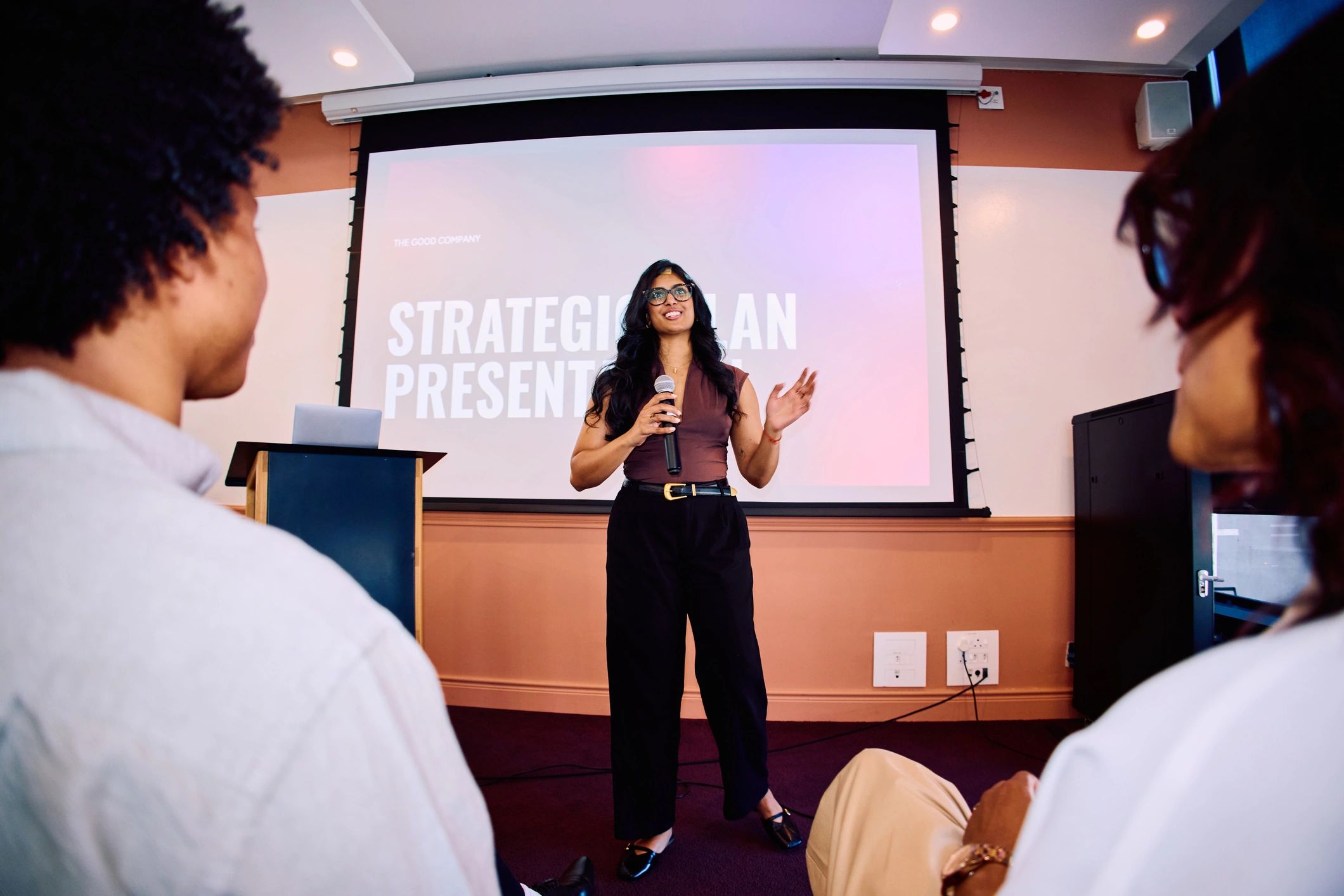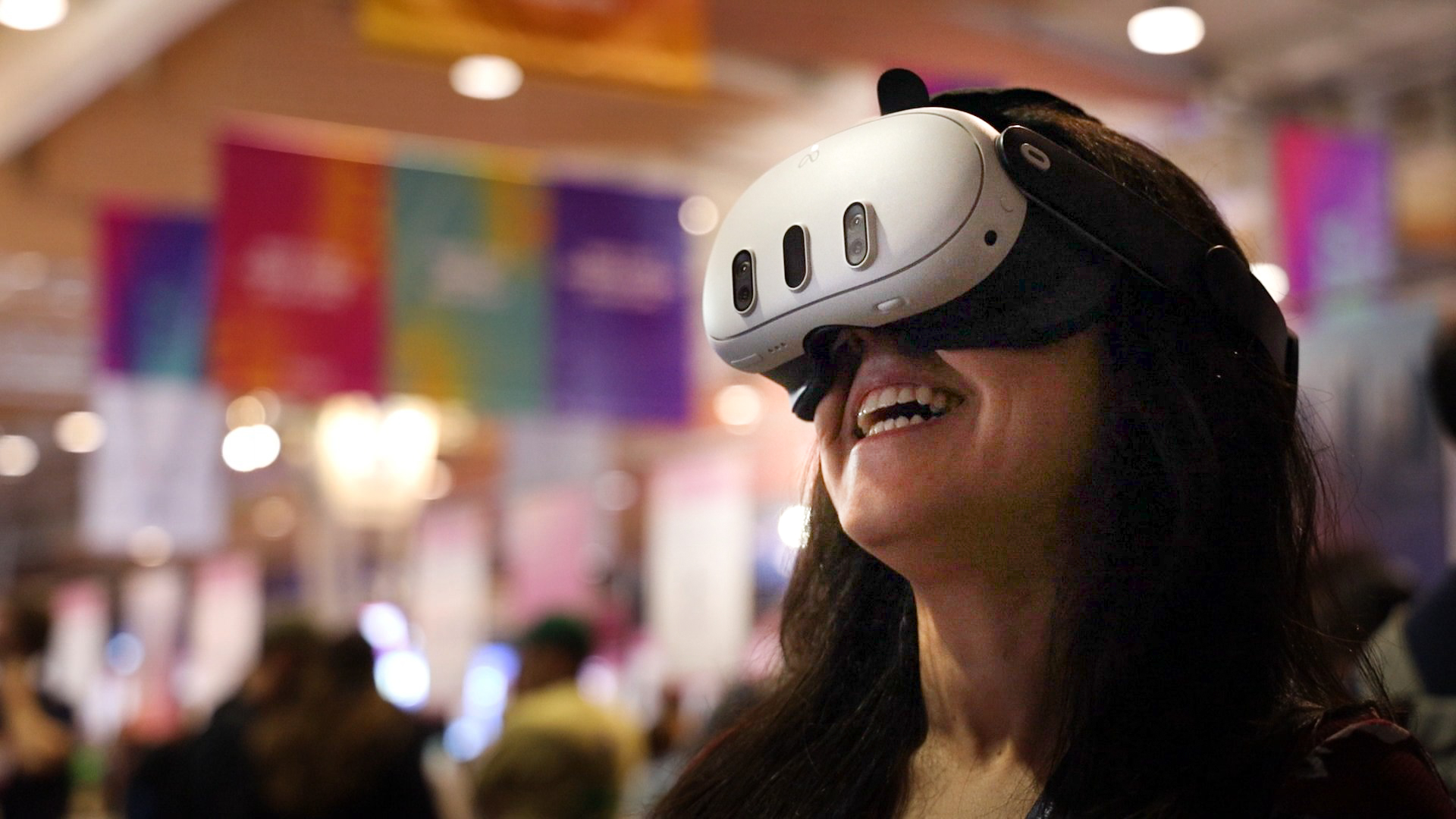
Remote attendance can take different forms
Watching an event at home often means looking at a stream on a laptop or television. Live 360-degree VR offers another viewing format. With a compatible headset, the viewer can look around the scene captured by a camera at the venue. It provides a different perspective on the real event.
Understand what the camera position means
A 360-degree view does not let you walk freely around the venue. Your perspective comes from the camera’s location. A well-positioned camera can offer a useful view of the speaker and room, while poor sound or an obstructed position can limit the experience. Check the event description for what will be shown.
Prepare before the event starts
Confirm the required headset, application and account. Book the correct event and check its time zone. Charge the device, test access and follow the manufacturer’s guidance for a suitable viewing environment. Allow time to get comfortable and take breaks when needed.
Know what your ticket includes
Check whether the session is live only, whether a replay will be available and whether questions are supported. OowOah Live VR is planned for Meta Quest 3 and 3S audiences, with speaker registration opening on 1 November 2026 and the first public event planned for 10 November 2026. Use the current event listing to confirm arrangements before booking.
Explore the next step
If this is a challenge for your organisation, find out whether a different meeting or event format could help. Explore OowOah Live VR events.