Tag: Christmas

  • Can You Bring Every Office Together for One Christmas Celebration?

    Can You Bring Every Office Together for One Christmas Celebration?

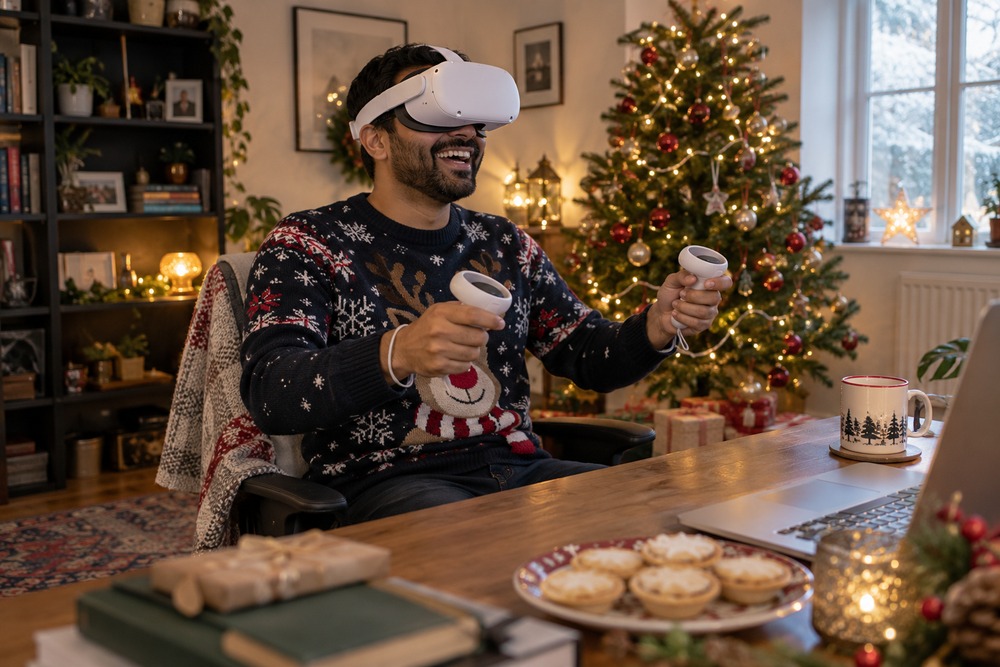
    When a business has several offices, its Christmas celebration can become several separate occasions. One team gets the big gathering while another receives a photo afterwards. A shared VR session could give colleagues a moment together without requiring everyone to travel.

    Choose a manageable occasion

    A short thank-you, a few team highlights and a light activity may work better than a long formal programme. Decide what the shared session adds to any local celebrations rather than trying to move the whole evening into a headset.

    Check access before sending invites

    For OowOah VR Meeting Rooms, participants need Meta Quest 3 or Quest 3S headsets. Check equipment, simultaneous room capacity and setup time. Offer another way to receive the thank-you if someone cannot take part.

    Let colleagues contribute

    Invite a person from each office to share one memorable moment. Keep the tone friendly and participation optional. Avoid putting quieter colleagues on the spot or making the activity a test of who can operate the technology fastest.

    Finish while people are enjoying it

    Give the session a clear end time. A shared celebration should leave colleagues feeling included and appreciated, with time to enjoy the rest of their evening.
    Find out more about OowOah VR Meeting Rooms.

  • Could Your Local Christmas Concert Welcome an Audience Around the World?

    Could Your Local Christmas Concert Welcome an Audience Around the World?

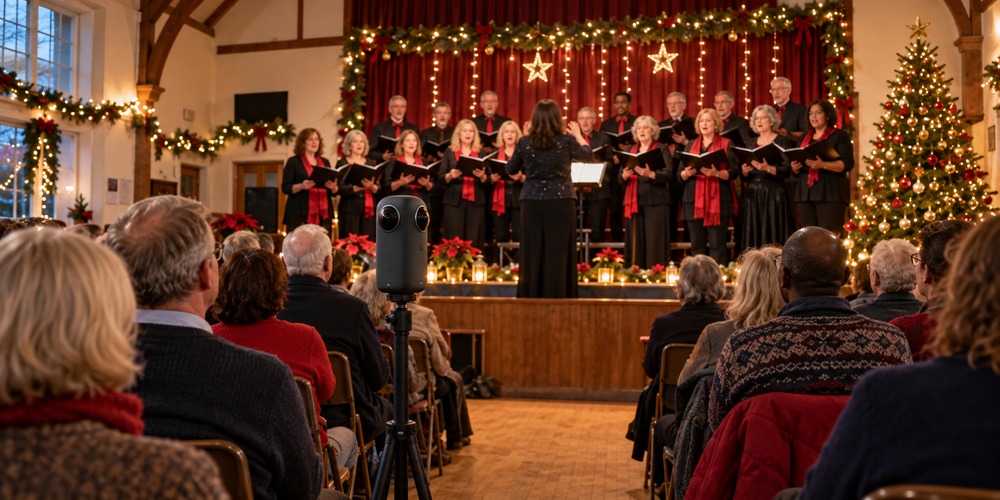
    The village hall is decorated, the choir is ready and someone has brought enough mince pies for a small army. Your Christmas concert may be local, but some of the people who would love to attend live far away. Could an additional Live VR audience help them join the occasion?

    Keep the concert in the hall

    The performers and physical audience remain at the heart of the event. A compatible 360° camera can capture a viewpoint for remote headset viewers alongside the venue performance. Choose a position that shows the stage without obstructing anyone.

    Let the music be heard

    Test the broadcast sound during rehearsal. The audience needs to hear voices and instruments clearly, not only the people talking beside the camera. Agree permission for the music, performers and any recording before offering access.

    Invite people who miss the journey

    Think of former residents, relatives abroad and supporters unable to travel. Make the invitation specific: explain the programme, viewing format, headset requirement and start time.

    Give the remote audience a welcome

    Mention them at the beginning and explain any interval. OowOah Live VR can extend a physical event; it is not a promise that every local concert is already available to watch.

    Find out more about OowOah Live VR Events.