
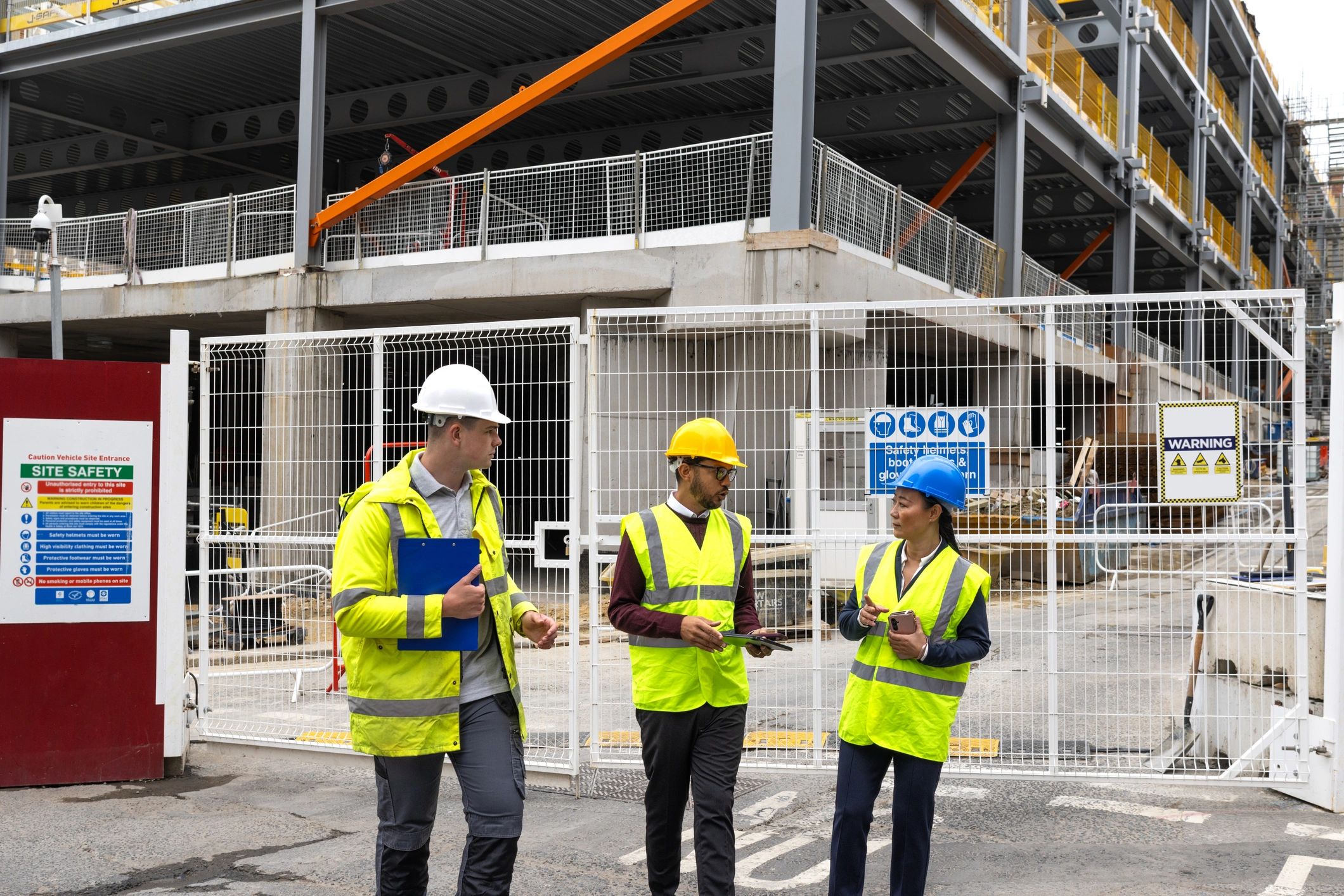
A demonstration often raises questions that a written report cannot answer immediately. Remote colleagues may need to see a detail, ask the demonstrator to repeat a step or compare what is happening with an agreed plan. A live first-person view can support that discussion.
Give the group a shared question
Explain what the demonstration should show and what viewers need to decide. Prepare the person on location and check that filming is permitted. Choose a safe demonstration area and keep confidential material outside the view where necessary.
Bring the real view into the meeting
OowOah Quantum Leap is designed to stream a person’s live first-person perspective into an OowOah VR Meeting Room. Participants can discuss the same view rather than relying only on descriptions. Confirm the capture equipment and supported setup before arranging the session.
Make requests specific
Ask for a particular component or step, allow the demonstrator to stop safely and check whether the detail is visible. A live image may still miss scale, texture or a fault that requires hands-on assessment.
Record what remains unresolved
Agree the observations, decisions and any physical inspection still required. A remote demonstration can improve the information available to a meeting; it does not automatically replace qualified judgement or a necessary site visit.