
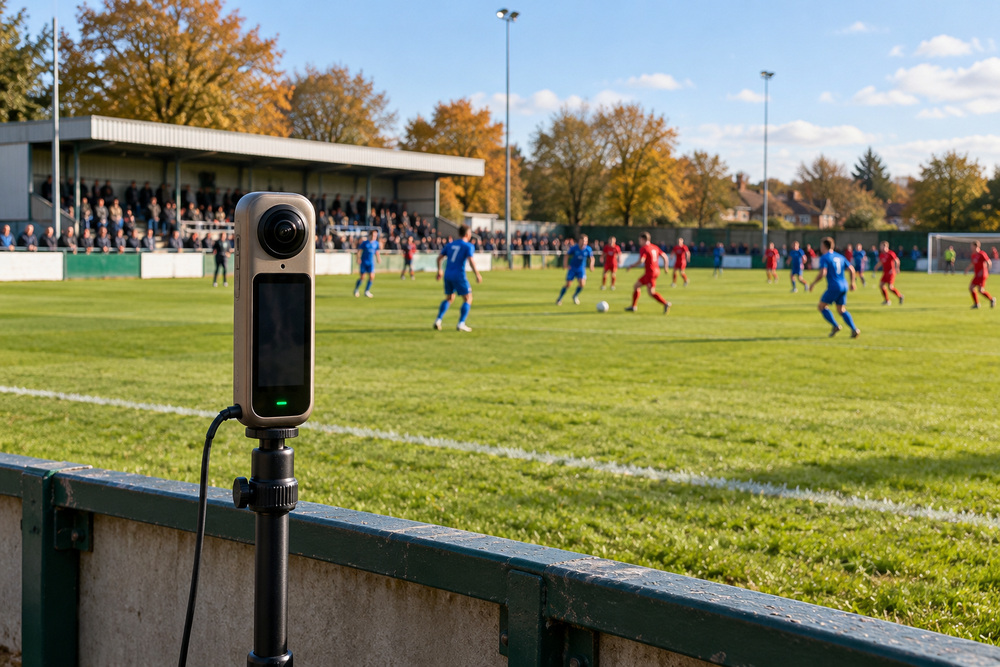
A football club interested in live VR needs a plan covering the event, the equipment and the audience. Buying a 360° camera is one part of that conversation; it does not decide whether a match can be broadcast or whether the view will work.
Start by agreeing which fixture or demonstration is being considered and who can authorise the coverage. Then discuss its suitability with OowOah before promoting tickets.
Prepare the ground and connection
The camera needs an approved position, a stable mounting arrangement and a clear view. The team should consider power, weather protection and safe cable routes. A connection test should cover sustained upload performance at the venue under realistic match-day conditions.
Someone also needs responsibility for the event setup and for checking that the broadcast has started correctly. Make sure the club knows who will respond if the feed is interrupted.
Prepare the remote spectator
Viewers need compatible headset equipment, internet access and the OowOah viewing arrangements applicable to the event. Explain those requirements on the event page before booking.
A complete trial should include the audience journey as well as the camera: finding the event, booking, signing in and entering from outside the venue. Watch long enough to assess the actual view and sound.
A sensible first project is one the club can test and describe clearly. Confirm the current setup with OowOah rather than assuming that any camera or existing club livestream will work unchanged.