
Tag: Business Events

  • Can’t Attend a Conference? Alternatives to Travelling in Person

    Can’t Attend a Conference? Alternatives to Travelling in Person

    Check what you want from the event

    A conference can provide presentations, networking, demonstrations and time with colleagues. Remote access may cover some of these activities and miss others. Identify the sessions or conversations that matter most before deciding whether an online ticket, replay or alternative meeting is enough.

    Ask what the remote ticket includes

    Check whether you will watch live, receive recorded sessions or have access to questions. Confirm the event time zone and replay availability. Do not assume a remote ticket includes every part of the venue programme. A clearly described offering helps attendees choose without disappointment.

    Consider the viewing experience

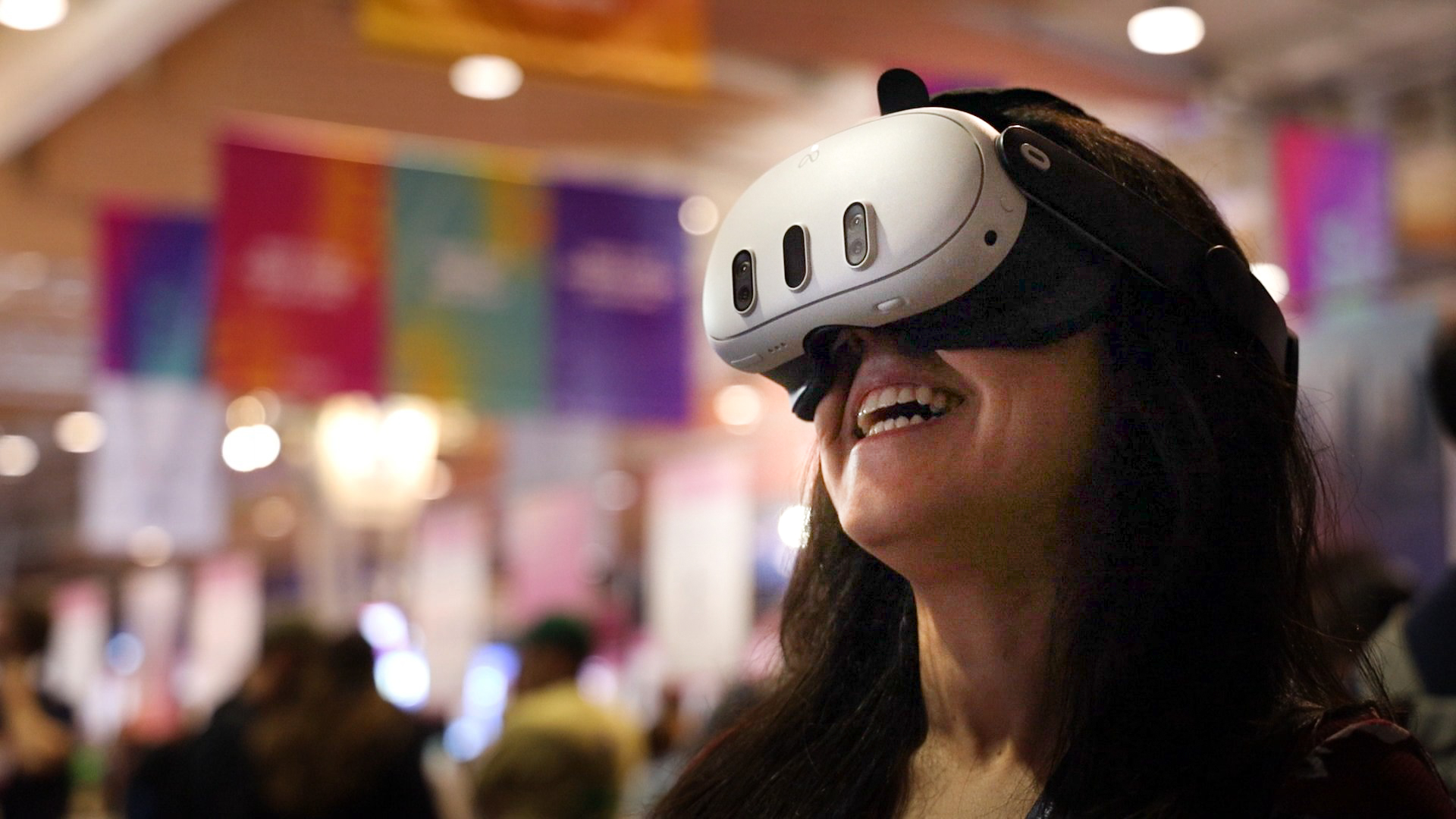
    A conventional stream shows the camera view chosen by the production team. A live 360-degree stream can let compatible headset viewers look around from the camera’s position. Neither gives unrestricted movement through the venue. Good sound, a useful camera position and clear presentation content matter whichever format is used.

    Organisers can plan for people who cannot travel

    Remote access can provide another way to attend when distance or commitments make an in-person visit difficult. OowOah Live VR is designed to add a headset audience alongside a venue audience. Check the published service information for launch timing and requirements. For any event, confirm the available format before booking.

    Explore the next step

    If this is a challenge for your organisation, find out whether a different meeting or event format could help. Explore OowOah Live VR events.

  • Why People Book Events but Don’t Attend

    Why People Book Events but Don’t Attend

    A booking is a plan that can change

    Work commitments, illness, transport problems and family responsibilities can prevent someone from attending an event they intended to visit. Organisers should avoid assuming every absence means a lack of interest. Look at the pattern and ask for feedback before deciding how to respond.

    Remove avoidable uncertainty

    Send a concise reminder with the date, start time, venue address and joining instructions. Explain travel or arrival details where useful. Make it straightforward for someone to cancel or tell you they can no longer attend. Clear information helps people plan and gives organisers a more accurate picture.

    Offer alternatives where practical

    A remote ticket or replay may help someone who cannot reach the venue. Explain the difference from attending in person, including any networking or participation limits. If a ticket can be changed to another format, publish the terms clearly. Do not advertise a replay until you know it will be provided.

    Measure attendance by format

    Compare bookings and attendance for venue, remote and recorded access separately. Collect practical reasons for absence and use them to improve the next event. Live VR is one possible remote format when the equipment and production suit the session. It can create another attendance option, but it does not guarantee that everyone who books will join.

    Explore the next step

    If this is a challenge for your organisation, find out whether a different meeting or event format could help. Explore OowOah Live VR events.
  • How to Run an Event for In-Person and Remote Audiences

    How to Run an Event for In-Person and Remote Audiences

    Plan two audience experiences together

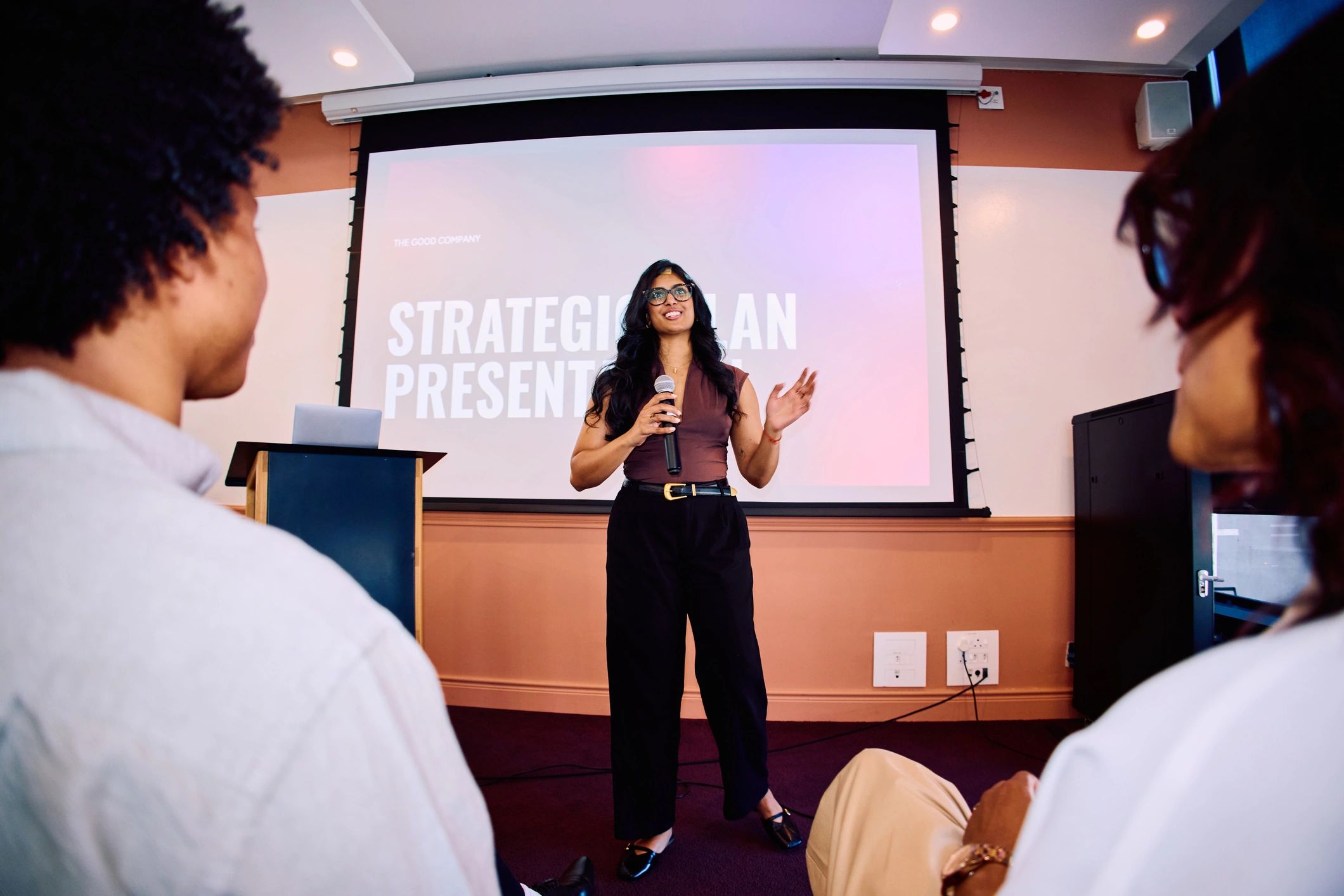
    The venue audience can see the stage directly and speak with people around them. Remote attendees rely on the broadcast and whatever interaction the organiser provides. Define what each ticket includes before selling it. A clear description should explain access, timing and whether any recording will be available.

    Design the broadcast around the content

    Prioritise intelligible speech and a useful view of the speaker. If slides carry important information, check how remote attendees will read them. For 360-degree streaming, camera placement determines the viewer’s position in the venue. Keep that view clear and test the actual headset experience.

    Explain how questions will work

    A remote audience should know whether it can ask questions and how. Assign someone to manage the channel if one is offered. The presenter can acknowledge both audiences and repeat questions from the room. Do not promise interactive features unless the chosen event system supports them.

    Test the complete attendee journey

    Check discovery, booking, confirmation and entry as well as the camera feed. Have someone outside the venue test access. OowOah Live VR is intended to add a 360-degree headset audience to real events. Organisers still need suitable equipment, sound, connectivity and a clear event plan. Match the production to what attendees are paying to experience.

    Explore the next step

    If this is a challenge for your organisation, find out whether a different meeting or event format could help. Explore OowOah Live VR events.

  • Live Streaming vs Recorded Events: Which Does Your Audience Need?

    Live Streaming vs Recorded Events: Which Does Your Audience Need?

    Live access and a replay serve different needs

    A live stream follows the event as it happens. A recording allows people to watch later. Some audiences value joining at the advertised time, while others need flexibility because of work or time zones. Choose around those needs rather than assuming one format suits everyone.

    Be precise about participation

    Live viewing does not necessarily include a way to ask questions. A replay may contain the questions asked at the original session, but it does not make the viewer part of that conversation. Explain these differences in the event description so customers understand what they will receive.

    Plan the recording before the event

    Confirm permissions, the intended use and how long access will last. Decide whether the replay needs editing and check that audio and presentation content will make sense afterwards. Tell attendees whether they may appear in recorded material. A usable live broadcast is not automatically a complete replay product.

    Consider live and recorded 360-degree viewing

    VR event services can provide an immersive view of a real venue through compatible headsets. Where replay access is enabled, viewers may revisit that experience later. Check the specific event’s availability and terms. Combining live access with a clearly described replay can offer flexibility, but production and permissions should be planned from the start.

    Explore the next step

    If this is a challenge for your organisation, find out whether a different meeting or event format could help. Explore OowOah Live VR events.

  • How to Attend Events from Home Without Watching Another Flat Video

    How to Attend Events from Home Without Watching Another Flat Video

    Remote attendance can take different forms

    Watching an event at home often means looking at a stream on a laptop or television. Live 360-degree VR offers another viewing format. With a compatible headset, the viewer can look around the scene captured by a camera at the venue. It provides a different perspective on the real event.

    Understand what the camera position means

    A 360-degree view does not let you walk freely around the venue. Your perspective comes from the camera’s location. A well-positioned camera can offer a useful view of the speaker and room, while poor sound or an obstructed position can limit the experience. Check the event description for what will be shown.

    Prepare before the event starts

    Confirm the required headset, application and account. Book the correct event and check its time zone. Charge the device, test access and follow the manufacturer’s guidance for a suitable viewing environment. Allow time to get comfortable and take breaks when needed.

    Know what your ticket includes

    Check whether the session is live only, whether a replay will be available and whether questions are supported. OowOah Live VR is planned for Meta Quest 3 and 3S audiences, with speaker registration opening on 1 November 2026 and the first public event planned for 10 November 2026. Use the current event listing to confirm arrangements before booking.

    Explore the next step

    If this is a challenge for your organisation, find out whether a different meeting or event format could help. Explore OowOah Live VR events.