Category: Quantum leap

  • Can a remote expert see what an engineer is looking at through Quantum Leap?

    Can a remote expert see what an engineer is looking at through Quantum Leap?

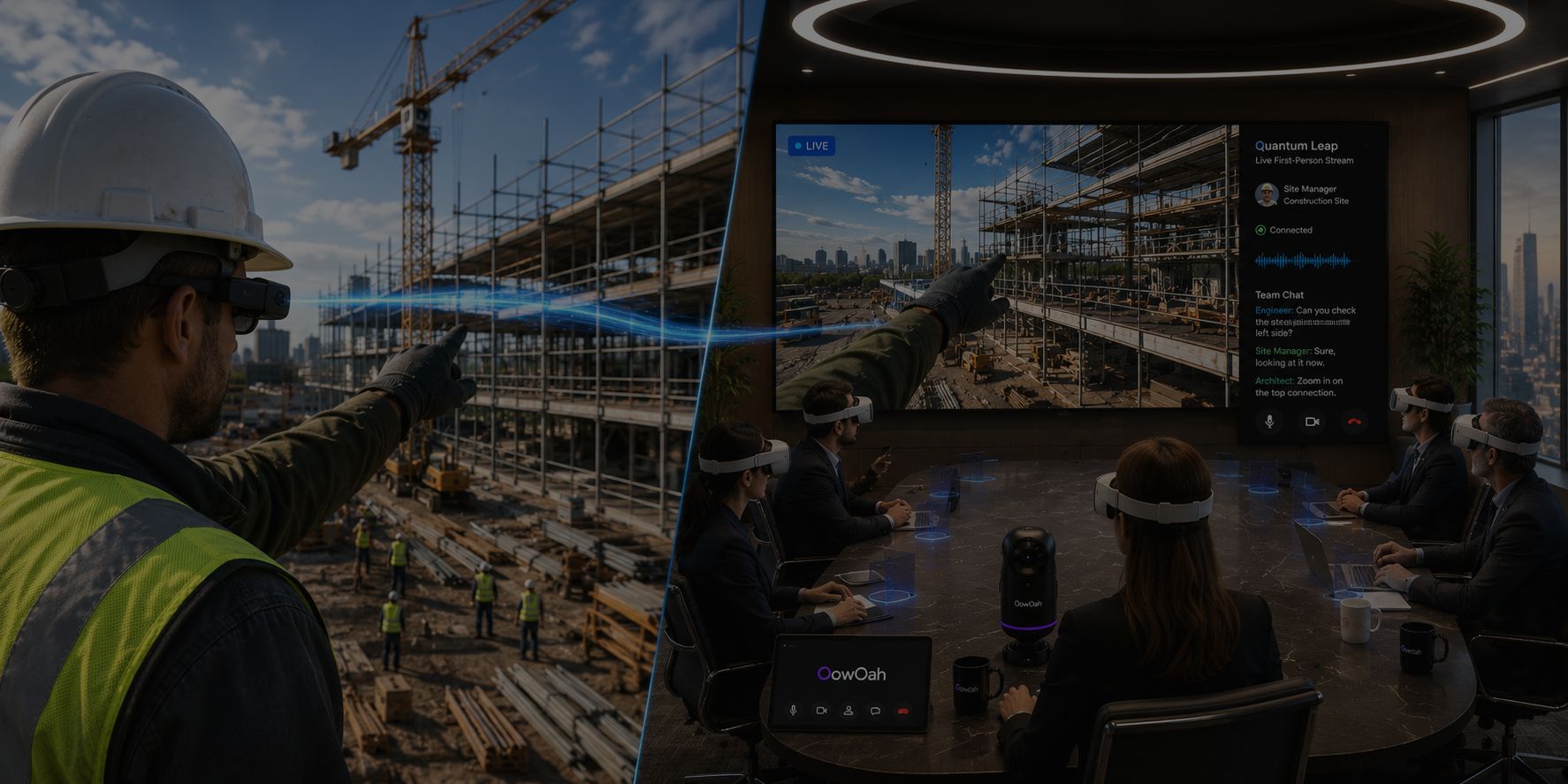
    Yes. Quantum Leap brings a live first-person view into an OowOah VR Meeting Room. Remote participants can discuss what the person on location is showing, rather than relying only on a description or a photograph sent after the conversation.

    What kind of discussion could it support?

    An engineer might show the identity of an item, a visible condition or a detail that needs clarification. The remote expert can ask questions and request a closer view where that is appropriate. Prepare the relevant reference information so the discussion has a clear purpose and does not become an unstructured tour.

    What should be checked before the session?

    Confirm the intended capture arrangement, connection and meeting access. People joining the VR meeting need Meta Quest 3 or Meta Quest 3S headsets. Test whether the live view makes the detail understandable. Avoid assuming that every label, small component or fast movement will be clear enough without a rehearsal.

    Does the live view replace an inspection?

    It can support an engineering conversation, but the view alone does not verify the condition of equipment or authorise work. The responsible people still need the appropriate procedures and checks. The useful question is which part of the discussion can be resolved remotely and which part needs further evidence or an on-site visit.

    Where can I find out more?

    How OowOah VR Meeting Rooms work. Visit explore quantum leap for the relevant service information.
  • How can Quantum Leap help a supplier explain equipment to a remote customer?

    How can Quantum Leap help a supplier explain equipment to a remote customer?

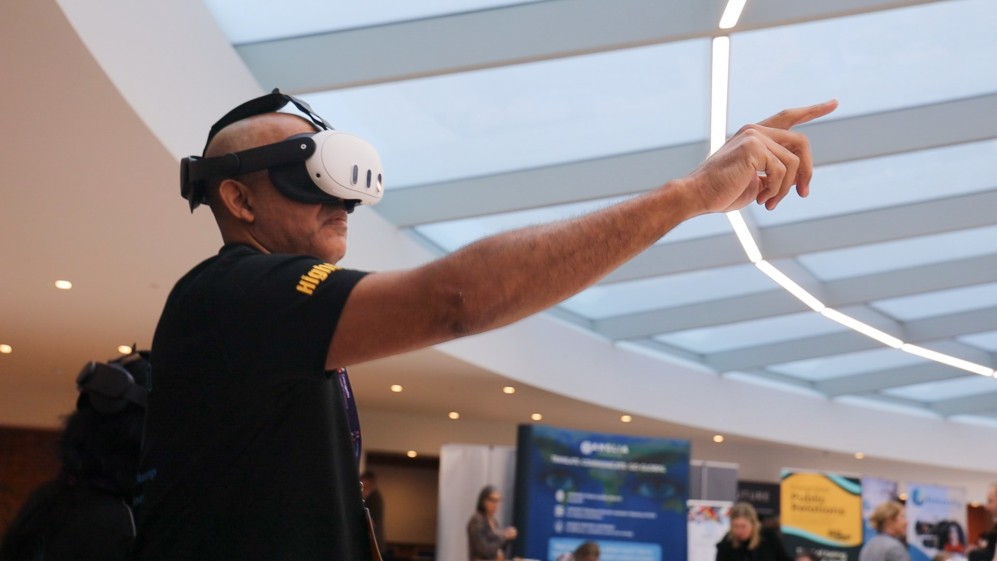
    A supplier can use Quantum Leap to show a live first-person view of real equipment inside an OowOah VR Meeting Room. That gives the customer a way to ask about what is being shown while the supplier explains it. Plan the session around the customer's actual question.

    What could the supplier demonstrate?

    A discussion might concern where an item is located, how a visible component relates to the rest of a product or what a particular label identifies. Prepare the approved product information and agree which areas will be shown. Keep any operating demonstration within the supplier's appropriate procedures.

    How is this different from presenting slides?

    Slides provide a prepared explanation, while a live view can respond to a question about the actual item being shown. Both may be useful during the same discussion. OowOah supports PowerPoint presentations and one RTMP feed at a time. The supplier should test the chosen arrangement before the customer meeting.

    What should the customer take away?

    Finish with a clear explanation of the feature, the documents that support it and any questions still unresolved. A live demonstration should not be used to imply unverified performance or compatibility. If a technical decision needs additional evidence, identify who will provide it and when the customer will receive it.

    Where can I find out more?

    How OowOah VR Meeting Rooms work. Visit explore quantum leap for the relevant service information.

  • What should you prepare before a live first-person site demonstration?

    What should you prepare before a live first-person site demonstration?

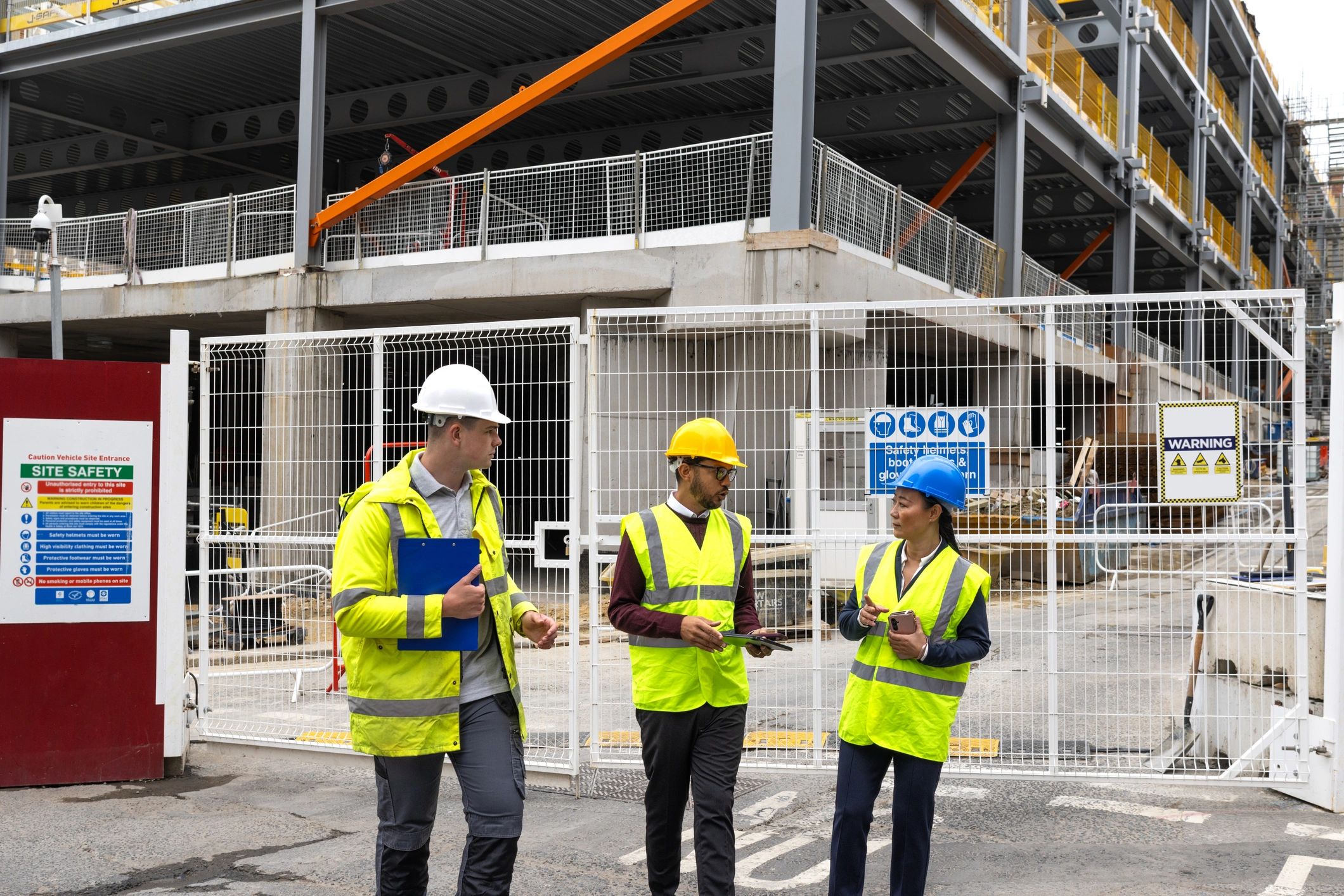
    Prepare the question, the route and the information that remote viewers need to understand. Quantum Leap brings a first-person live view into an OowOah VR Meeting Room, so the person on location becomes the visual reference for the discussion. A little planning makes that role easier.

    What should the person on site know?

    Explain which areas or items the group needs to see and in what order. Agree useful pauses so participants can ask questions and the view can settle on a detail. Check permission to show the location and avoid including information that does not belong in the meeting.

    What should remote participants prepare?

    Share the relevant reference material and explain what the demonstration can reasonably answer. Each participant in the meeting needs a Meta Quest 3 or Meta Quest 3S. The business creates the meeting, adds attendees and lets OowOah send email invitations. Test the live view and connection before the full group joins.

    How should the demonstration end?

    Recap the observations, separate confirmed facts from questions and assign the next actions. A live view can make a discussion more informed, but it does not replace specialist checks or permission to work. Identify which decisions need a later visit or additional evidence instead of assuming every question can be settled on camera.

    Where can I find out more?

    How OowOah VR Meeting Rooms work. Visit explore quantum leap for the relevant service information.

  • How can a trainer demonstrate a practical task to a remote audience?

    How can a trainer demonstrate a practical task to a remote audience?

    Quantum Leap can bring a live first-person view into an OowOah VR Meeting Room. A trainer can use that view to explain a real object or demonstration while remote participants watch and discuss it. The starting point should be a task that can be understood through the view available.

    What should the trainer prepare?

    Choose a short demonstration with a clear purpose. Decide which parts need to be visible, which points need explanation and where to pause for questions. Check that the camera view actually shows the detail the trainer intends to discuss. A demonstration that is clear in person may need a different pace when people are watching remotely.

    What does the group need?

    People joining the VR meeting need Meta Quest 3 or Meta Quest 3S headsets. The business arranges the meeting and attendees in its admin panel, and the system emails invitations. Test the demonstration connection before the training session. OowOah supports one RTMP feed at a time, so do not plan simultaneous live sources.

    Does watching replace practical training?

    Watching a live demonstration can help people understand an explanation and ask questions. It does not by itself demonstrate that a learner can perform the task. The training provider should decide what supervised practice or assessment is needed afterwards. Use the remote session for the learning objective it can genuinely support.

    Where can I find out more?

    How OowOah VR Meeting Rooms work. Visit explore quantum leap for the relevant service information.

  • Sending an Expert to Site: Could a Remote Visit Come First?

    Sending an Expert to Site: Could a Remote Visit Come First?

    The first question may be easier than the whole problem

    An expert might need to travel simply to establish which equipment is involved or what information is missing. A planned live view from site can sometimes support that initial discussion. It may help the team decide who should attend, what they should bring and which checks are needed.

    Prepare useful information before connecting

    Collect the relevant drawings, equipment details and the question you want answered. Arrange for an appropriate person on site to provide context. Check whether connectivity and lighting are sufficient for a clear view. An unfocused tour may take time without providing the information the expert needs.

    Let the expert guide the visual discussion

    A remote colleague can ask for a different angle or clarification about the surroundings. Record the points that remain uncertain and agree the next step. Seeing equipment through a feed is different from handling, measuring or testing it. Avoid treating visual discussion as confirmation of facts that have not been checked.

    Keep physical work with the right people

    Follow site procedures and make sure the person carrying the device remains aware of the environment. A remote visit does not replace required inspections or specialist tasks. Where access, measurement or direct examination is essential, arrange the qualified in-person work. The useful outcome may be a better-prepared visit rather than no visit at all.

    Connect the site view with the office team

    OowOah Quantum Leap is designed to share a first-person live perspective with colleagues in a virtual meeting room. For a suitable task, this can bring the site and office discussion together. Confirm the current equipment requirements and test the arrangement before relying on it. Assess whether the session improved understanding and made the next action clearer.

    Explore Quantum Leap to find out more.

  • Remote Site Visits: Do You Always Need to Travel to See the Problem?

    Remote Site Visits: Do You Always Need to Travel to See the Problem?

    Some questions need a view of the site

    A photograph can show a component but leave out its surroundings. A live conversation with someone on site can help a remote colleague ask for another angle or understand where the problem is located. Before arranging travel, consider whether that visual discussion could resolve the immediate question.

    Prepare the visit around a clear task

    Tell the person on site what needs to be shown and which documents will help the discussion. Check connectivity and arrange a time that suits the site activity. A remote viewer may need context, measurements or a close view, rather than a general tour. Keep the session focused on the issue being considered.

    Use remote viewing within its limits

    A live feed does not replace measurements, physical testing or qualified inspection where those are required. The person on site should follow local procedures and remain aware of the environment. If the view or information is insufficient, arrange the appropriate in-person work rather than drawing conclusions from an incomplete picture.

    Bring the field and office conversation together

    OowOah Quantum Leap is designed to share a live first-person perspective with colleagues in a VR meeting room. This can support discussion between people on site and those elsewhere. Assess it for a suitable use case, confirm equipment requirements and decide which tasks still need physical attendance. The value lies in seeing enough to make the next informed decision.

    Explore the next step

    If this is a challenge for your organisation, find out whether a different meeting or event format could help. Explore OowOah Quantum Leap.